
How to use Stable Mainnet with Enkrypt
Stable is an L1 blockchain built with stablecoins in mind. With fast, reliable and low cost transactions, Stable is the go-to stablecoin chain!

Stable is a dedicated Layer-1 blockchain built specifically to power fast, reliable, and low-cost stablecoin transactions — especially for USDT (Tether). Instead of requiring volatile tokens for gas fees, Stable uses USDT directly for settlement and fees, offering sub-second finality and predictable costs. The network is fully compatible with Ethereum tooling, making it easy for developers to build and migrate applications, while its design supports everyday payments, cross-border transfers, and enterprise-scale stablecoin usage with features such as gas-free peer transfers and high throughput. The ecosystem also includes the STABLE token for governance and validator incentives, though users interact with the chain primarily using stablecoins.
Enkrypt is a multichain, non-custodial, open-source web3 browser wallet developed by the creators of MEW (MyEtherWallet). It allows users and developers to create accounts, manage tokens and NFTs, and engage with DApps on networks like Stable Testnet, Ethereum, Solana, Bitcoin, Substrate, and any EVM chains. Follow this guide to learn how to use Enkrypt with Stable Testnet!
Adding Stable Mainnet as a Custom Network
Stable is a network that is not natively supported by Enkrypt but you can add it as a custom network. You can follow the guide on how to add a custom network to Enkrypt or follow the steps below.
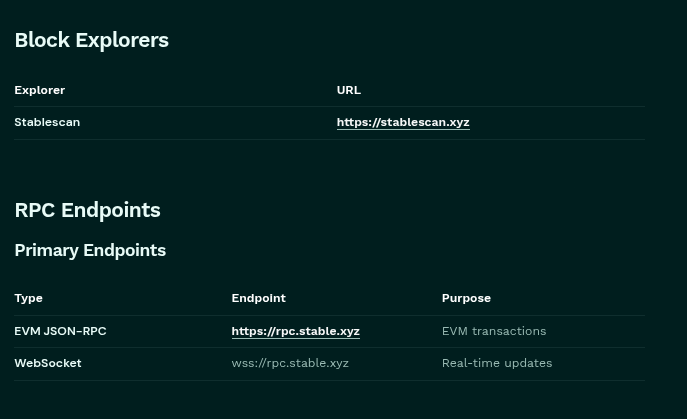
To add the Stable Mainnet network, first head to the Stable Mainnet Documentation to view the RPC network information. Copy the EVM JSON-RPC Endpoint URL.
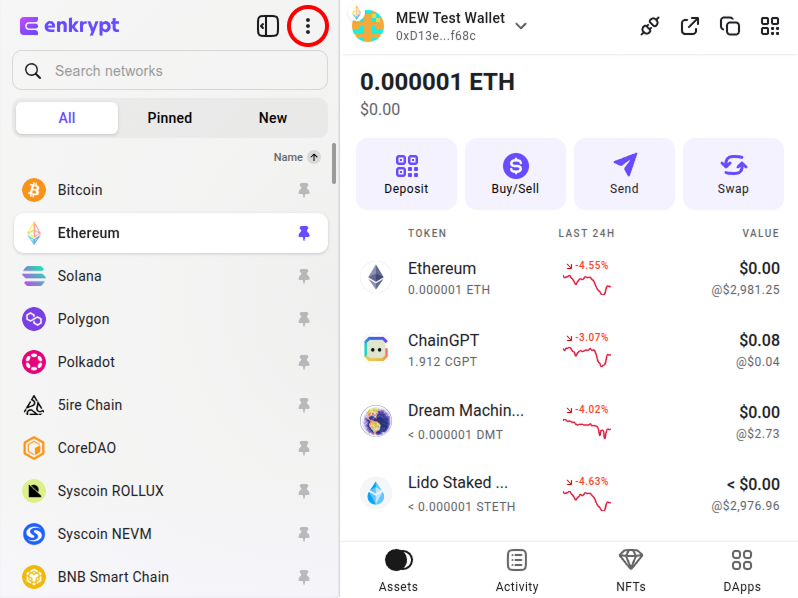
Then open your Enkrypt wallet and click the 3 dot icon at the top of the extension.
In the pop up menu, click ‘Other networks’.

Click the ‘+’ icon at the top right of the Custom network pop up.
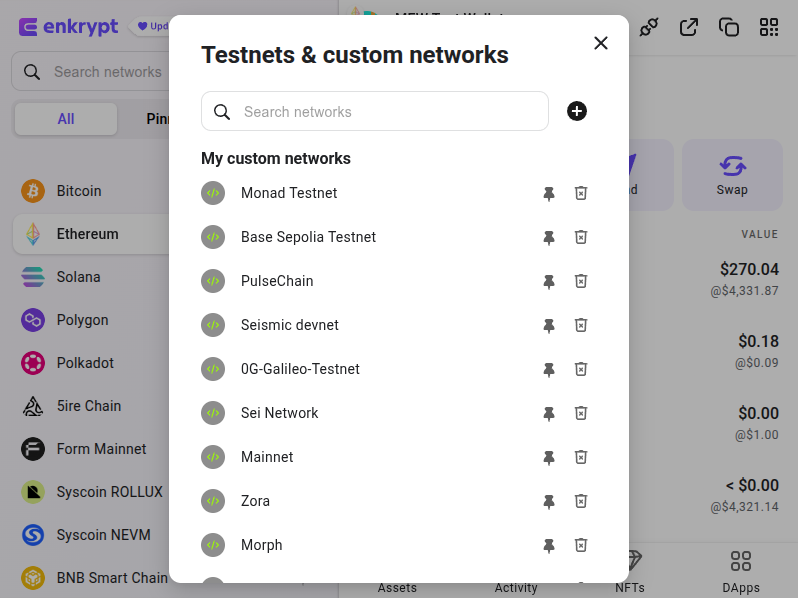
Copy and paste the network information from the Stable Mainnet Network documentation.
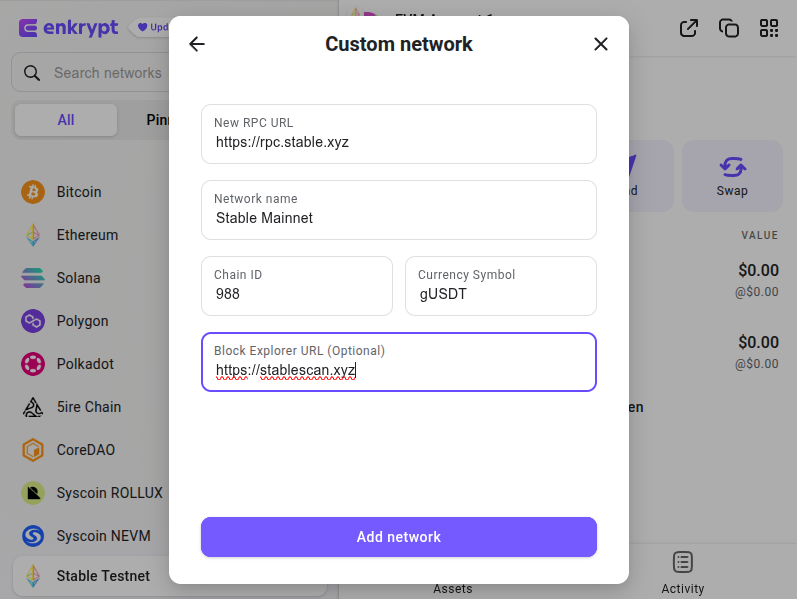
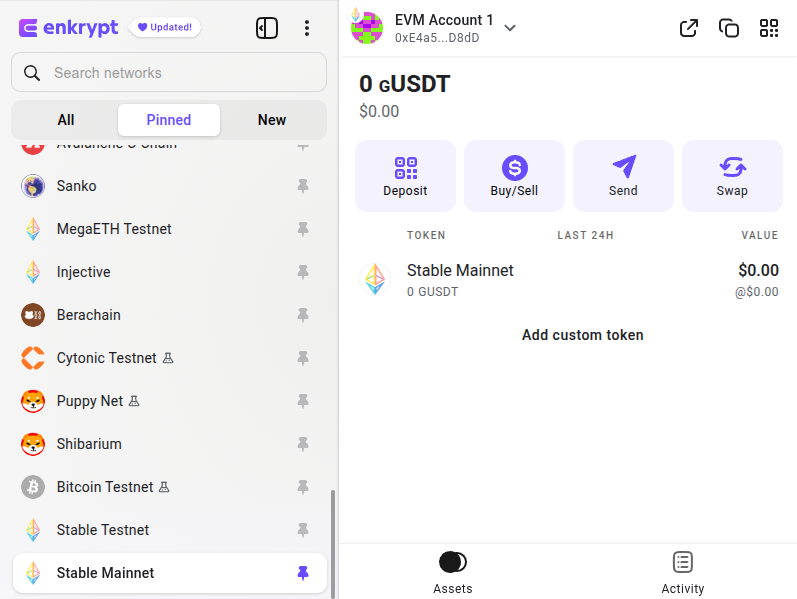
You should now have Stable Mainnet in your network list!
How to Claim Stable Mainnet Airdrop
First, head to the Stable Website and click the banner at the top or you can go directly to the Merkl dApp to view your allocation.
Note: You will need gUSDT to claim your airdrop. You can bridge your USDT0 to Stable and convert it to gUSDT.
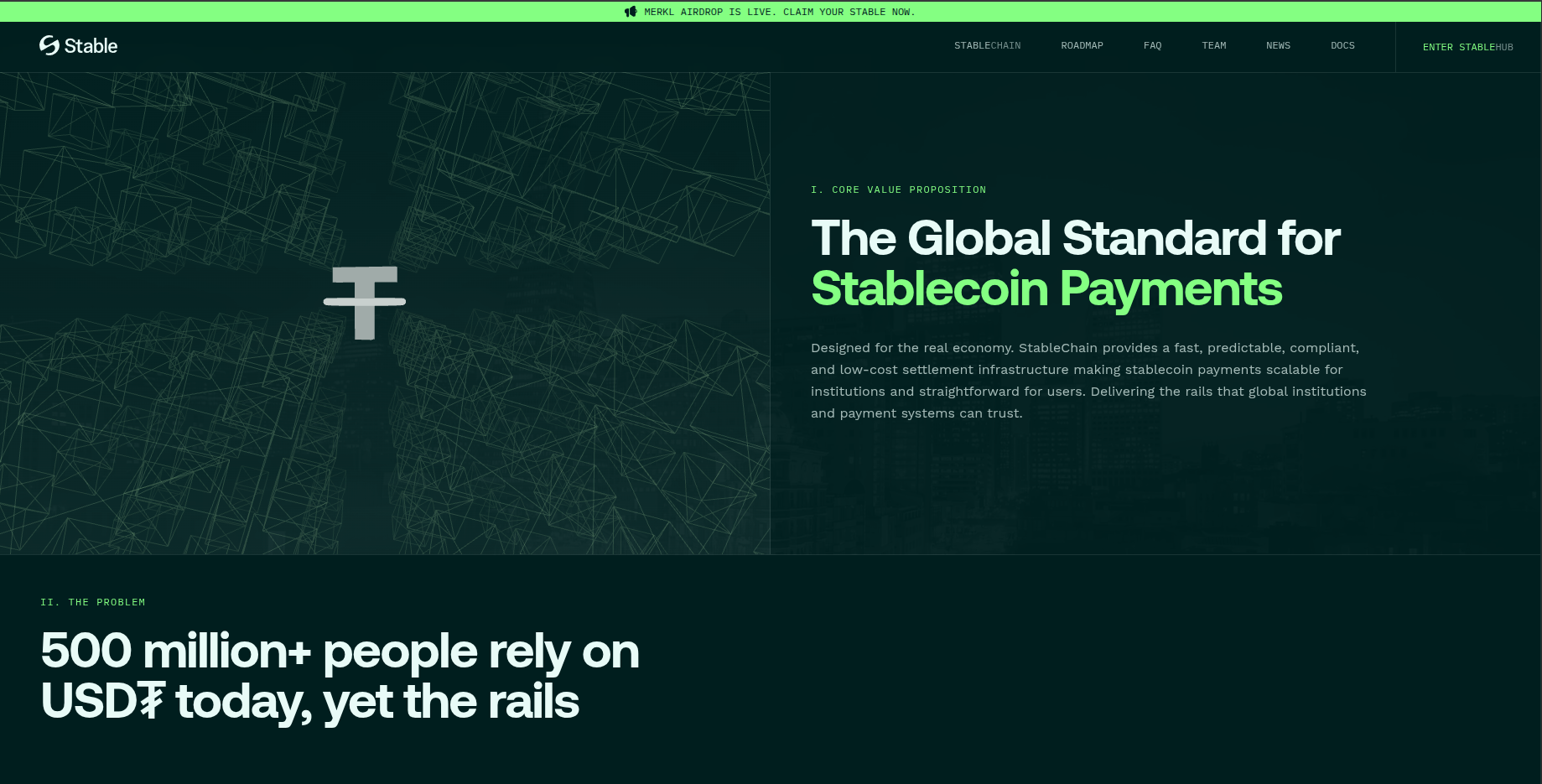
If you need gUSDT you can click ‘GET GUSDT’ to bridge or convert your USDT0 to gUSDT. We will click ‘CLAIM NOW’ to view our eligibility.

Here on the Merkl dApp, you can click ‘Connect’ at the top right or click the Enkrypt option in the middle of the screen.
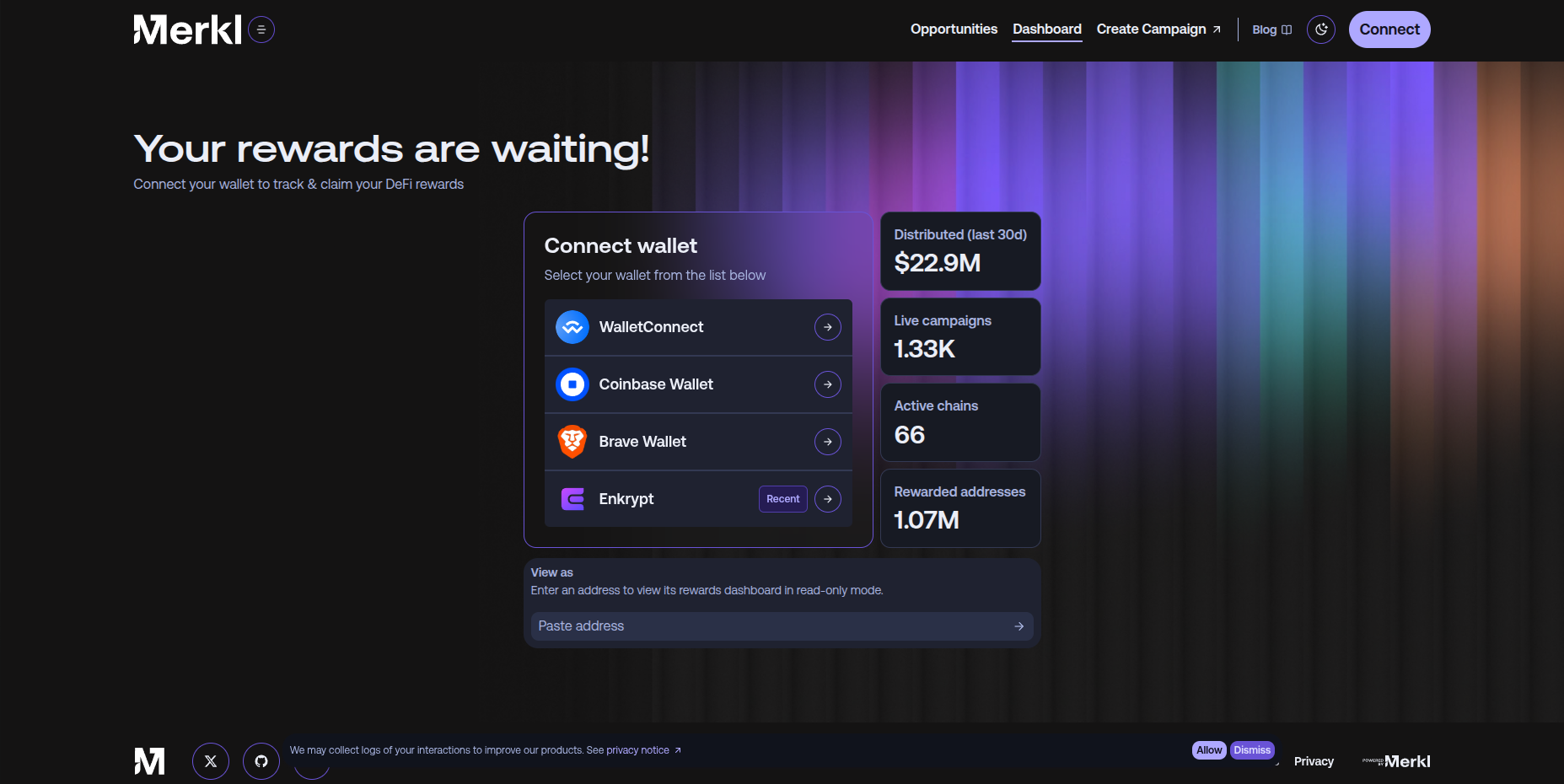
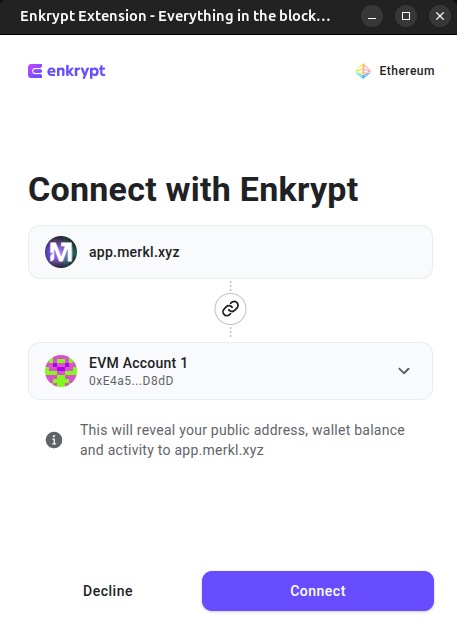
On the Enkrypt pop up, select the account you want to connect with then click ‘Connect’.
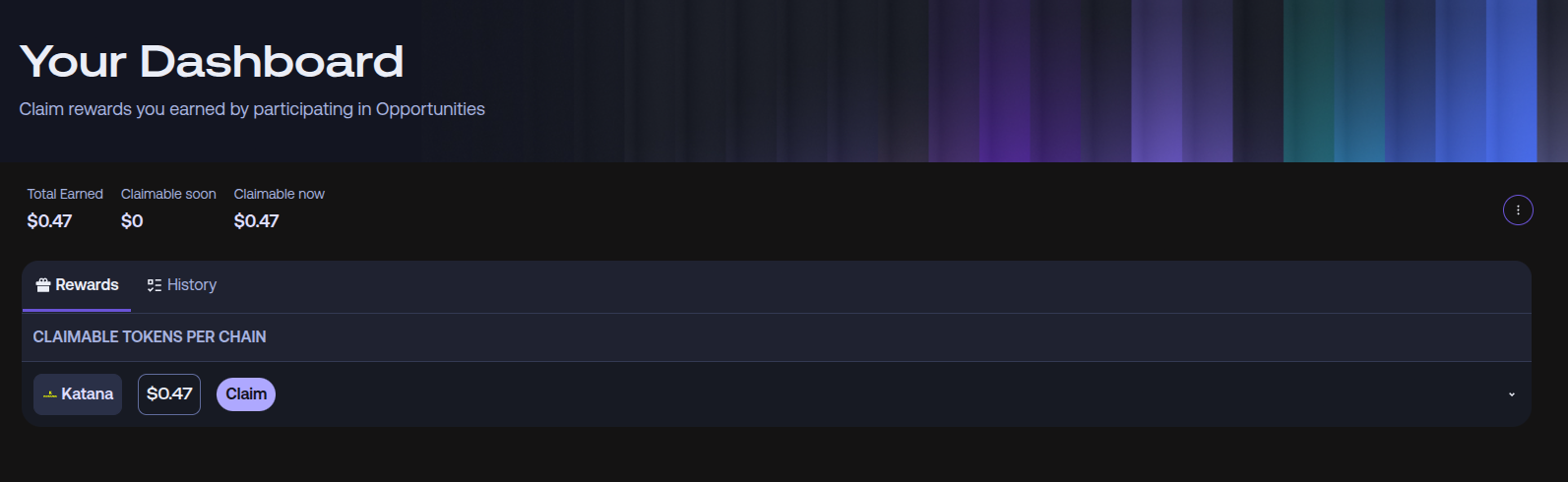
Here you will see your token airdrops organized by chain. For this example, we did not qualify for the airdrop but if you did you should see the Stable chain and a ‘Claim’ button. You can click ‘Claim’ to start the claim process on your airdrop.
How to Swap or Bridge Tokens
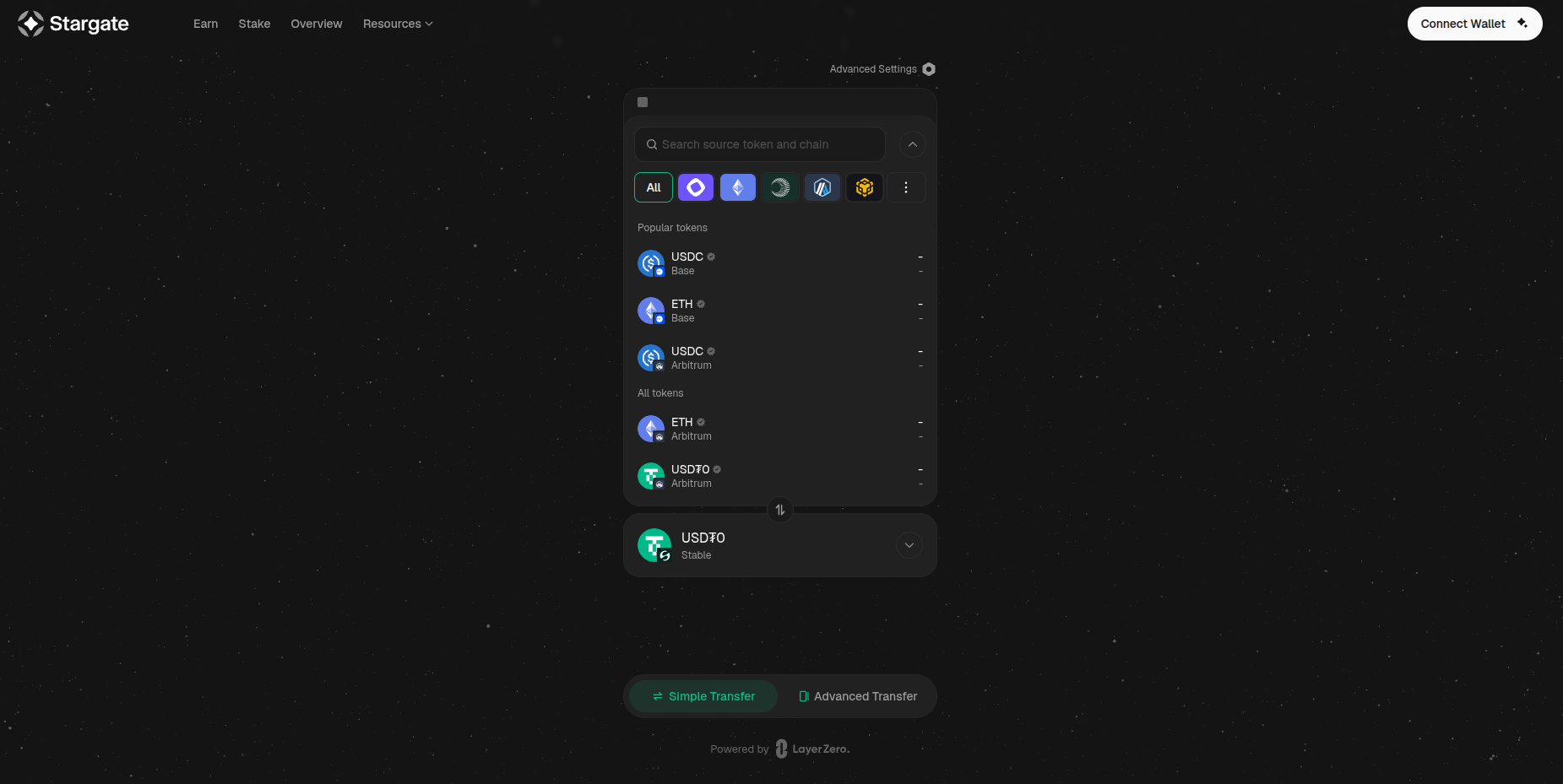
To bridge your tokens, you will need to use Stargate Finance. They support bridging tokens from many blockchains to Stable Mainnet.
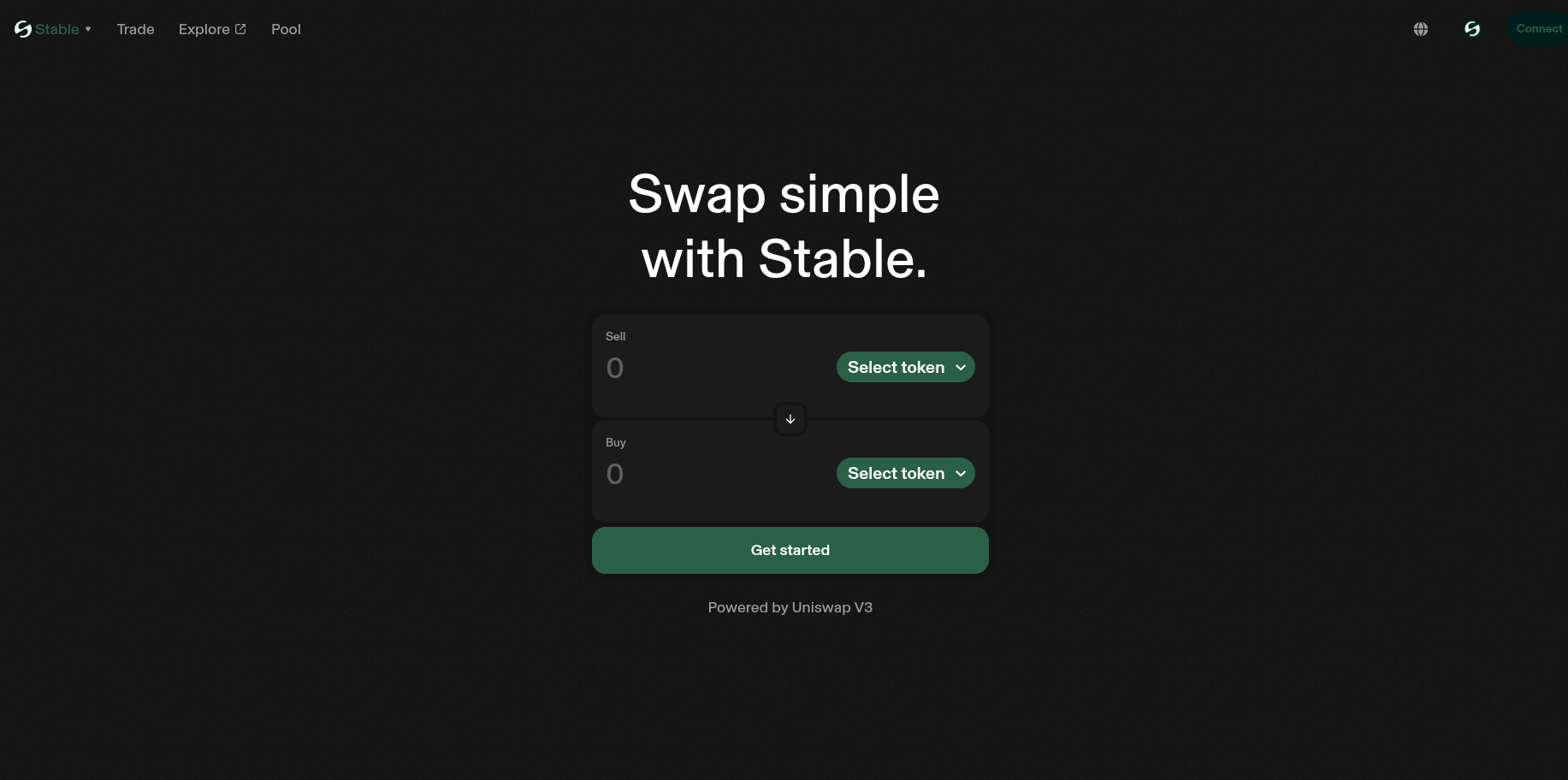
To swap your tokens, you can use the official swap from Stable.
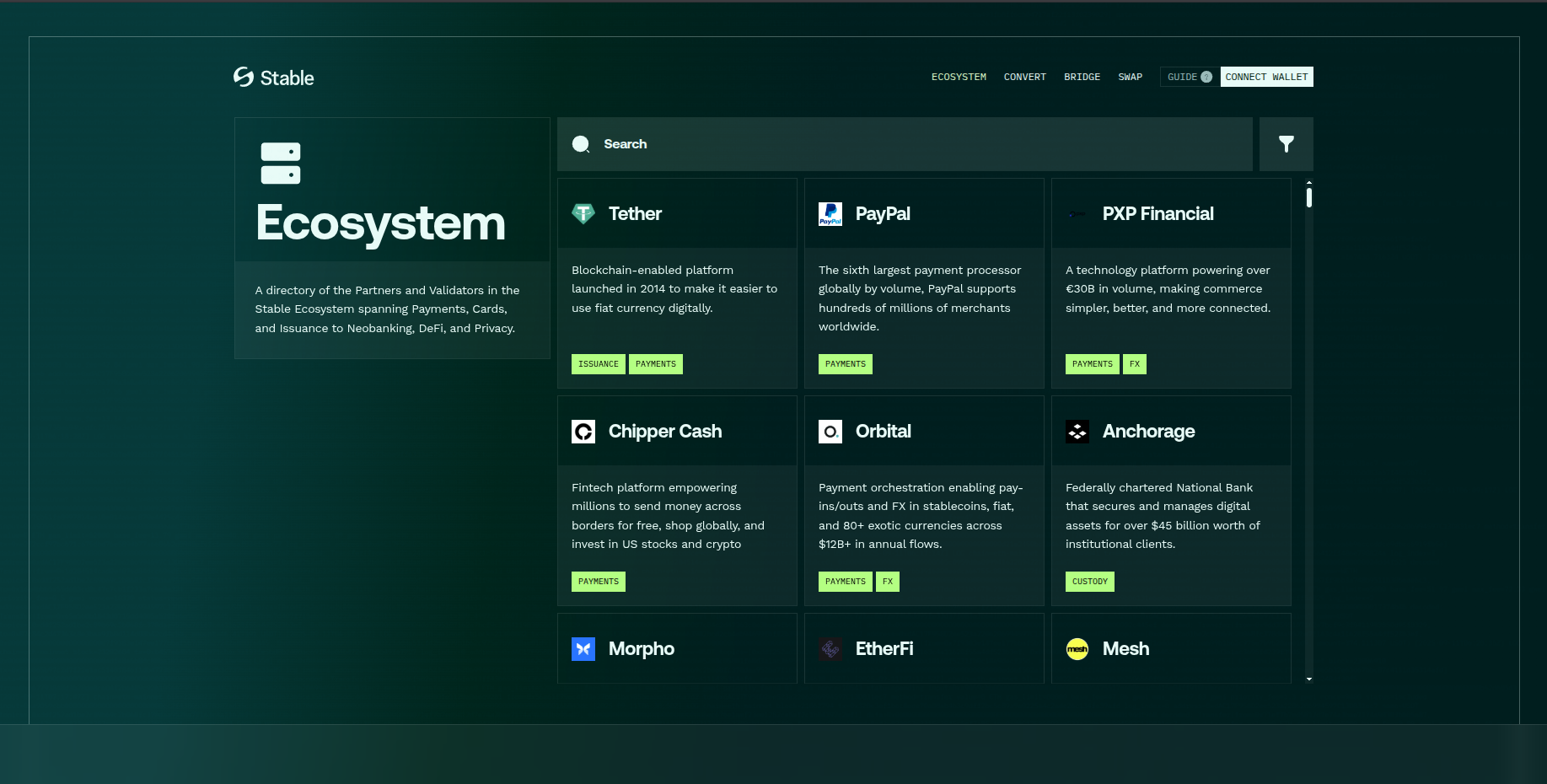
You can explore more of the Stable ecosystem by visiting the Stable Hub.
Thank you for checking out our guide on How to use Stable Mainnet with Enkrypt! Don't forget to download Enkrypt for a seamless web3 multichain wallet experience. We would love to hear from you on our social media about any guide suggestions you have for the future. Also, if you enjoy using mobile cryptocurrency wallets, give our MEW Mobile app a try, it's available on both iOS and Android platforms!