
How to Use Spark with Enkrypt
Learn how to use Enkrypt wallet with Spark DeFi to lend crypto, borrow against collateral, and earn yield on stablecoins.

Spark is a decentralized finance (DeFi) protocol built within the Maker ecosystem that allows users to lend crypto assets to earn interest or borrow against their collateral. Through its main product, SparkLend, users can access deep liquidity tied to Maker’s stablecoin system (such as DAI/USDS) while benefiting from transparent rates and non-custodial smart contracts. The platform also offers savings features that let users earn yield on stablecoins, making Spark a simple way to borrow, lend, and generate passive income in DeFi.
Enkrypt is a multichain, non-custodial, and open-source web3 browser wallet built by the team behind MEW (MyEtherWallet). With Enkrypt, users and developers can generate accounts, manage tokens and NFTs, and interact with DApps on Ethereum, Solana, as well as Bitcoin, Substrate and any EVM chains. Follow the instructions in this guide on how to use Enkrypt with Spark!
Connecting Your Wallet
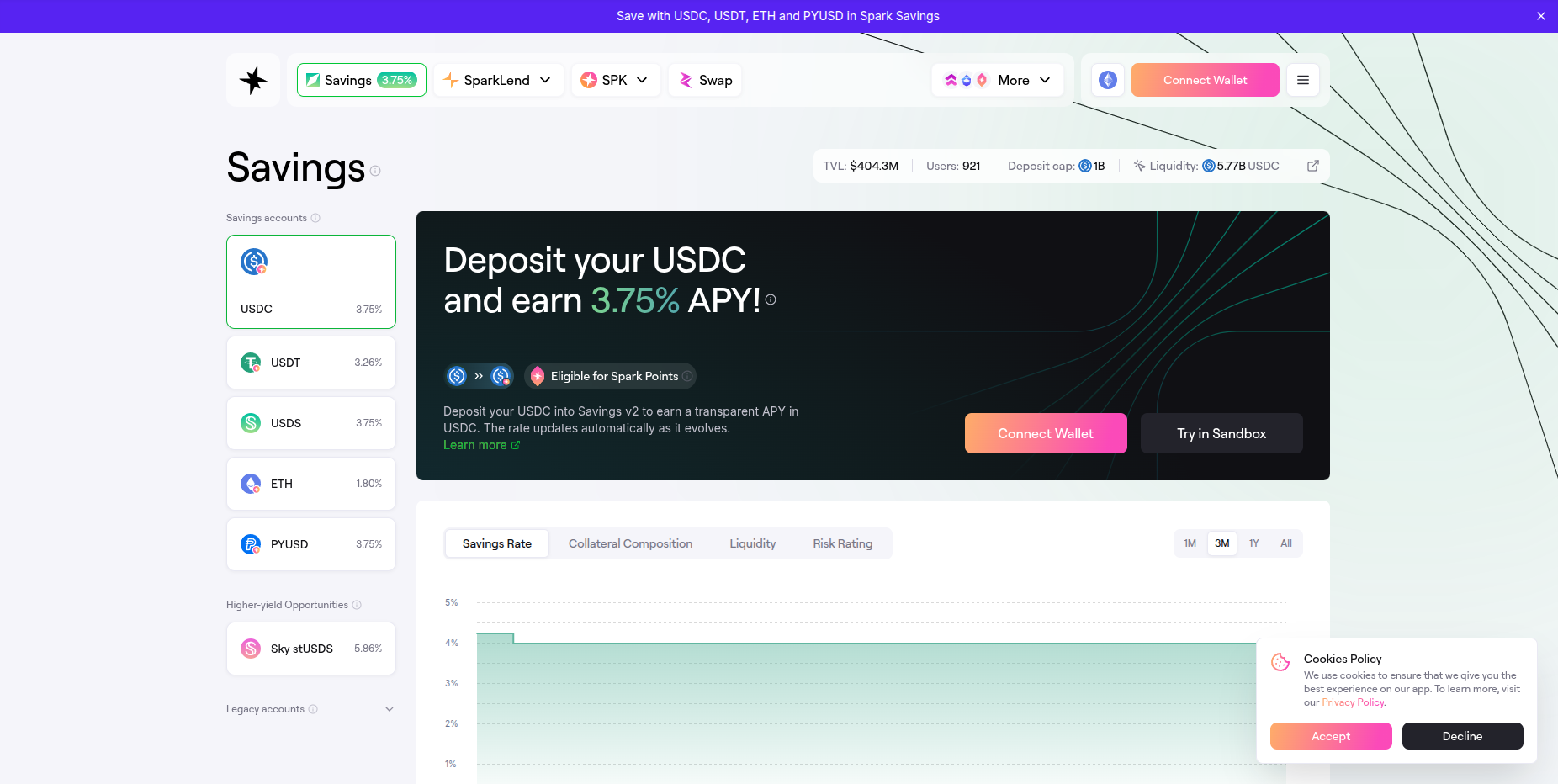
First, head to the Spark website then click ‘Connect Wallet’ at the top right.
Disclaimer: Keep in mind Spark is a third-party DApp and is not affiliated with MEW in any way. Using DeFi involves some inherent risk. Please do your research and proceed at your own discretion.
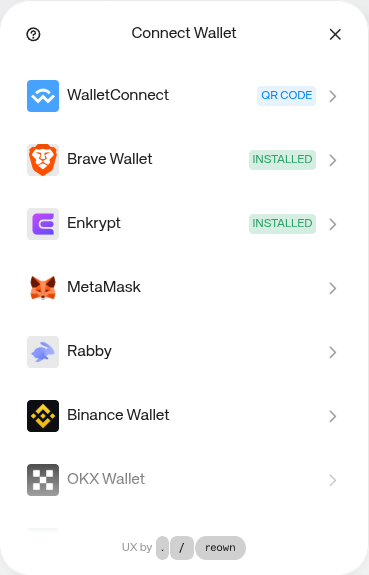
Then select the ‘Enkrypt’ option.
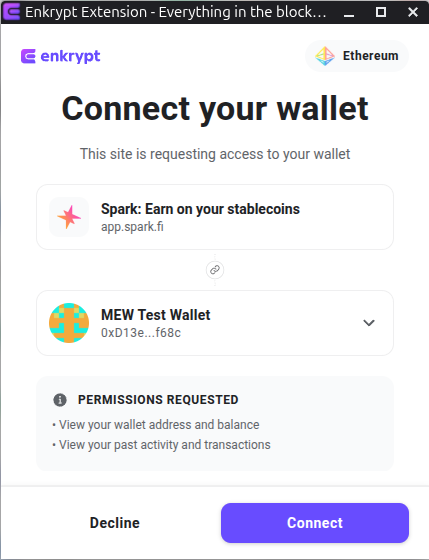
On the Enkrypt pop up, select the account you want to connect with then click ‘Connect’.
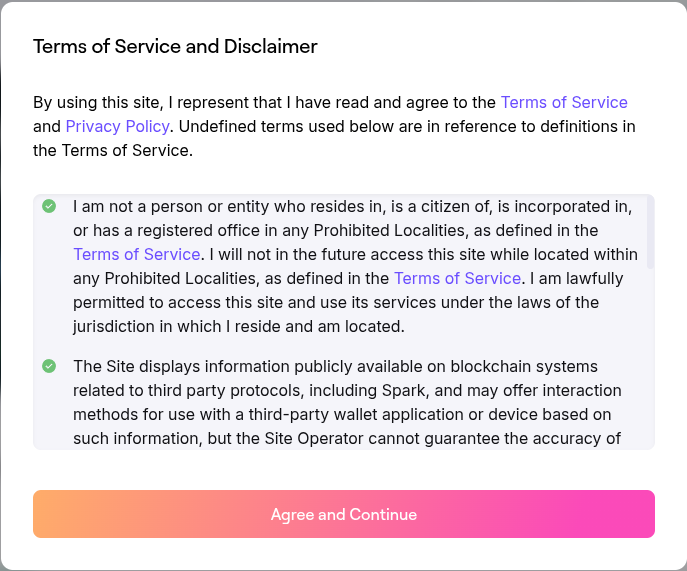
Review the Terms of Service and Disclaimer then click ‘Agree and Continue’.
You should see your wallet connected at the top right of the page.
Supplying Your Tokens to a Savings Account
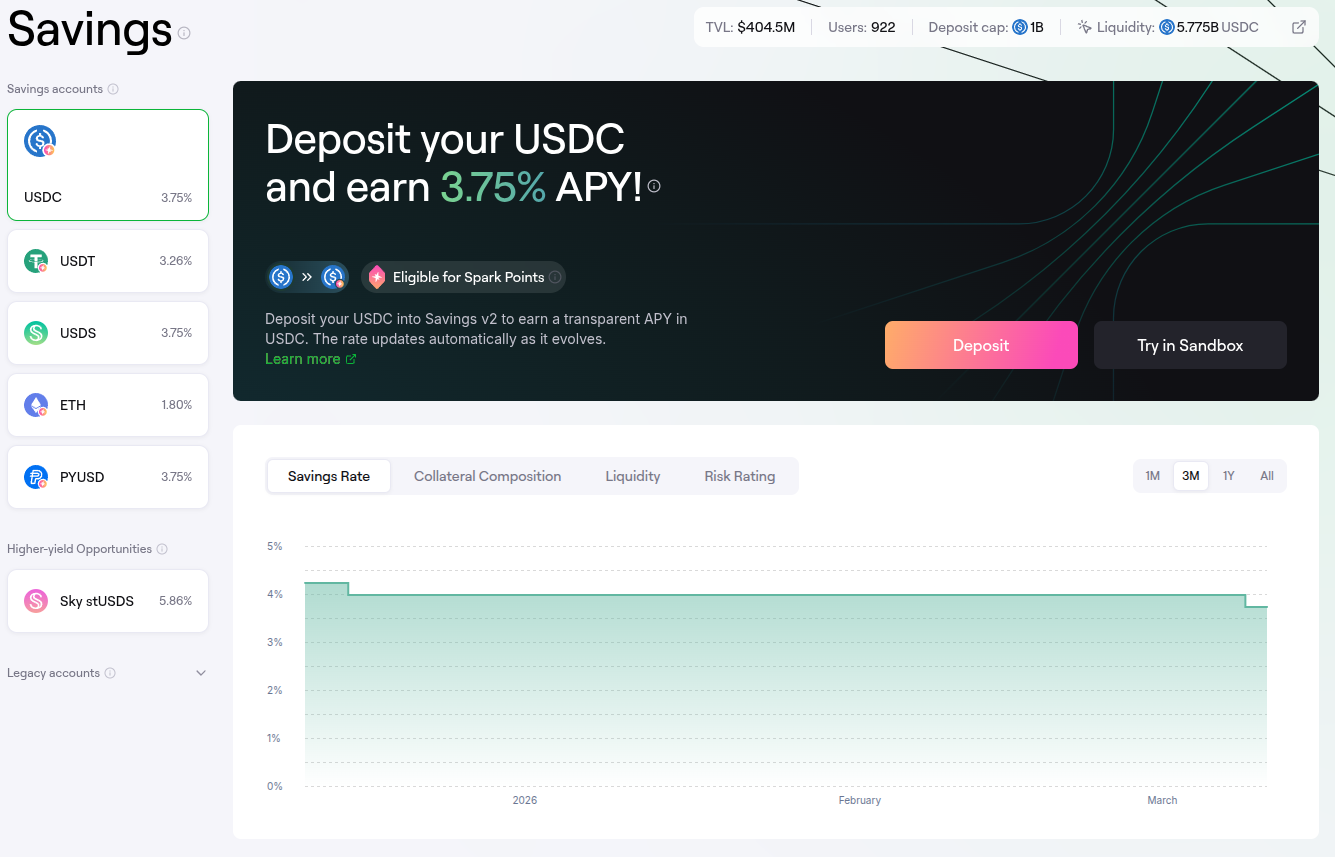
On the navigation bar select the ‘Savings’ option.

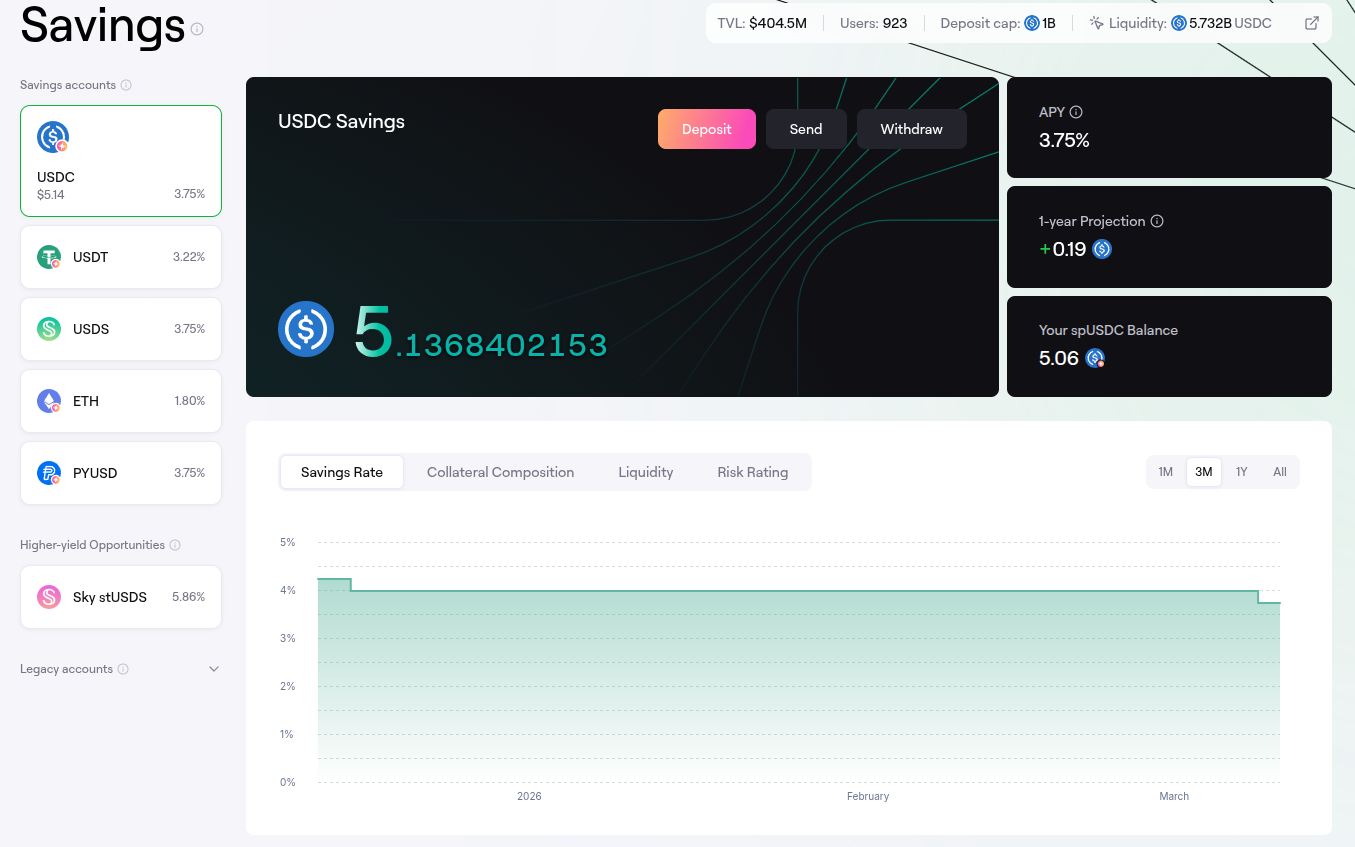
The page will display the available savings accounts on the left hand side. Select the token you would like to deposit, we will click the USDC Savings account for this example, then click the ‘Deposit’ button.
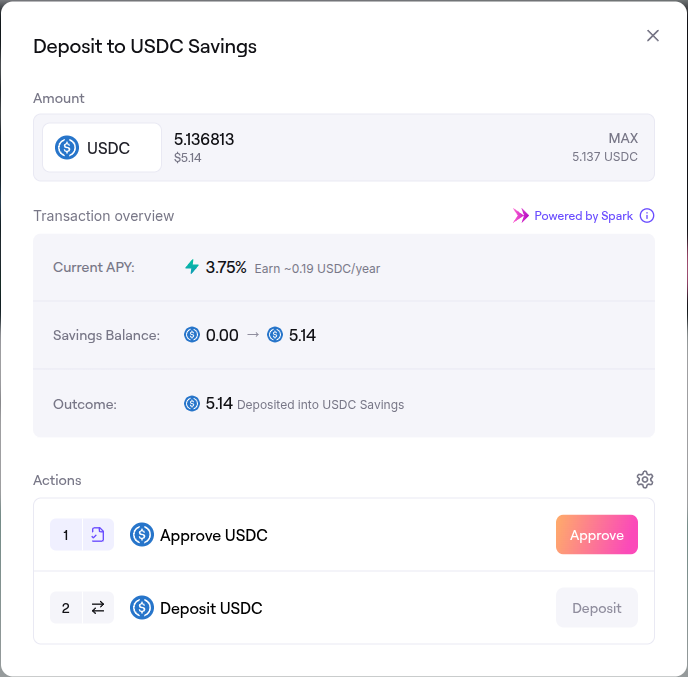
On the deposit form pop up, enter the amount you want to deposit then click ‘Approve’.
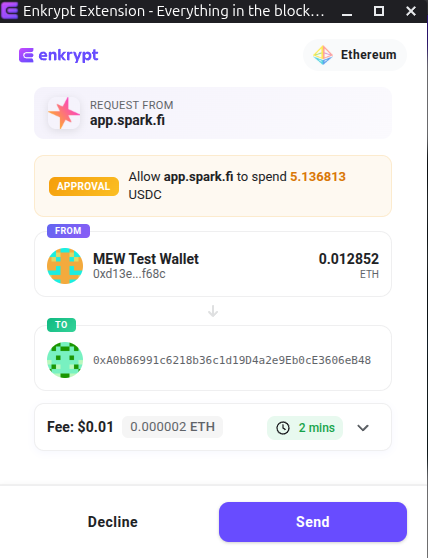
On the Enkrypt pop up, confirm the approval transaction by clicking ‘Send’.
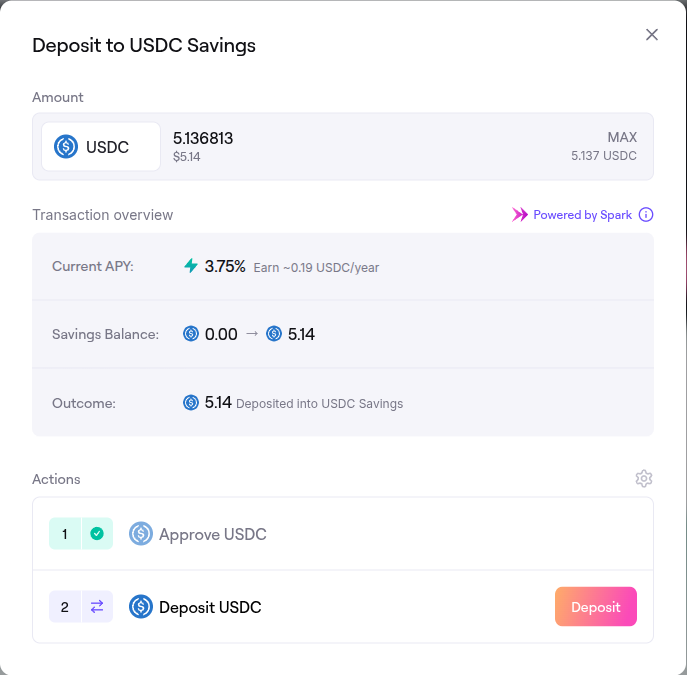
Back on the deposit form, once the approval transaction gets confirmed on the blockchain you can click ‘Deposit’ to supply your tokens.
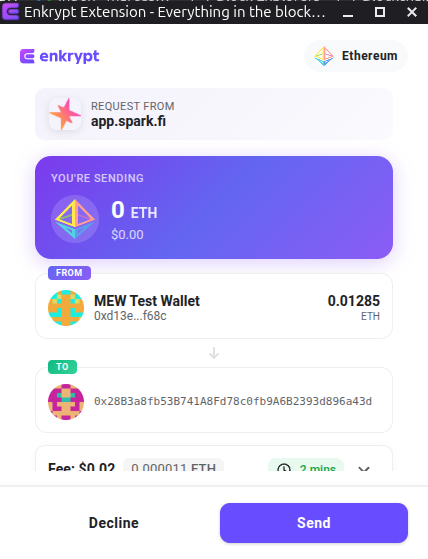
On the Enkrypt pop up, confirm the supply transaction by clicking on the ‘Send’ button.
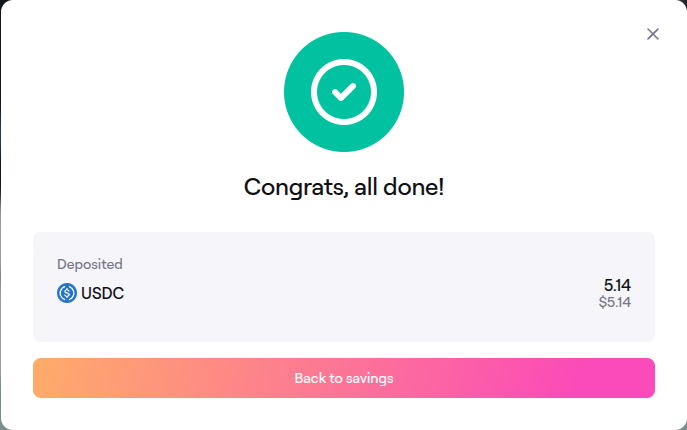
Once the transaction gets confirmed on the blockchain, the deposit form will state your tokens were successfully deposited.
Withdrawing Your Tokens from a Savings Account
On the navigation bar select the ‘Savings’ option.

Select the Savings account you have deposited your tokens in on the left, then click the ‘Withdraw’ button located on the right of the center card.
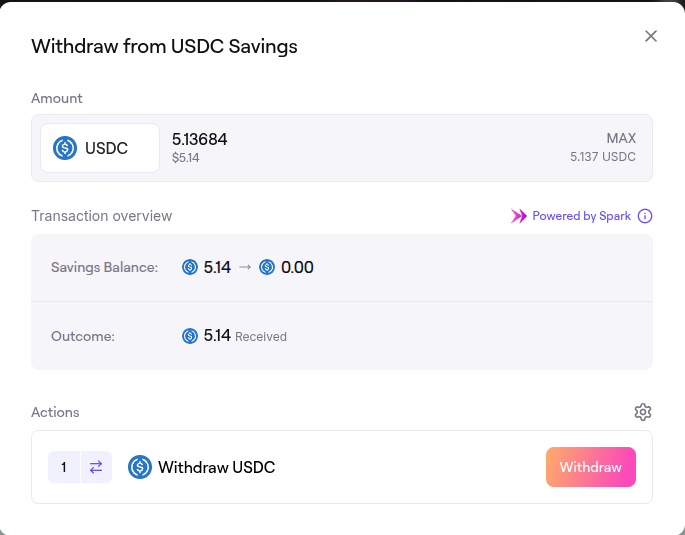
Enter the amount you want to withdraw then click the ‘Withdraw’ button.
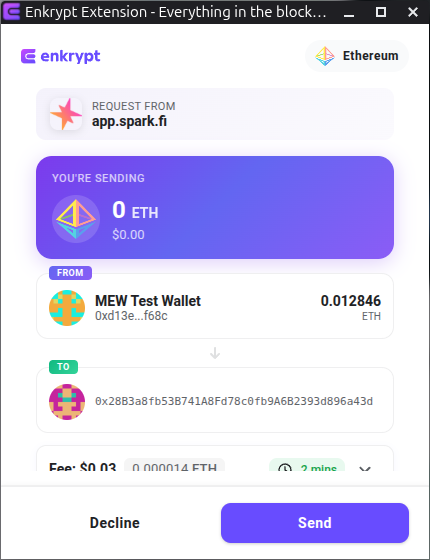
On the Enkrypt pop up, confirm the withdrawal transaction by clicking the ‘Send’ button.
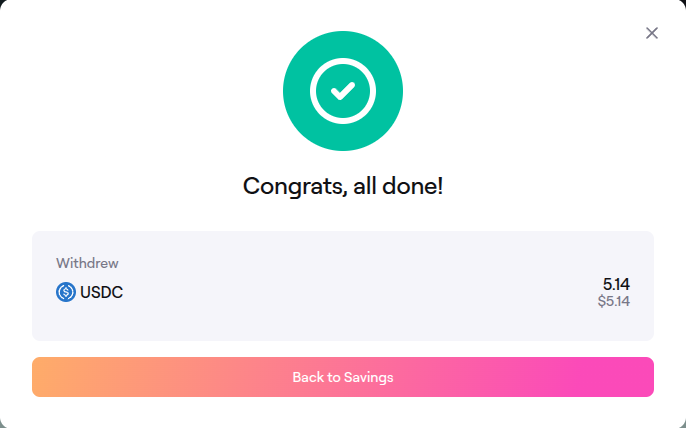
The pop up should state that your tokens were successfully withdrawn.
You should be able to see your tokens back in your Enkrypt wallet.
Borrowing Stablecoins
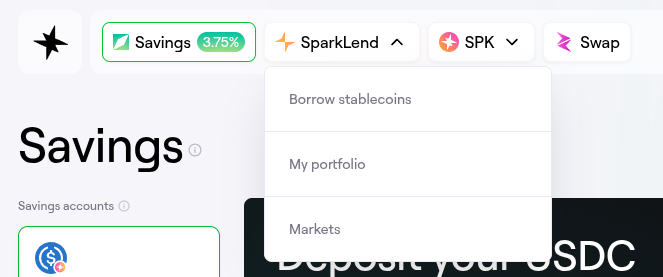
On the navigation bar, click the ‘SparkLend’ dropdown then click ‘Borrow stablecoins’.
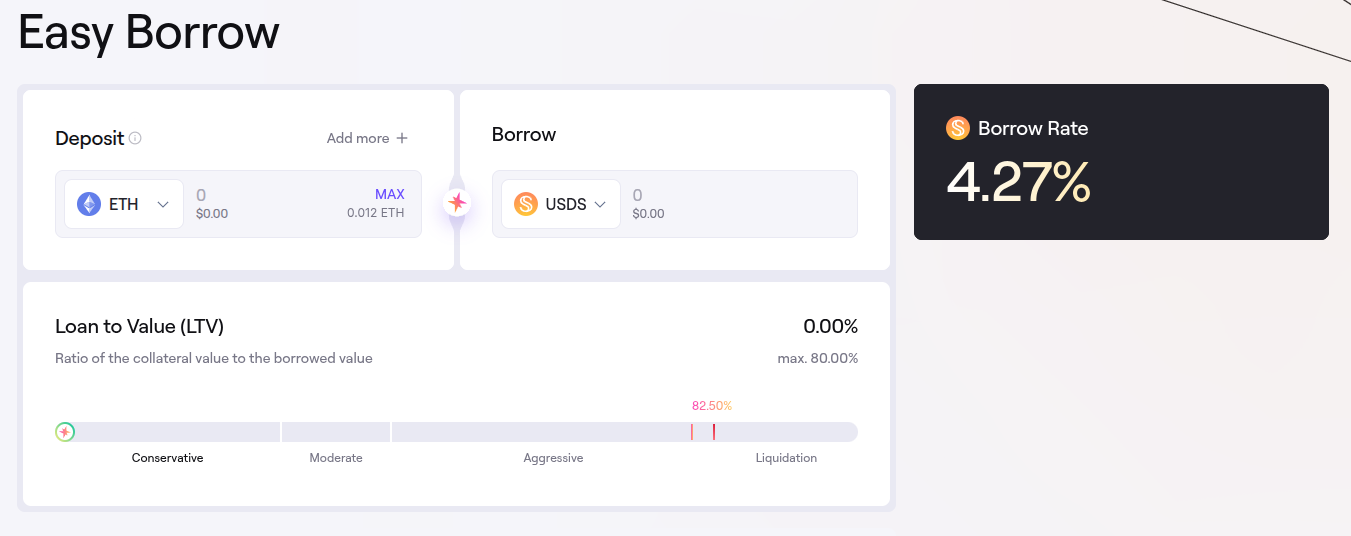
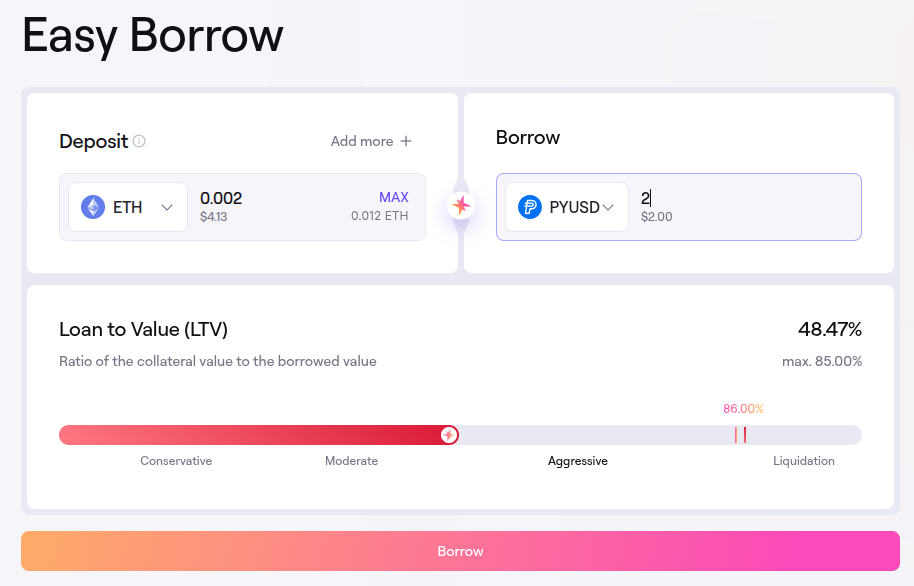
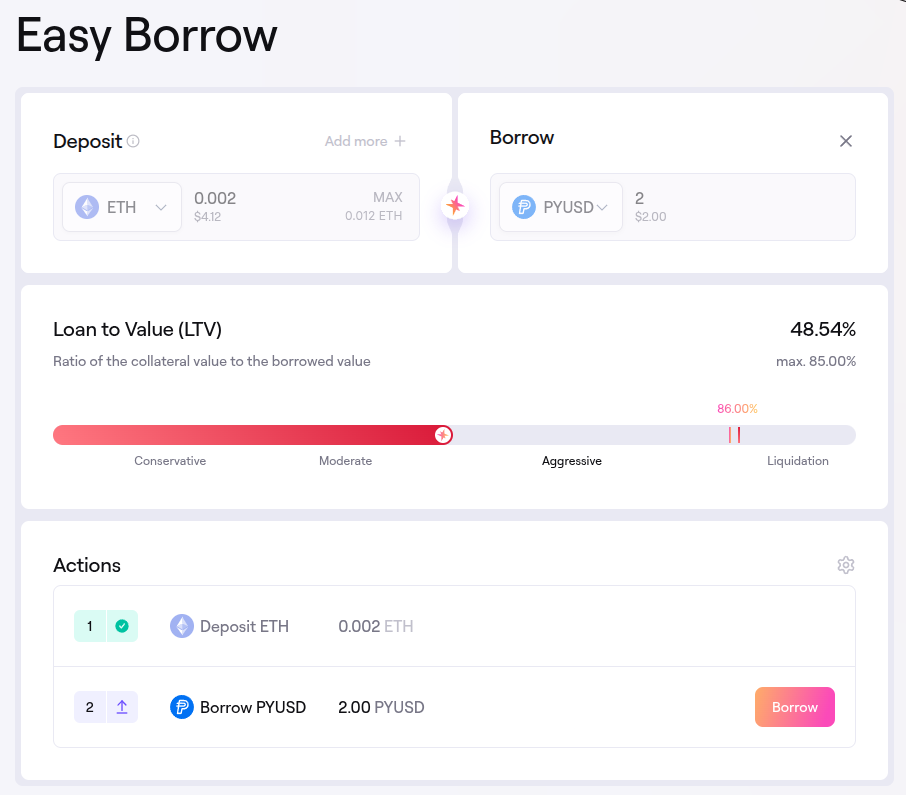
Here you can see the details of the Borrow Rate and Loan to Value based on the currently selected tokens.
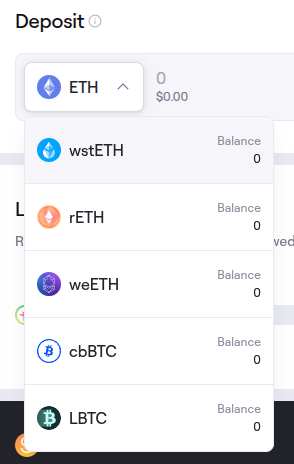
Click on the deposit dropdown to select the token you would like to use as collateral. We will leave it on ETH for this example.
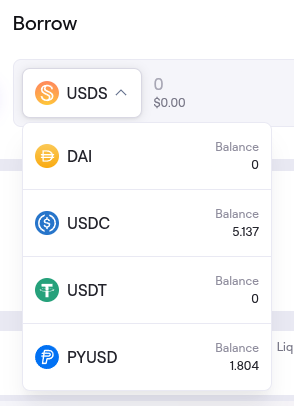
Click on the borrow dropdown to select the token you want to borrow. We will select PYUSD for this example.
Enter the amount you want to deposit and borrow, review your Loan to Value then click ‘Borrow’.
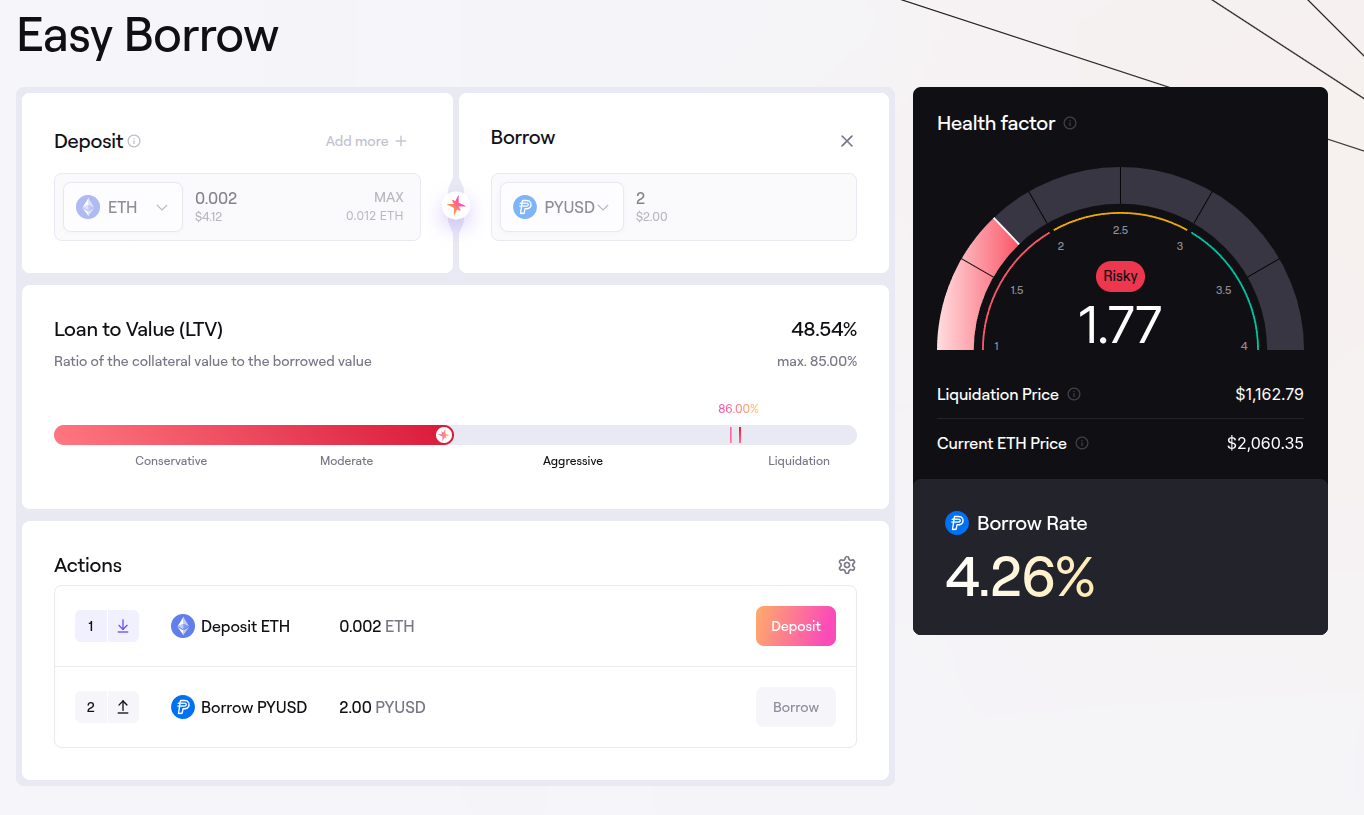
Click ‘Deposit’ under the ‘Actions’ section to deposit your tokens.
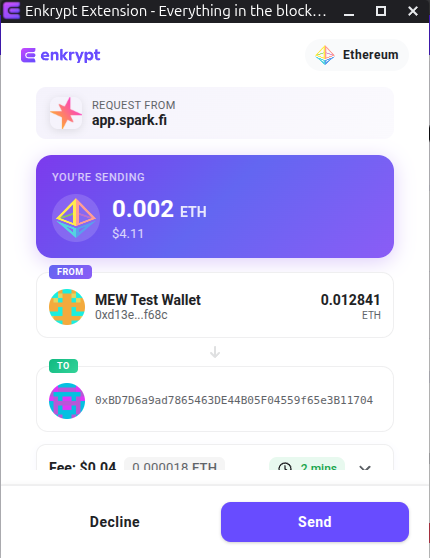
Confirm the deposit transaction on the Enkrypt pop up by clicking the ‘Send’ button.
Then once the deposit transaction confirms, under the ‘Actions’ section click the ‘Borrow’ button.
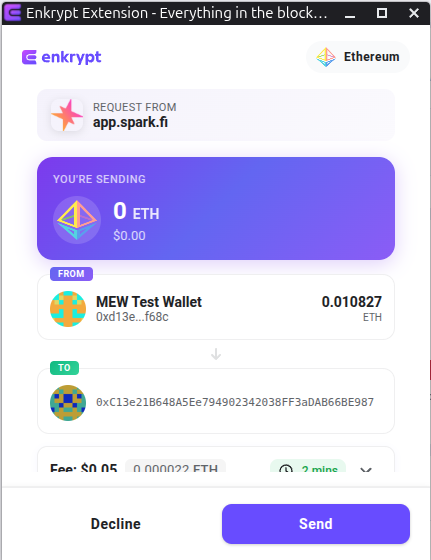
Confirm the borrow transaction on the Enkrypt pop up by clicking ‘Send’.
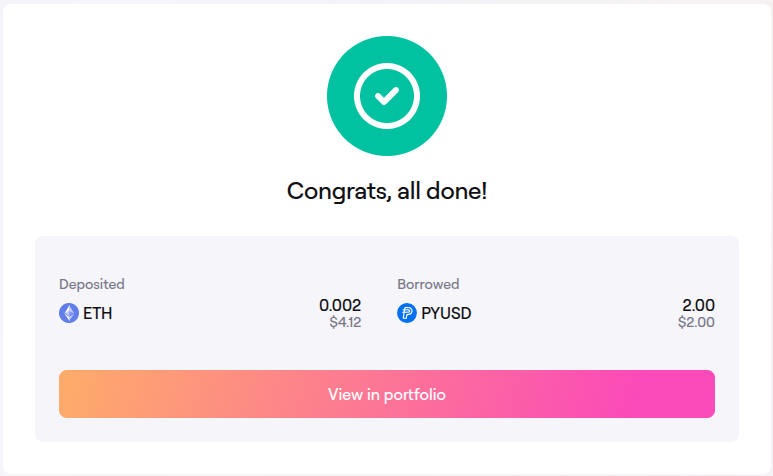
The pop up should state that you have successfully deposited and borrowed tokens.
Repaying Debt
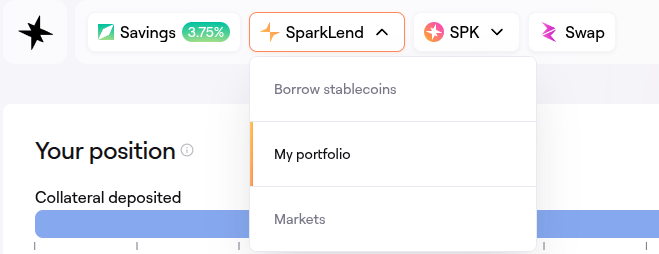
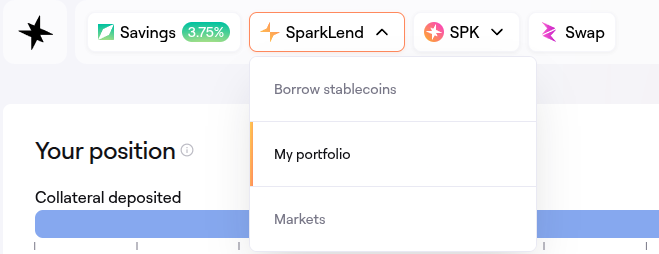
On the navigation bar, click the ‘SparkLend’ dropdown then click ‘My portfolio’.
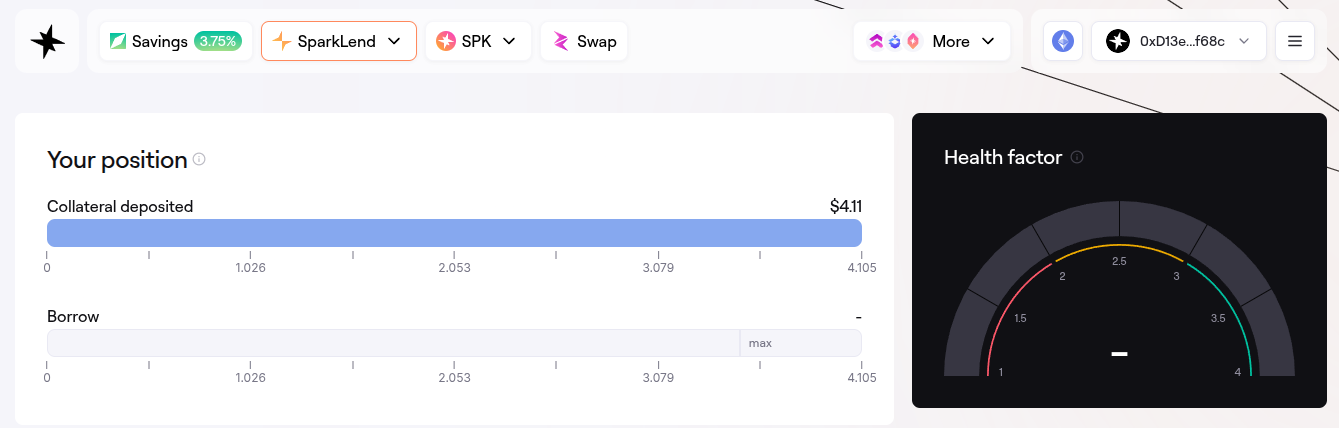
The page will display the amount you have supplied as collateral, the amount borrowed, your Health factor, the tokens supported for depositing and the tokens available to borrow at the bottom of the page.
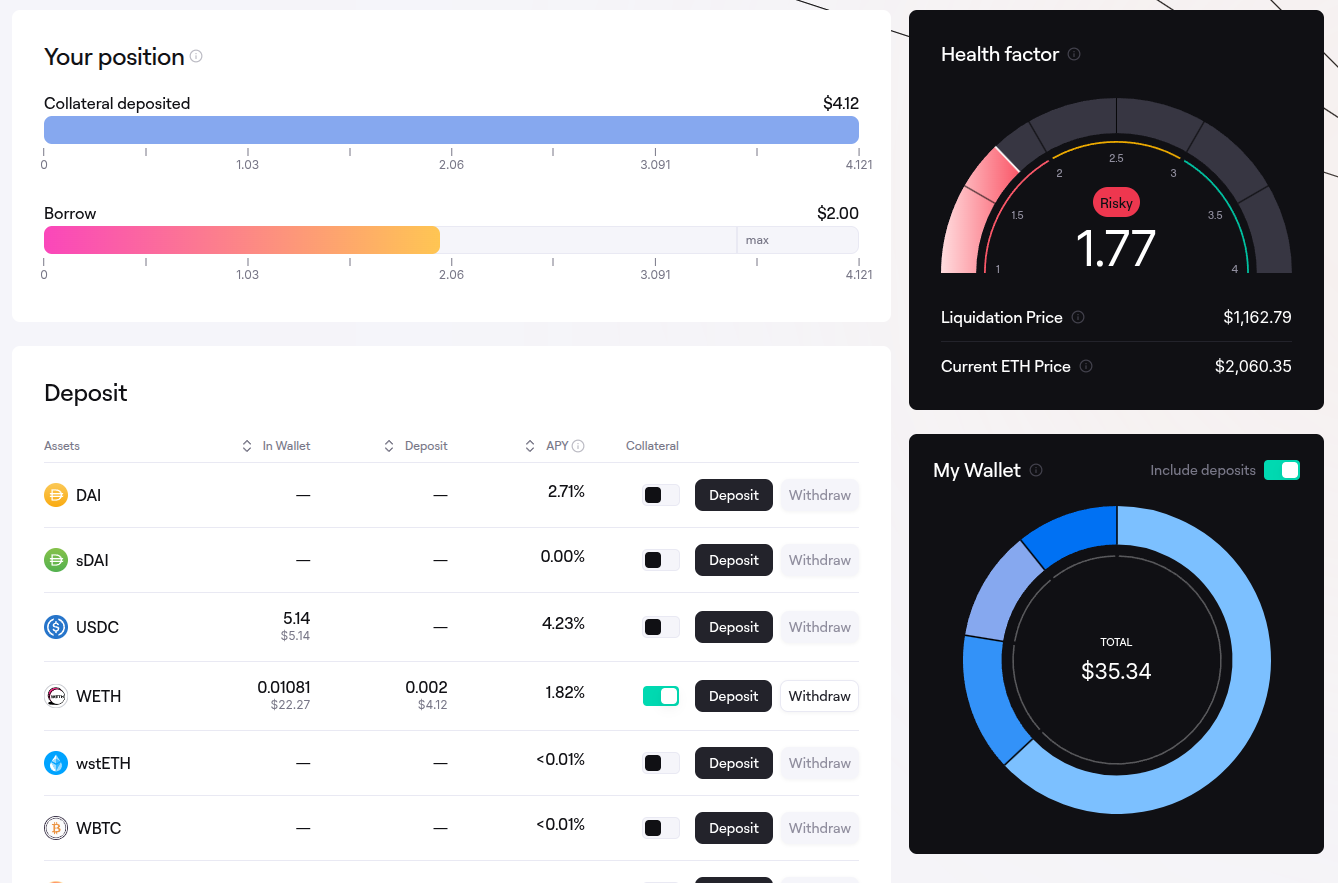
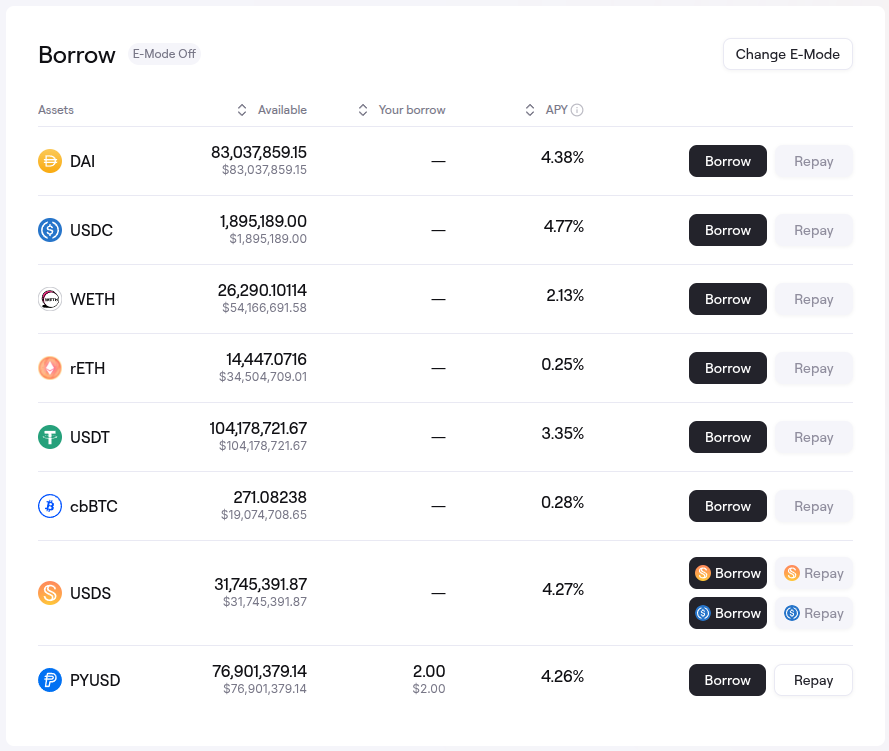
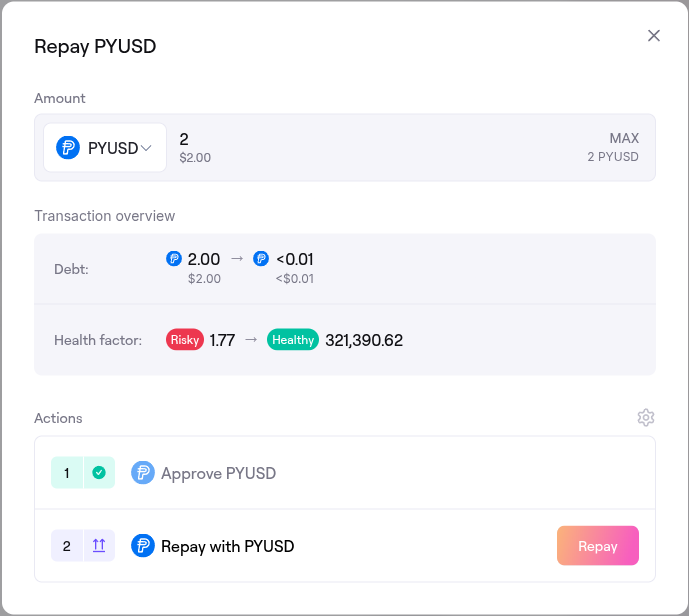
Scroll down to the ‘Borrow’ section then locate the tokens you borrowed and click the ‘Repay’ button on the right hand side.
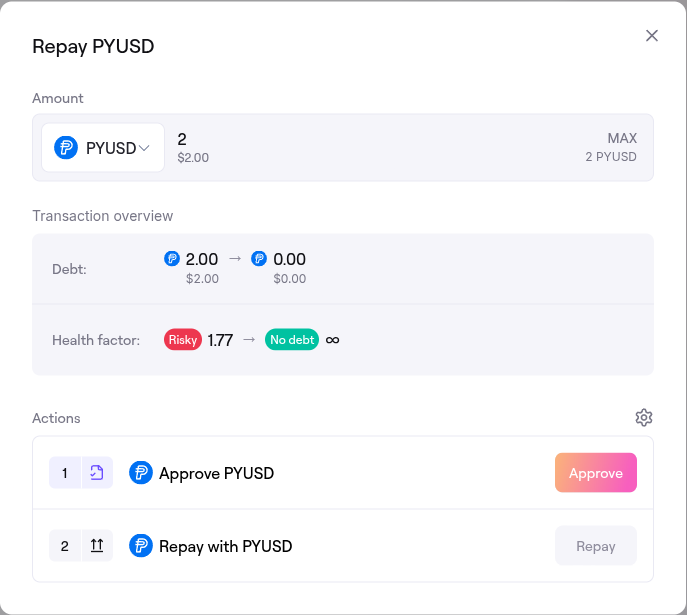
Enter the amount you want to repay then click ‘Approve’.
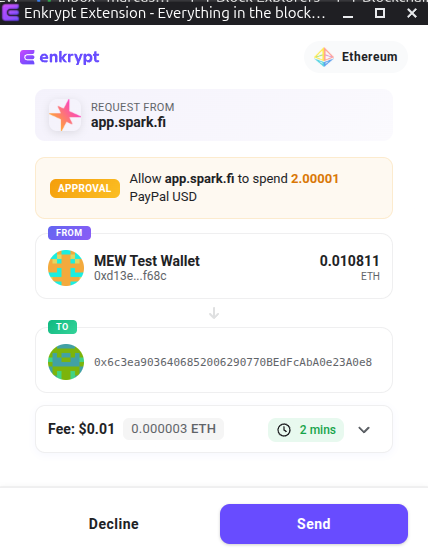
On the Enkrypt pop up, click the ‘Send’ button to confirm the approval transaction.
Once the approval transaction is confirmed on the blockchain, click the ‘Repay’ button at the bottom of the form.
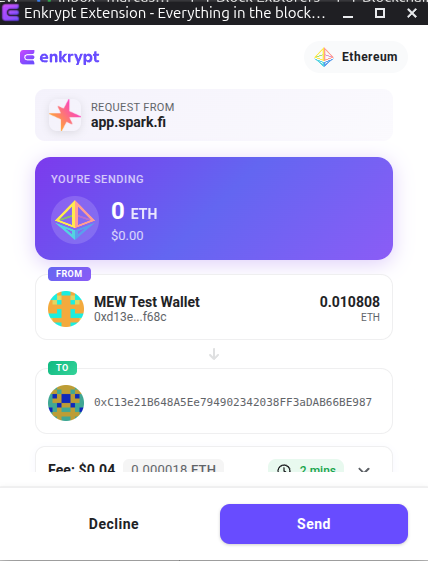
On the Enkrypt pop up, confirm the repay transaction by clicking ‘Send’.
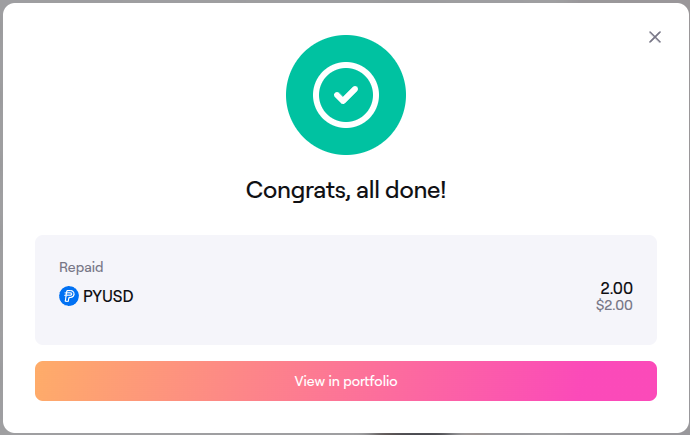
The pop up should state that you have successfully repaid your debt. Click ‘View in portfolio’ to view your updated position.
Here you will be able to see how much collateral you have and your updated health factor.
Withdrawing Your Supplied Collateral Tokens
On the navigation bar, click the ‘SparkLend’ dropdown then click ‘My portfolio’.
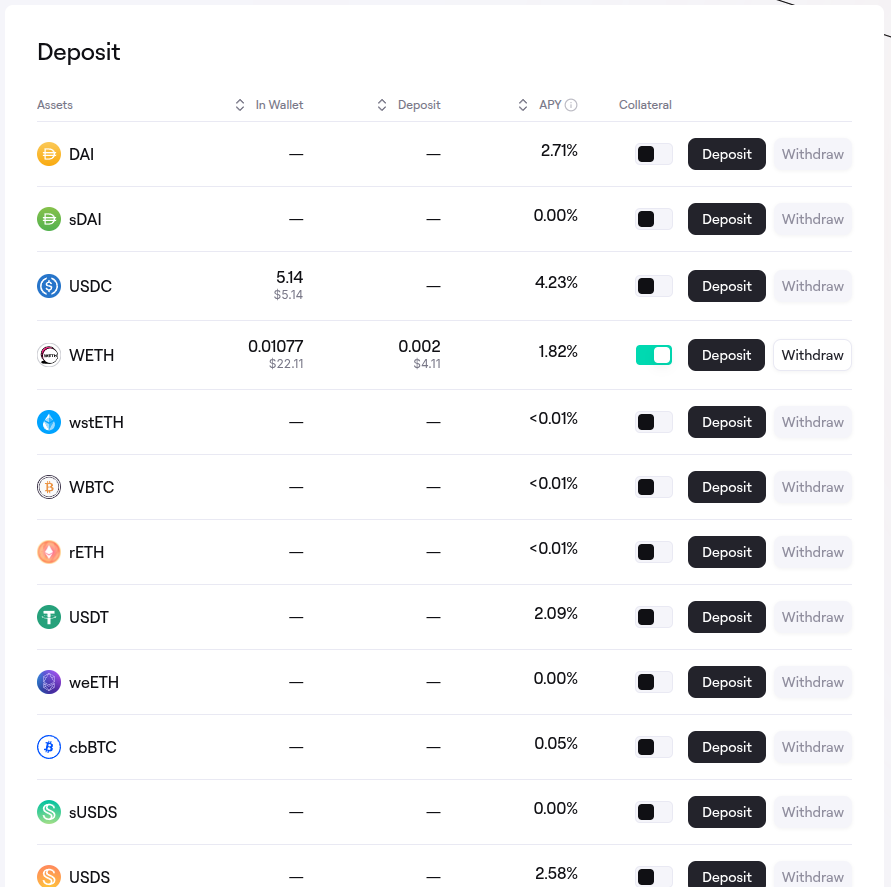
Scroll to the ‘Deposit’ section and click ‘Withdraw’ on the right side of the token you have supplied.
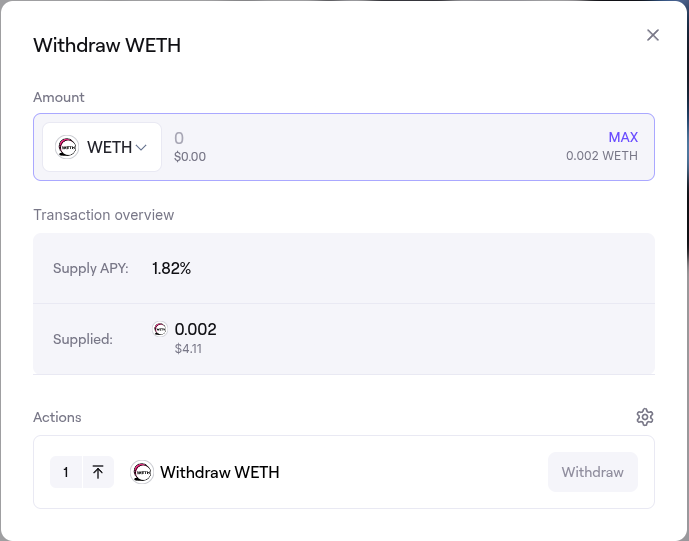
The withdrawal form should pop up on your screen.
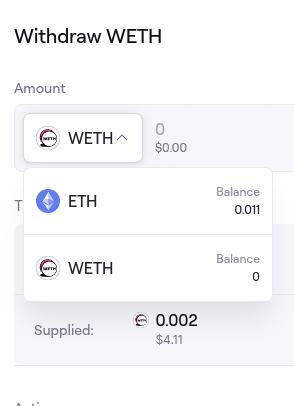
If you deposited a native gas token you may be able to click the token dropdown then select between the wrapped token or the native token. We will select the native ETH token for this example.
Enter the amount you would like to withdraw then click ‘Approve’.
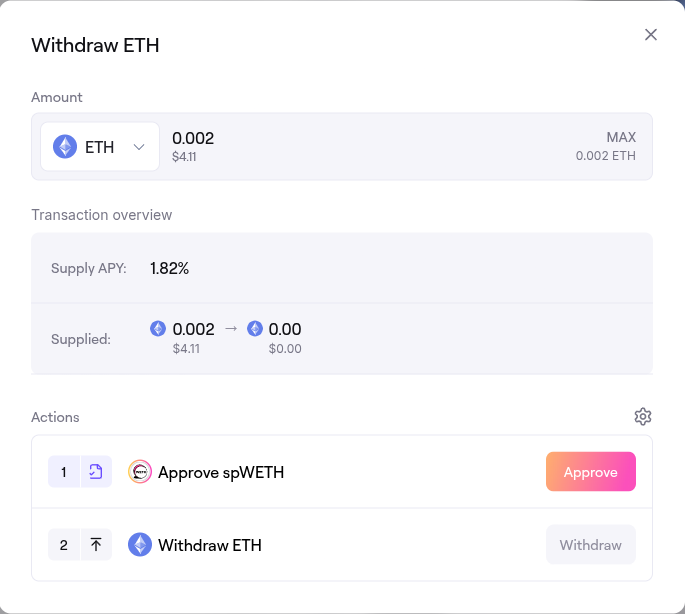
On the Enkrypt pop up, confirm the approval transaction by clicking ‘Send’.
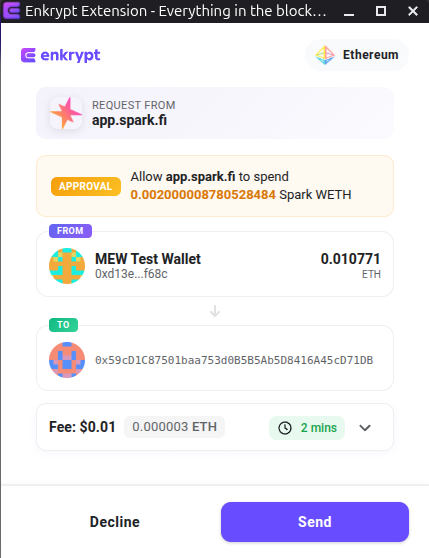
Once the approval transaction is confirmed on the blockchain, click the ‘Withdraw’ button.
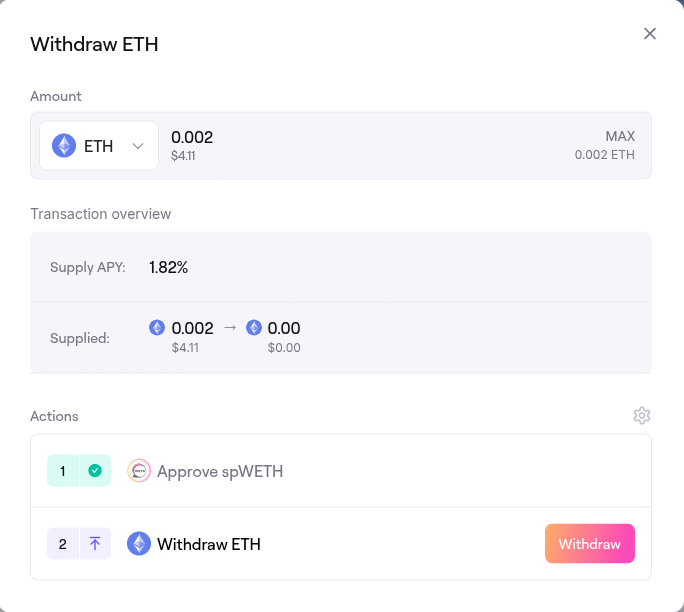
Confirm the withdraw transaction on the Enkrypt pop up by clicking the ‘Send’ button.
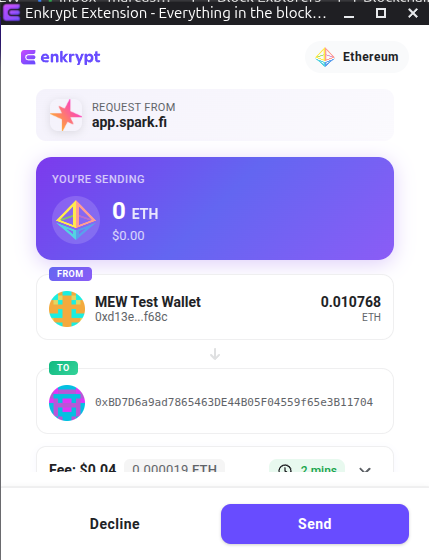
The pop up should state that your tokens were withdrawn successfully.
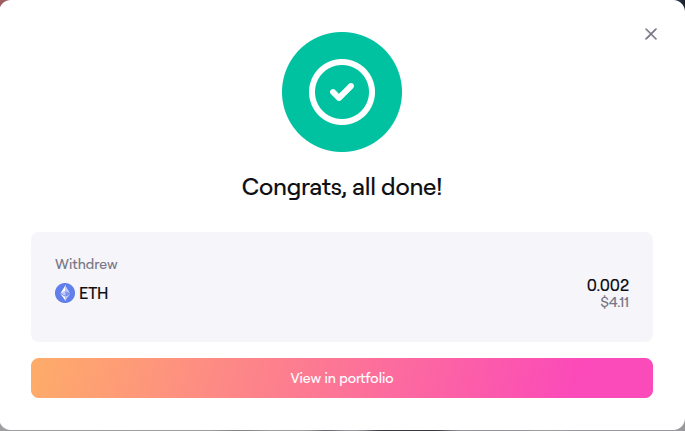
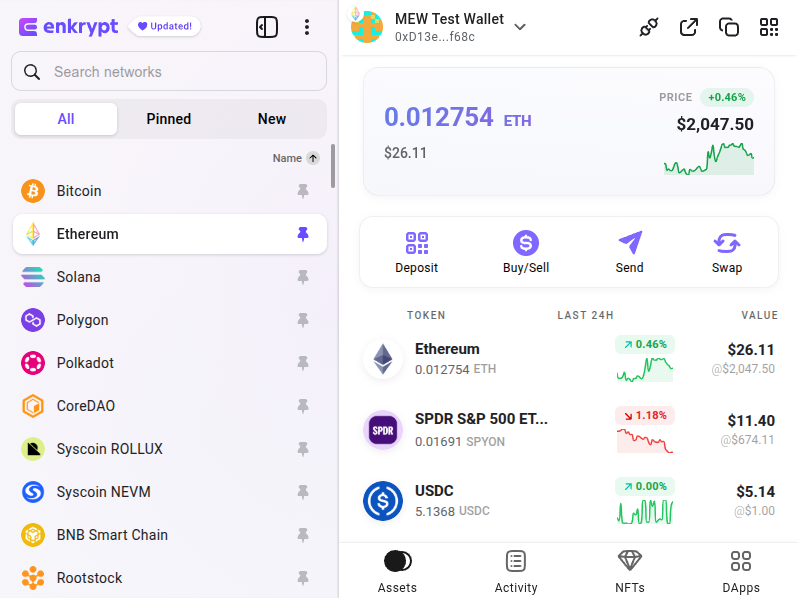
You should see your tokens back in your Enkrypt wallet!
Thank you for checking out our guide on How to use Spark with Enkrypt! Make sure to follow us on X(Twitter) and let us know your thoughts. Sign up for our newsletter to stay up to date with MEW releases, and check out our weekly podcast Crypto Currents for the latest news in crypto.