
How to Stake on Encapsulate with Enkrypt
Earn a yield on your unused tokens with Enkrypt in Encapsulate. Stake tokens to earn rewards. Follow the guide for help!

Encapsulate is a Web3 infrastructure provider that helps cryptocurrency holders earn rewards by staking their otherwise unused tokens while contributing to the security and decentralization of blockchain networks. As a trusted validator for more than 40 supported networks, Encapsulate focuses on delivering high uptime, robust governance participation, and protection against slashing events, ensuring that users’ staked assets are managed securely and efficiently.
Enkrypt is a multichain, non-custodial, and open-source web3 browser wallet built by the team behind MEW (MyEtherWallet). With Enkrypt, users and developers can generate accounts, manage tokens and NFTs, and interact with DApps on Vara Network, Ethereum, Solana, as well as Bitcoin, Substrate and any EVM chains. Follow the instructions in this guide on how to use Enkrypt with Encapsulate!
Staking Your Tokens
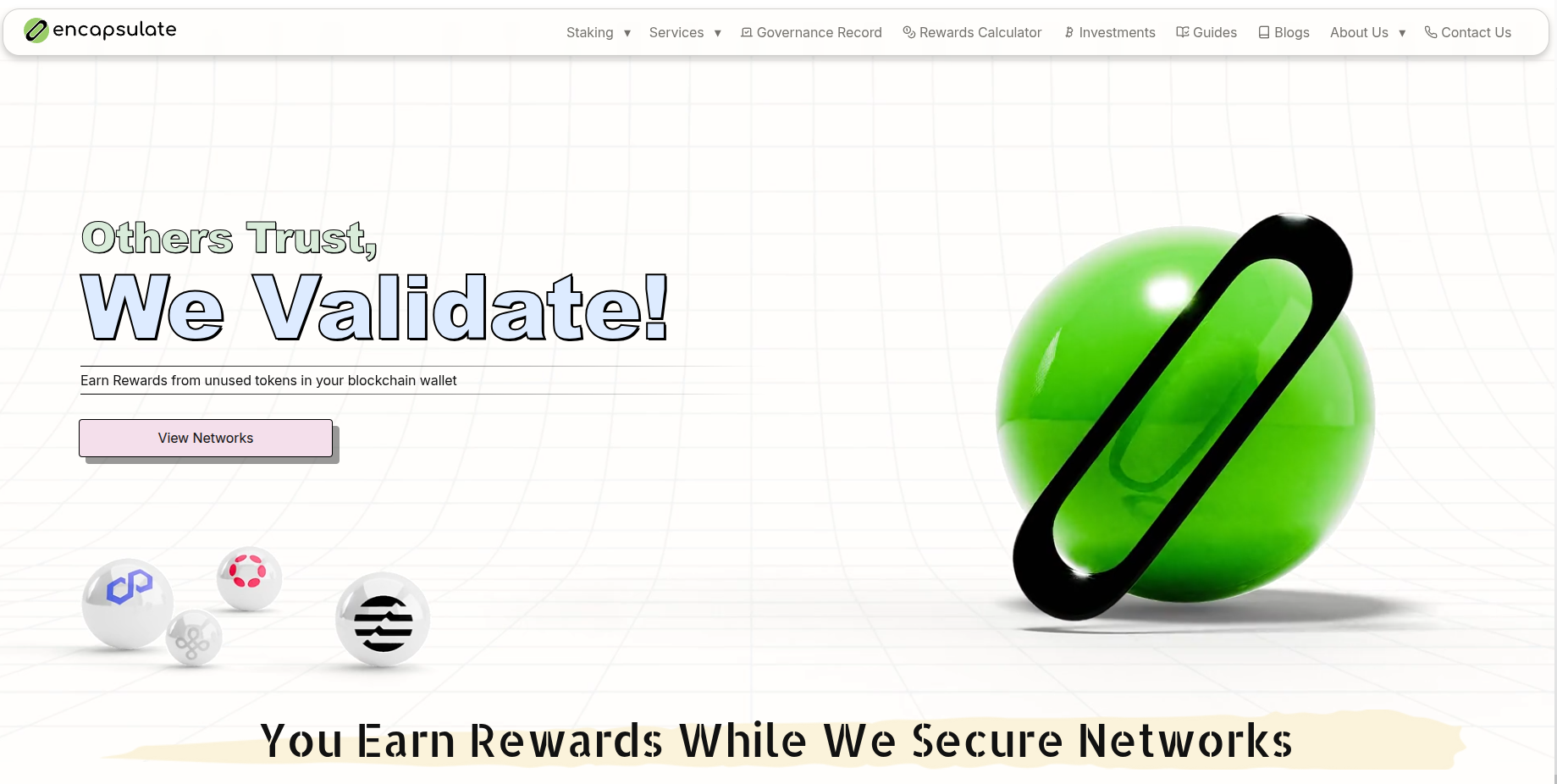
First, head to the encapsulate website then click ‘View Networks’.
Disclaimer: Keep in mind Encapsulate is a third-party DApp and is not affiliated with MEW in any way. Using DeFi involves some inherent risk. Please do your research and proceed at your own discretion.
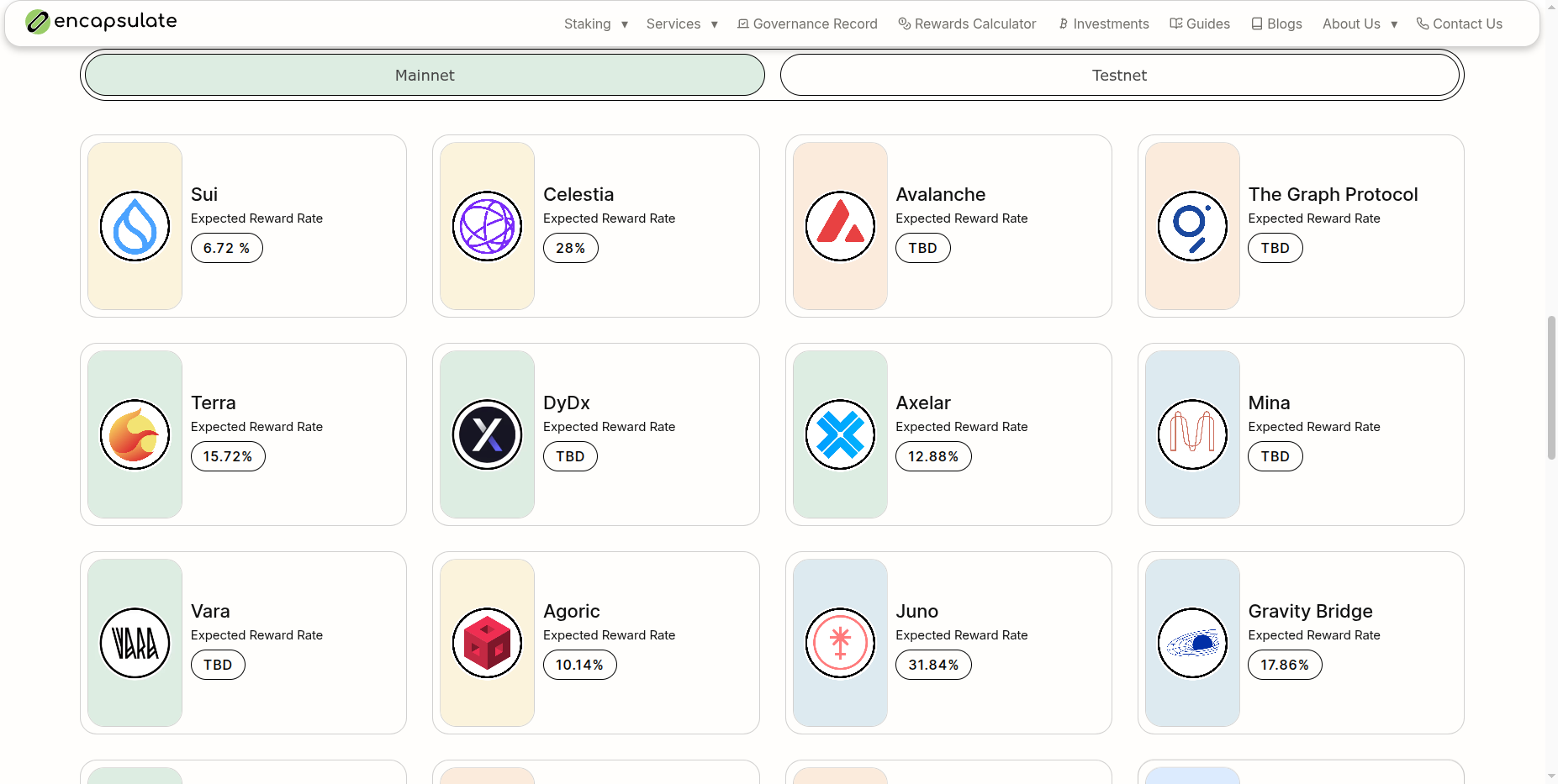
Select the network you would like to stake on. We will choose the Vara network for this example.
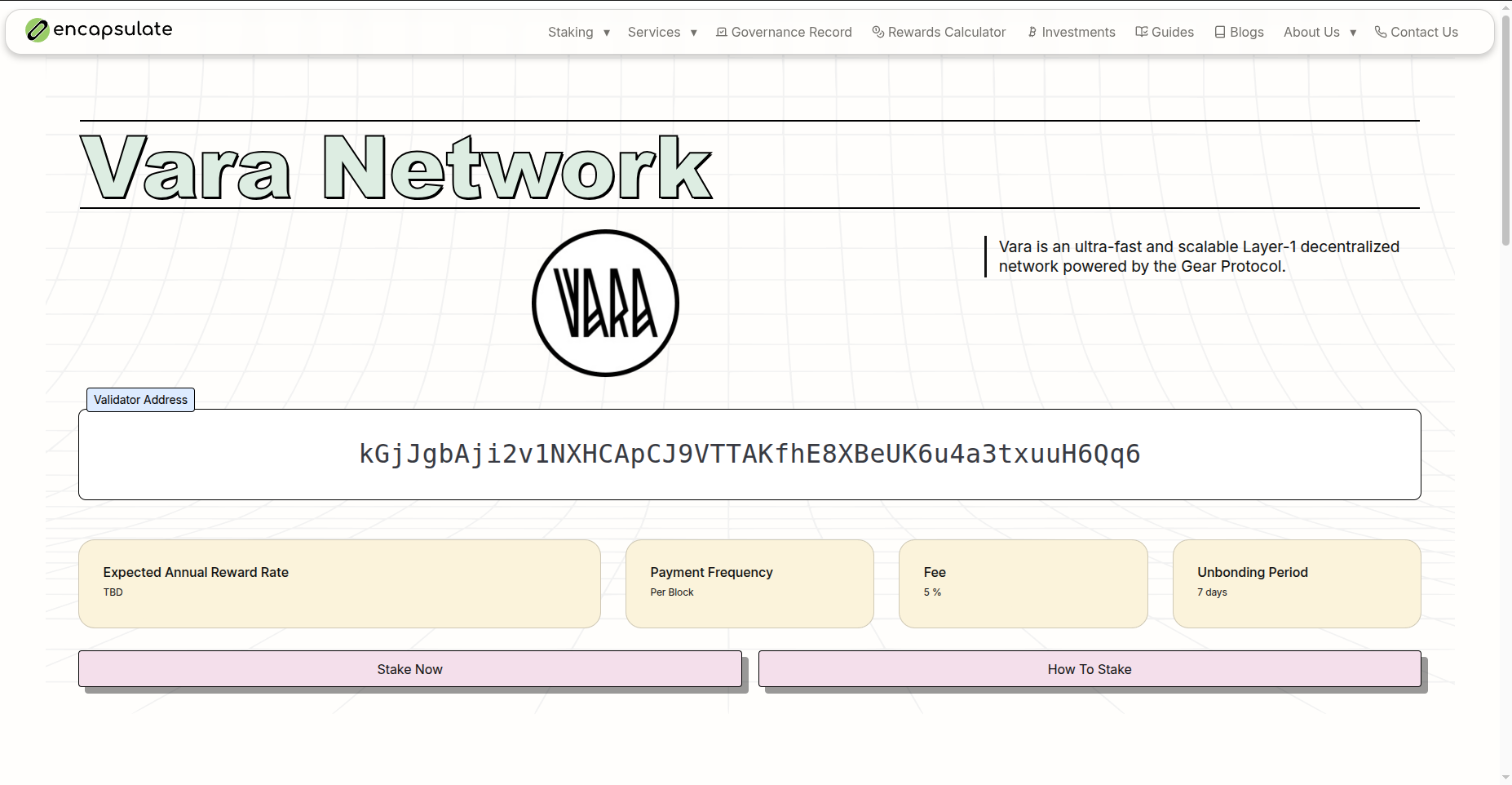
Click the Stake Now button under all the network information.
The page should load for a second then your Enkrypt wallet should pop up asking to connect to the dApp.
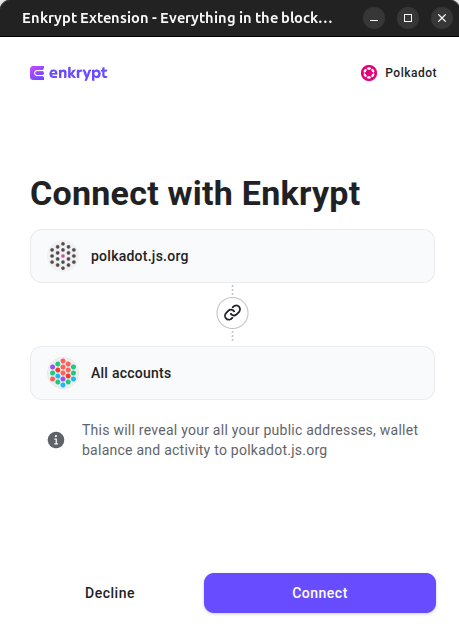
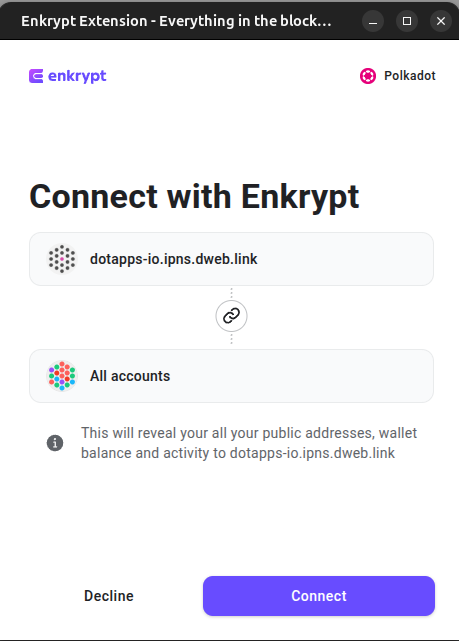
On the Enkrypt pop up, click ‘Connect’ and it will connect all of your Polkadot accounts.
If you are using an EVM network for your tokens, you will be using EVM accounts.
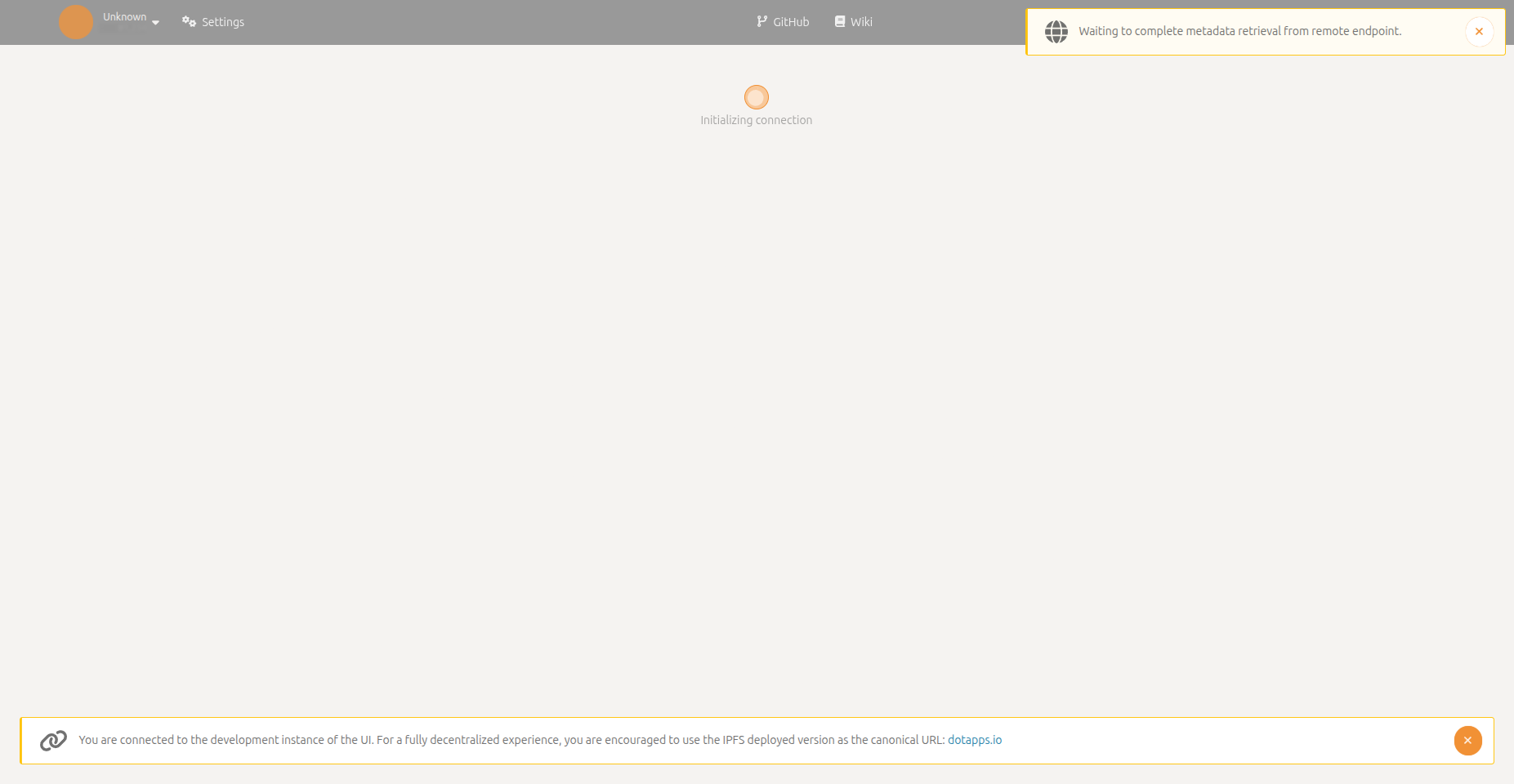
Once the page loads, it may lead you to the development version of the website. If this happens, you can click the link at the bottom banner or navigate to the DotApps Hosted Version.
Wait for the site to load then your Enkrypt wallet should pop up asking to connect to the website.
On the Enkrypt pop up, you can connect all of your Polkadot accounts by clicking ‘Connect’.
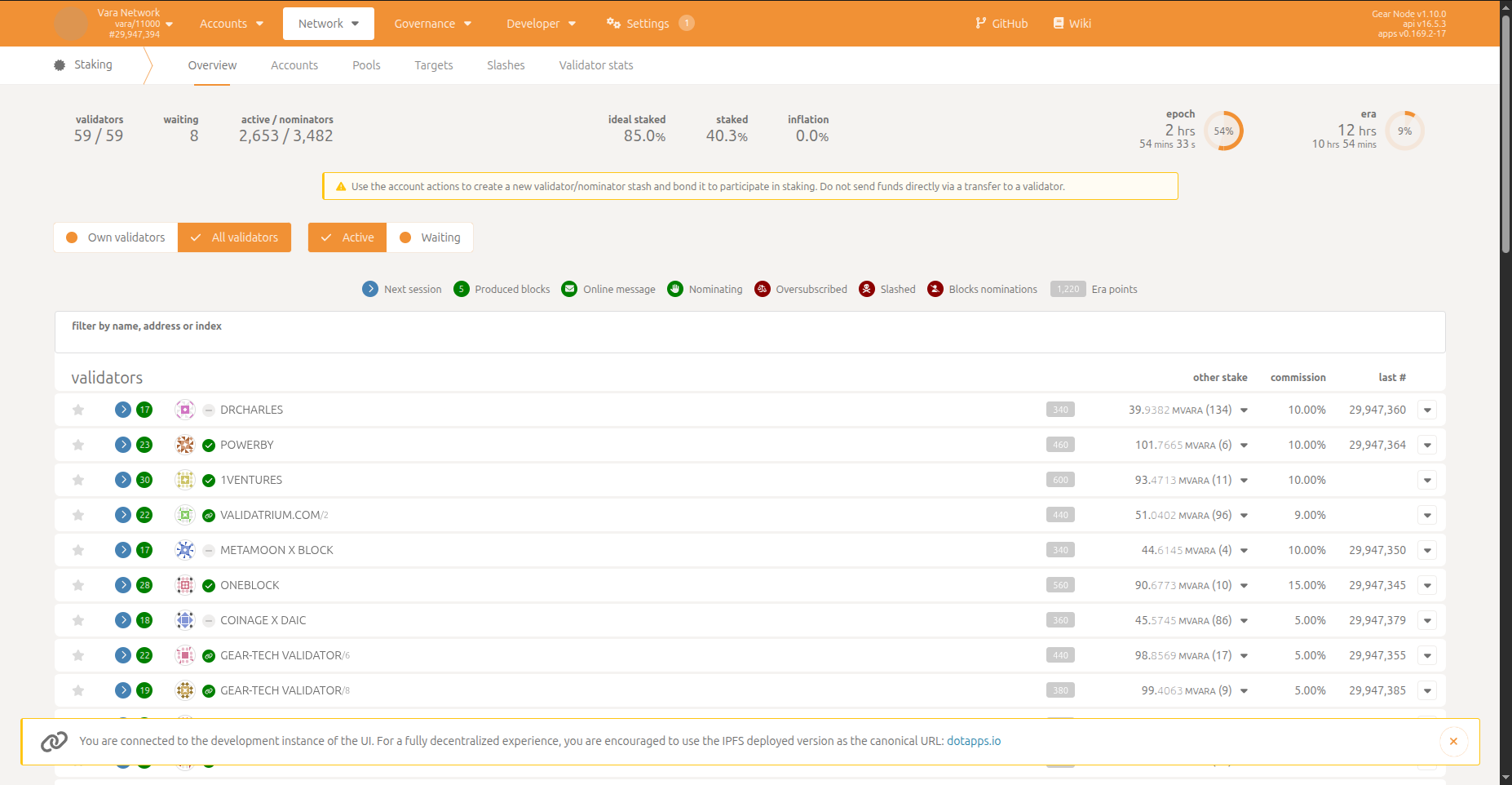
You should be able to view the list of validators that are active. Look through the list and see which validators you would like to bond your tokens to. You can click the dropdown arrows to view more information about the validators.
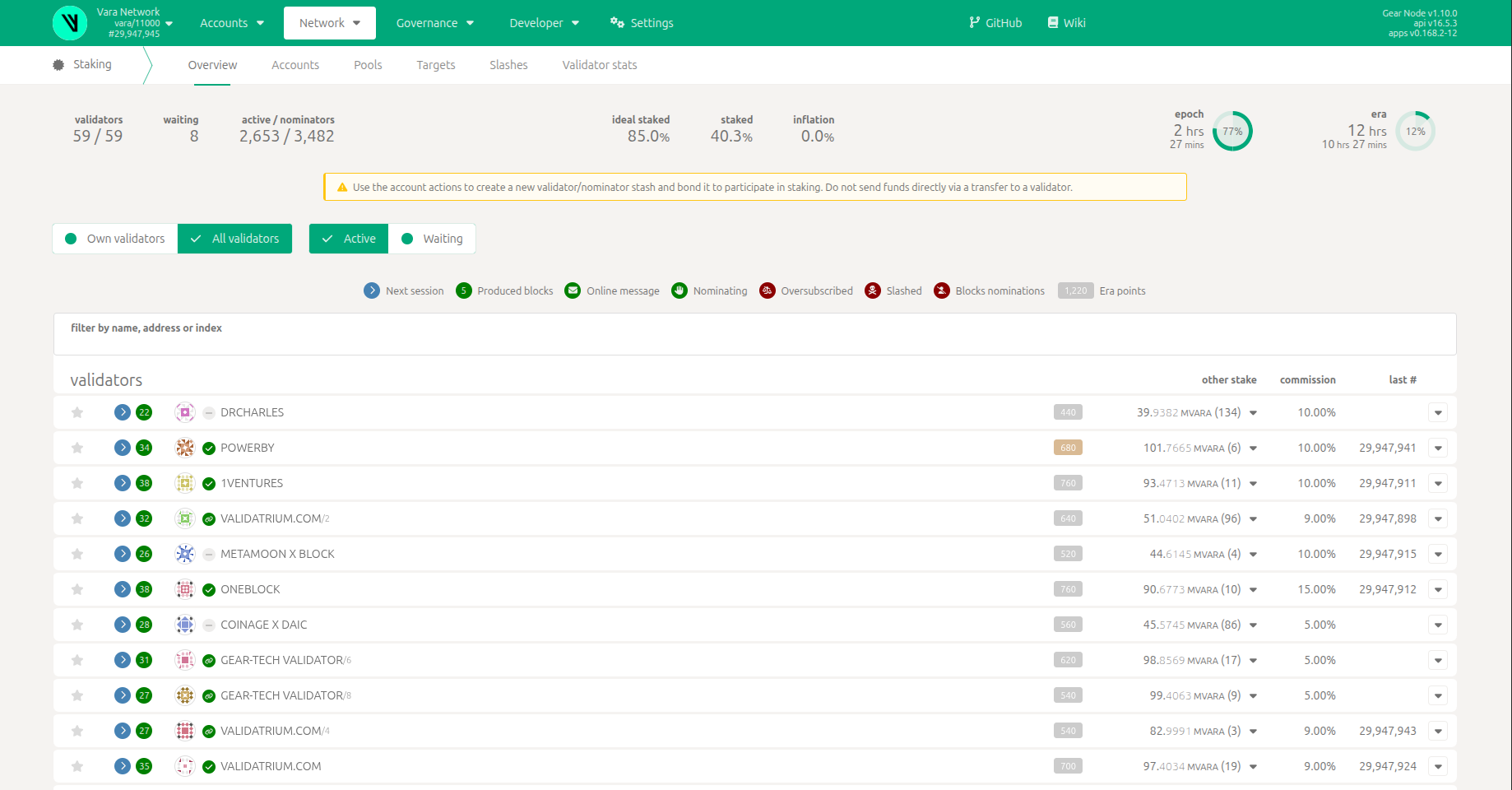
Make sure not to send your tokens directly to the validator’s address. If you want to stake by being a nominator or validator, you will need to use the Account actions.

To use the Account actions, select the ‘Accounts’ option on the ‘Staking’ navigation menu.

Here you can see all your active nominators, validators and stashes.
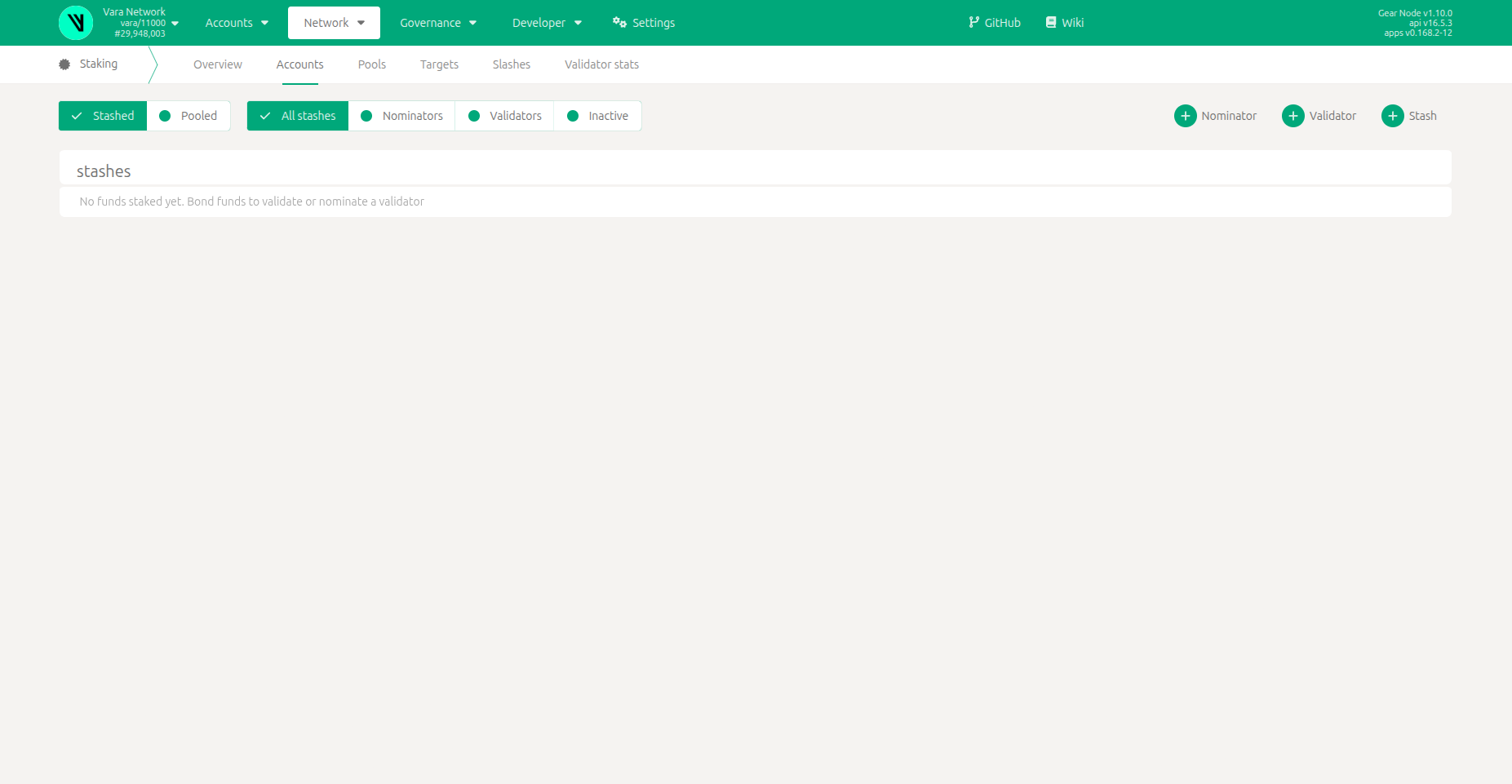
You can create a nominator, validator or stash by clicking one of the options at the top right of the page. We will choose the Nominator option for this example.

A pop up for setting up your nominator should appear.
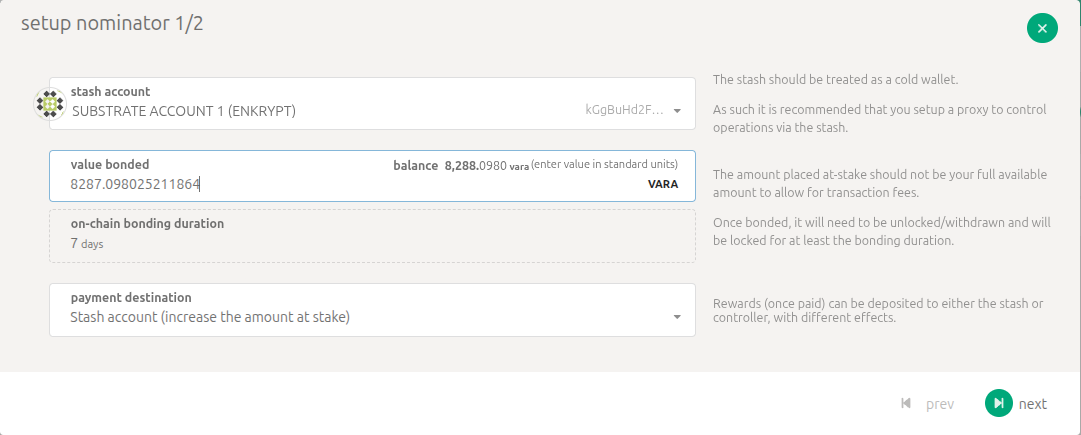
You can click the dropdown to select the account you want to use as the stash account. We will use our Enkrypt wallet for this example.
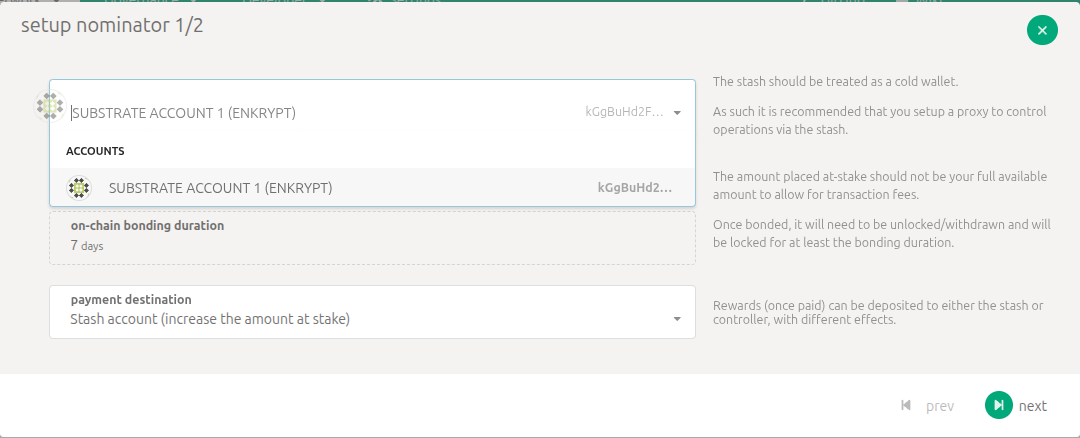
You can select how to distribute your rewards. We will leave it on the Stash account (increase the amount at stake).
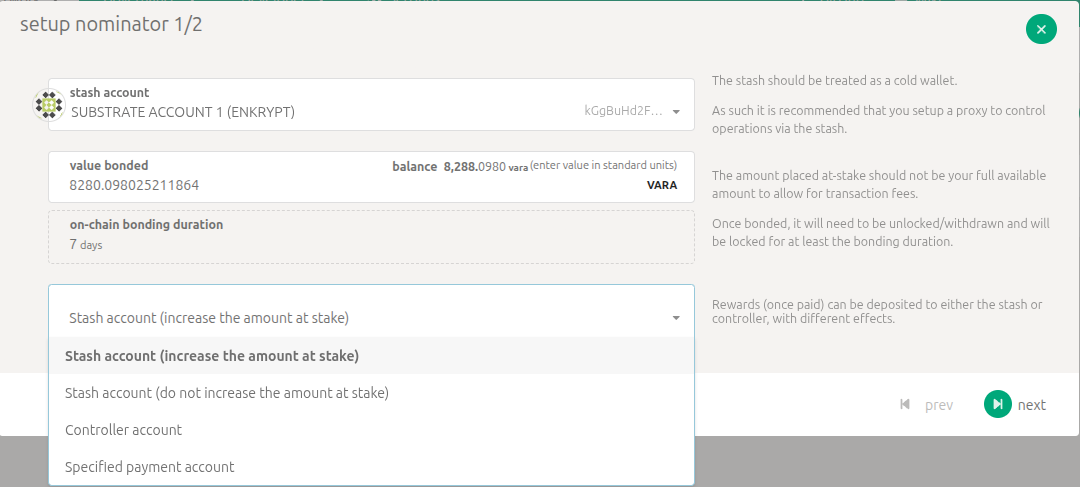
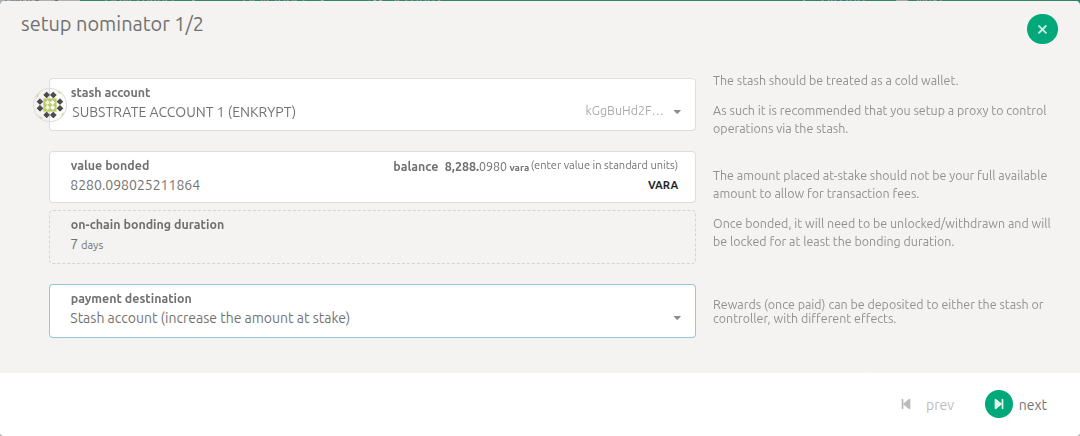
Enter the amount you want to bond. Make sure to leave enough tokens so you can pay for transaction fees in the future then click next.
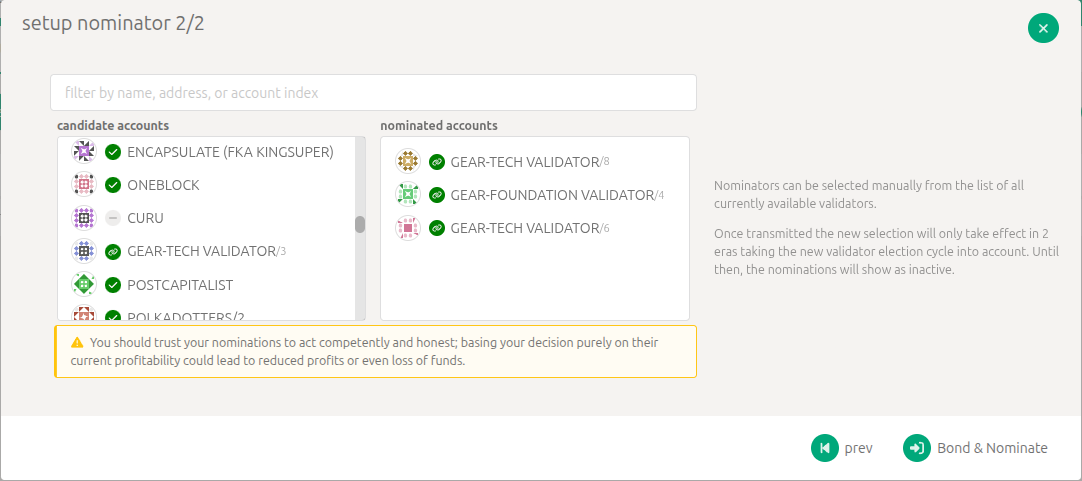
Now you can search for the validators you would like to nominate.
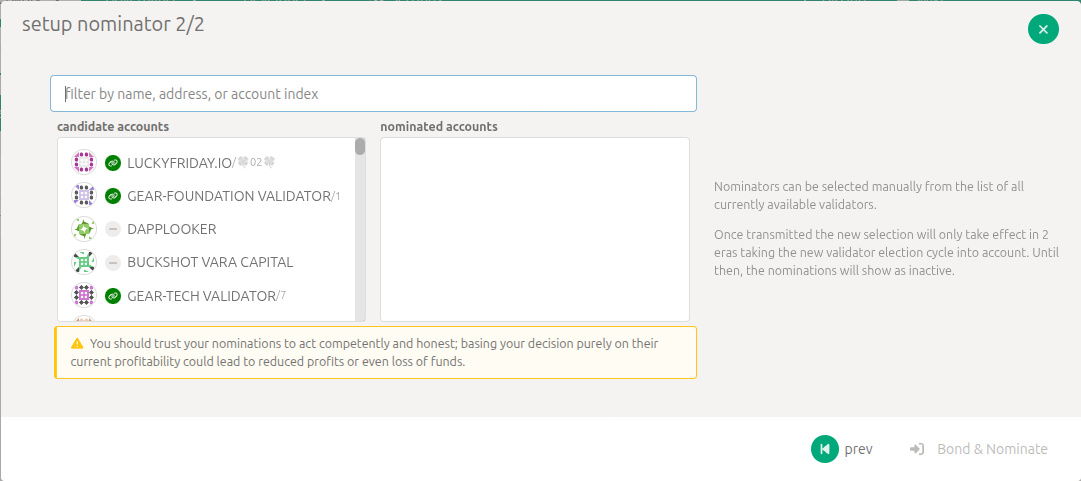
Select your validators you want to nominate then click ‘Bond & Nominate’.
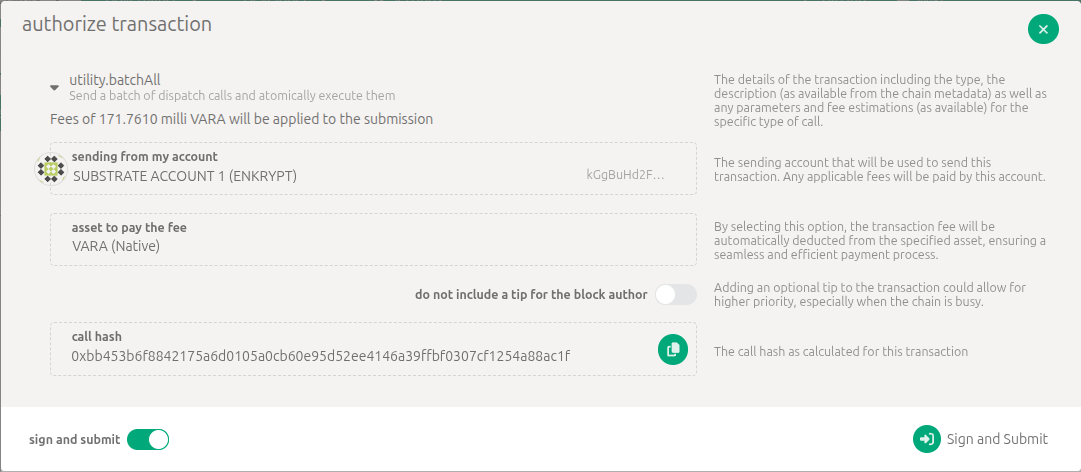
Review the transaction then click ‘Sign and Submit’.
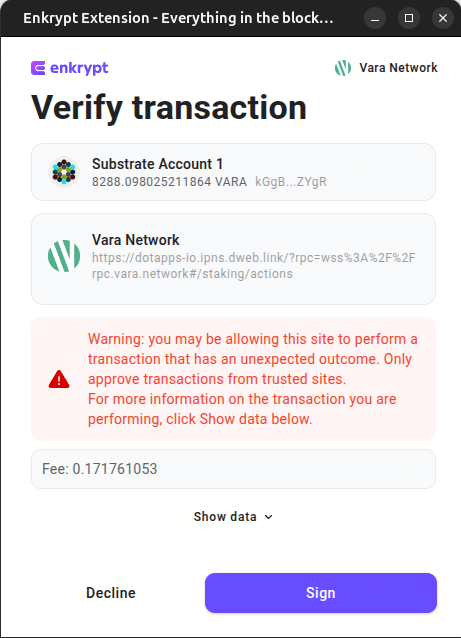
On the Enkrypt pop up, confirm the transaction by clicking the ‘Send’ button.
You should see your new nominator added to the ‘Stashed’ list. It will take about 2 eras before your nominator will start earning rewards.

Thank you for checking out our guide on How to Stake on Encapsulate with Enkrypt! Make sure to follow us on X(Twitter) and let us know your thoughts. Sign up for our newsletter to stay up to date with MEW releases, and check out our weekly podcast Crypto Currents for the latest news in crypto.