
How to Send SOL From Enkrypt to MEW Mobile
MEW Mobile supports Solana! Import your SOL from Enkrypt into a mobile Solana wallet like MEW. Follow the guide for help!

Send SOL from Enkrypt to MEW Mobile with the help of this guide!
MEW Mobile now supports SOL!
Founded in 2015 shortly after Ethereum’s mainnet launch, MyEtherWallet (MEW) began as a straightforward web interface for Ethereum users. Since then, it has evolved into a robust, multi-chain platform supporting dozens of blockchain networks and ecosystems. Through multiple market cycles, we’ve continued to build intuitive mobile and browser wallets designed for users of all experience levels. Today, you can seamlessly manage your SOL directly within the MEW Mobile app.
Use this guide to help send Solana from your Enkrypt wallet into MEW Mobile, where you can hold it, swap it to ETH, stablecoins, or any other token, and put it to work earning you some crypto instead of just sitting there!
Before you can explore Solana on MEW, you’ll need some SOL in your wallet.
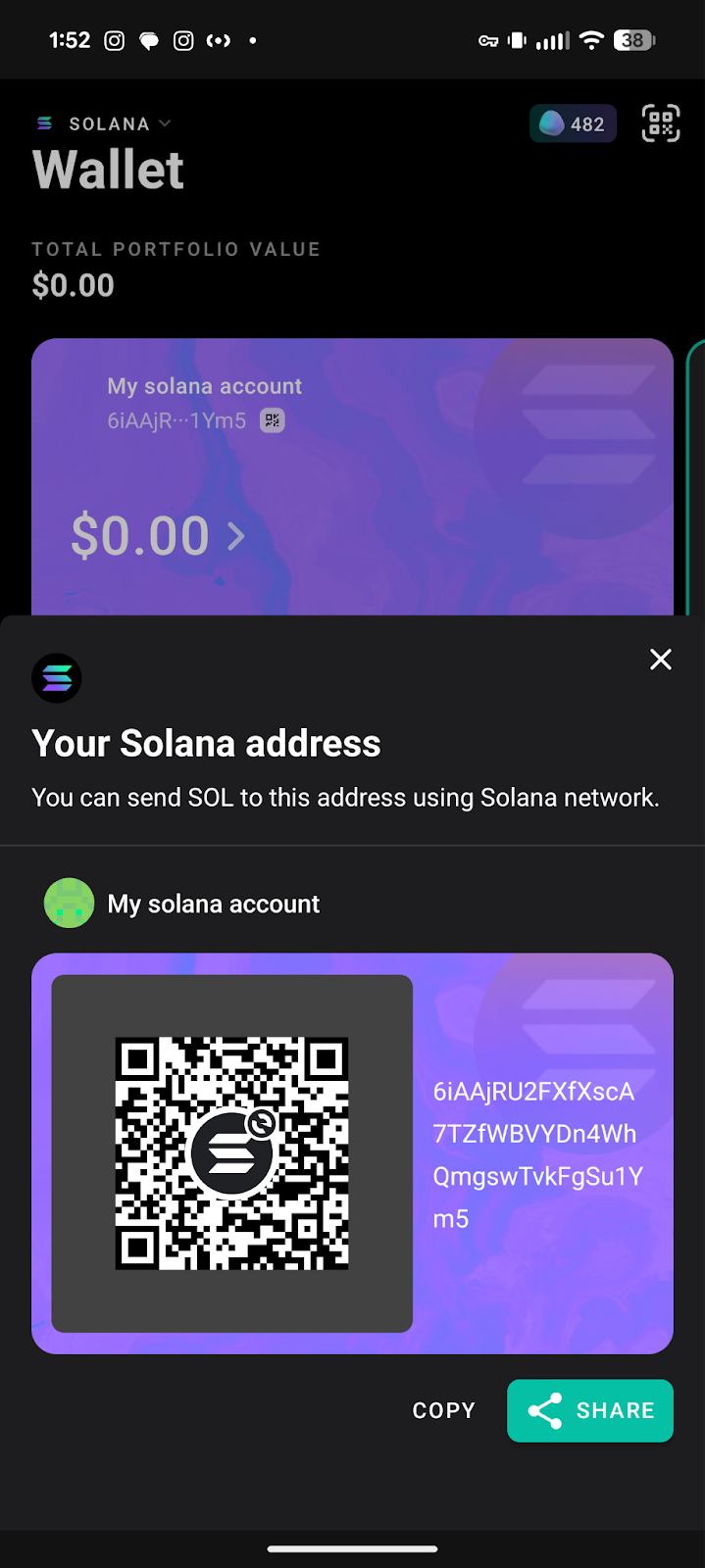
First, you will need your MEW Mobile wallet’s Solana address. Make sure you are on the Solana network by checking the top left corner of the app.
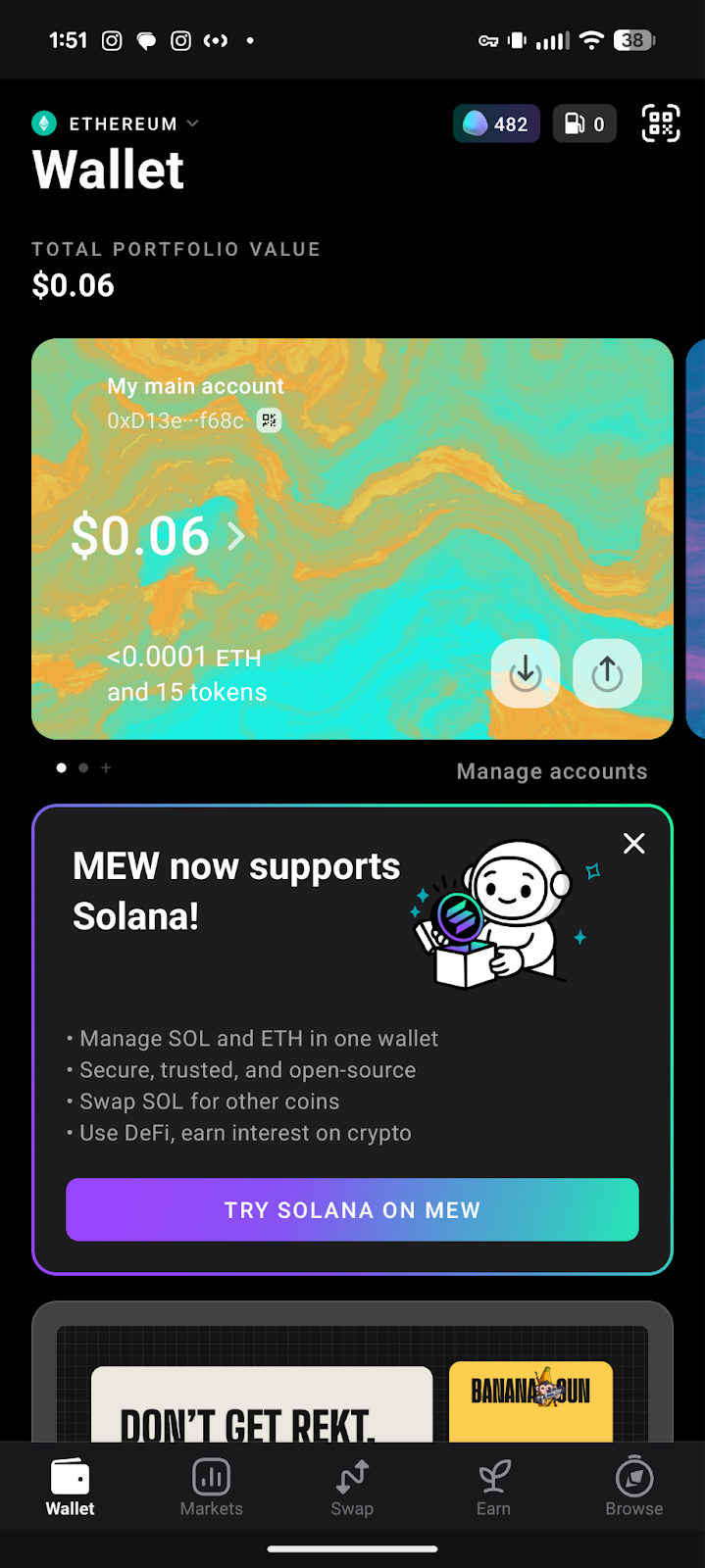
You can change the network by clicking on the network name then selecting the network you want to switch to. We will select Solana for this example.
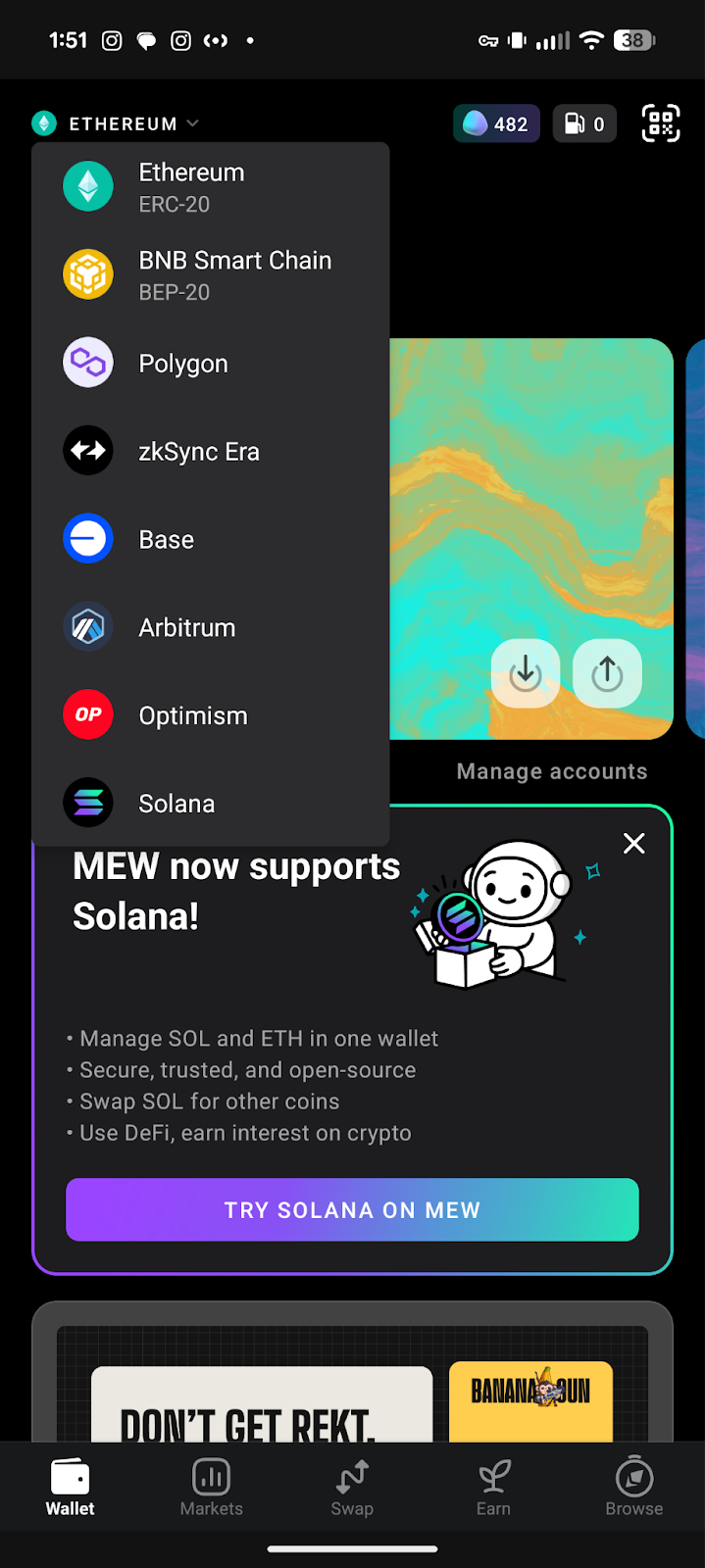
On your colorful account card, click on the down arrow to see your full wallet address.
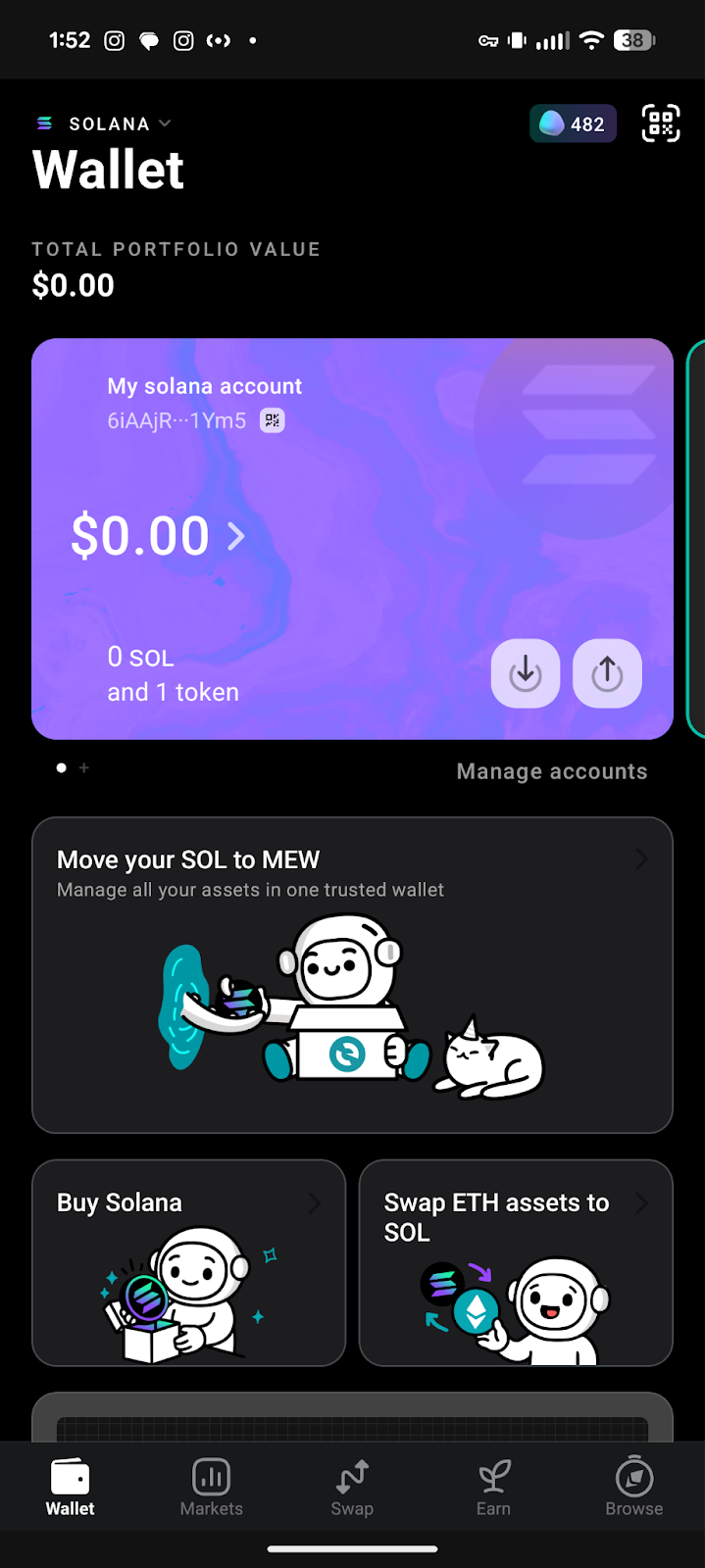
Here you can click on the copy button to copy your wallet address. Send your address to your PC so you can paste it into Enkrypt.
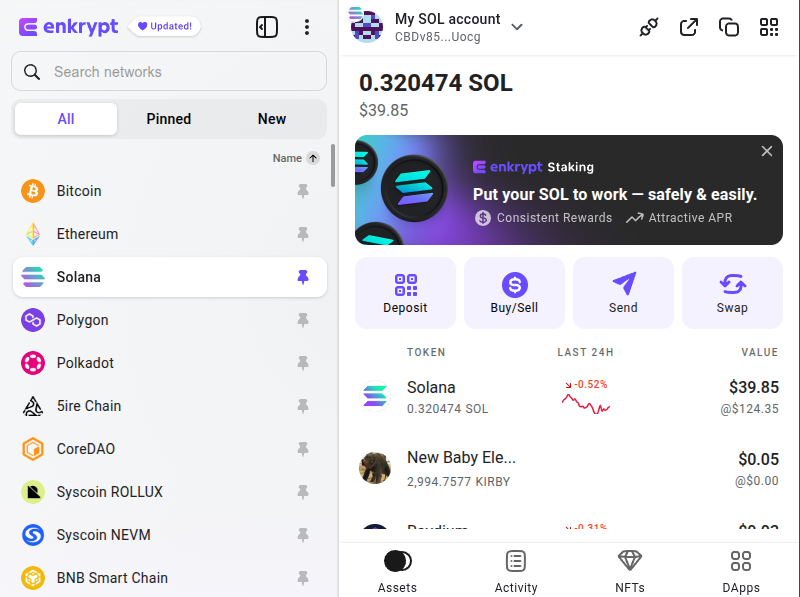
Back on Enkrypt, you click on the ‘Send’ button.
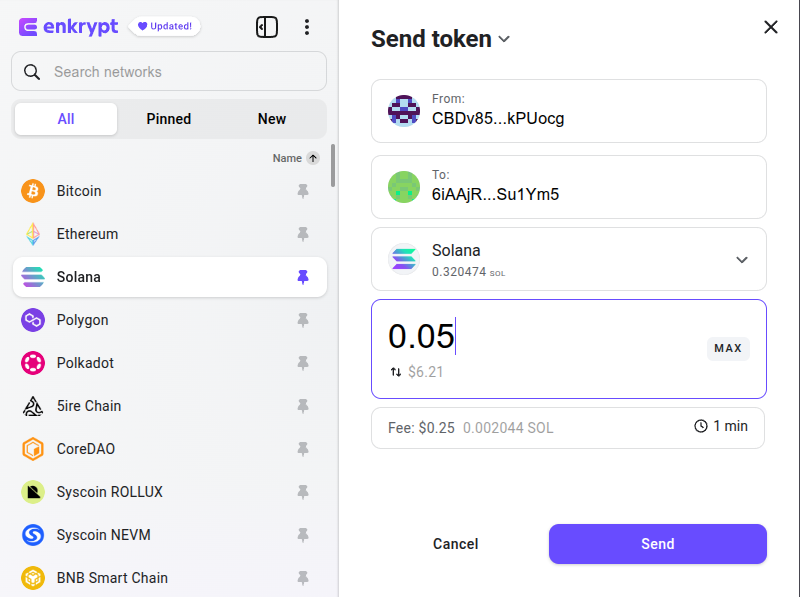
Paste in your wallet address and enter the amount you want to send then click ‘Send’. You should receive your SOL in your MEW Mobile wallet in less than a minute!
We love to hear feedback from our users! Make sure to follow us on X(Twitter) and let us know your thoughts. Sign up for our newsletter to stay up to date with MEW releases, and check out our weekly podcast Crypto Currents for the latest news in crypto.