
How to Get Tokenized Gold with Enkrypt
Learn how to buy and hold tokenized gold onchain using Enkrypt with our guide: How To Get Tokenized Gold with Enkrypt!

Tokenized gold is a blockchain-based digital asset that represents economic exposure to physical gold. These tokens are typically backed by real gold held in secure vaults and allow users to gain gold exposure on-chain without needing to store or transport the metal themselves. By bringing gold onto the blockchain, tokenization enables easier transfer, faster settlement, and broader access while still reflecting the value of the underlying commodity.
Commodity tokenization is a type of real world asset (RWA) tokenization that can take several forms, each with different structures and trade-offs. The key differences lie in how the gold is held, how freely the asset can move, and whether liquidity comes from crypto markets or traditional exchanges.
Tether Gold
Tether Gold (XAUt) is a blockchain token backed by physical gold bars held in vaults, allowing onchain transfers with direct exposure to allocated gold.
First, unlock your Enkrypt wallet then make sure you are on the Ethereum network and select the ‘Swap’ button.
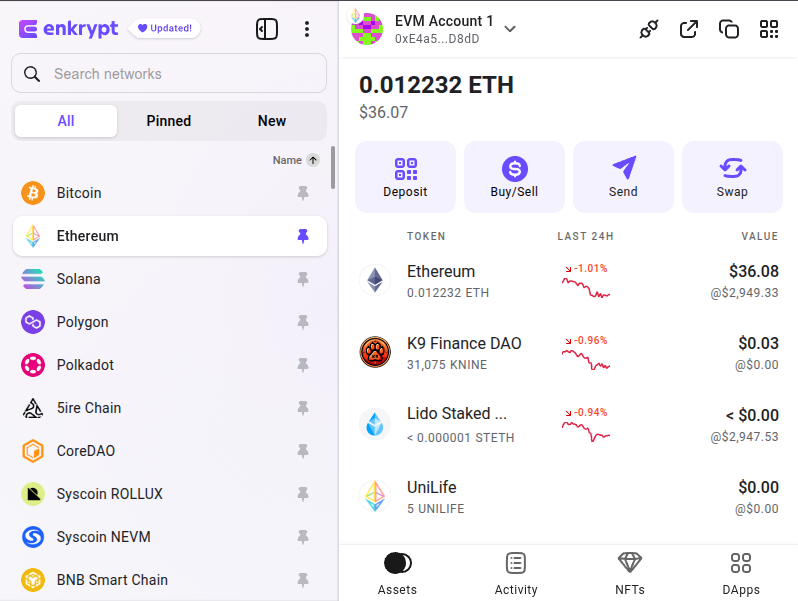
On the swap page you can select the ‘Ethereum’ token dropdown to open the token selection menu.
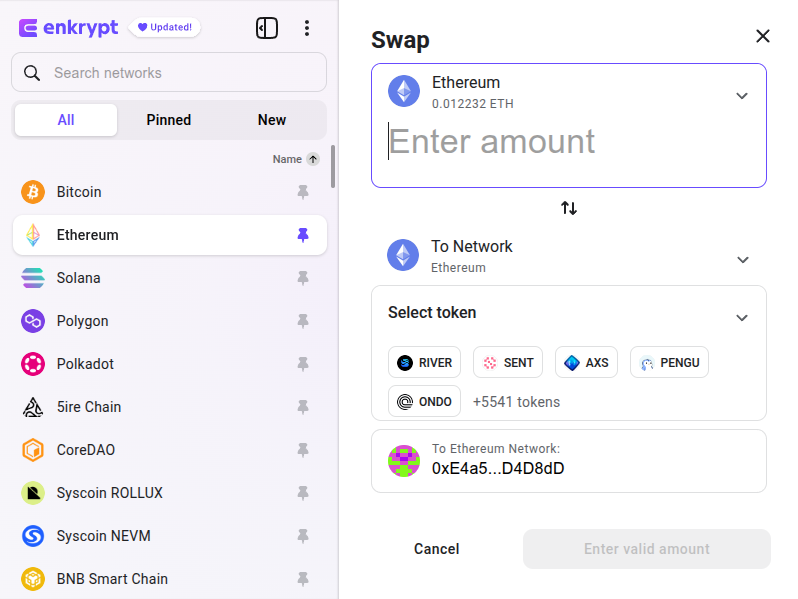
Here you can select the token you want to swap from. We will leave it on ETH for this example.
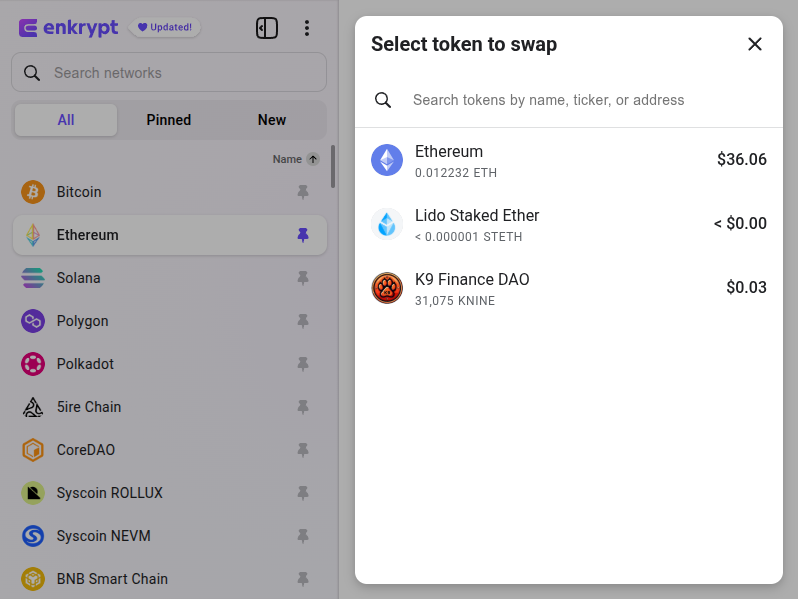
Click the ‘Select token’ dropdown to open the token selection menu.
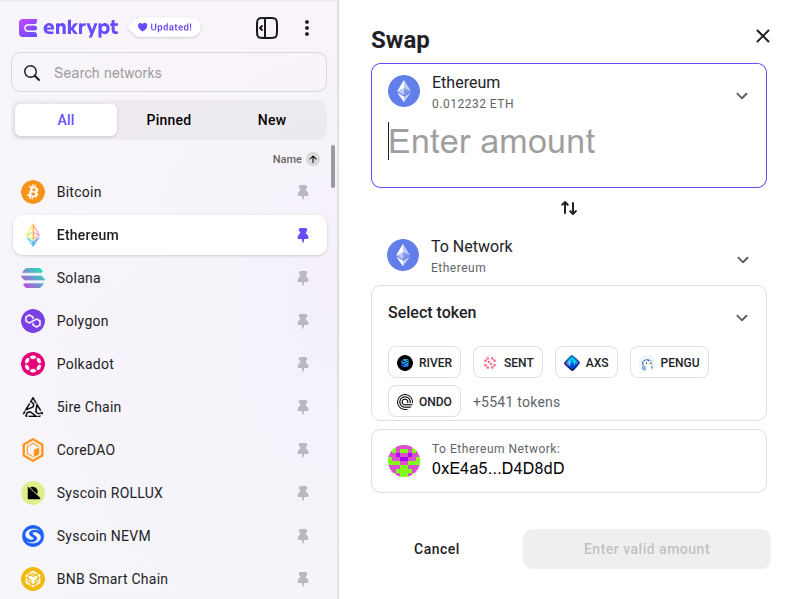
Here you can select or search for the token you want to swap to. We will search and select the Tether Gold token.
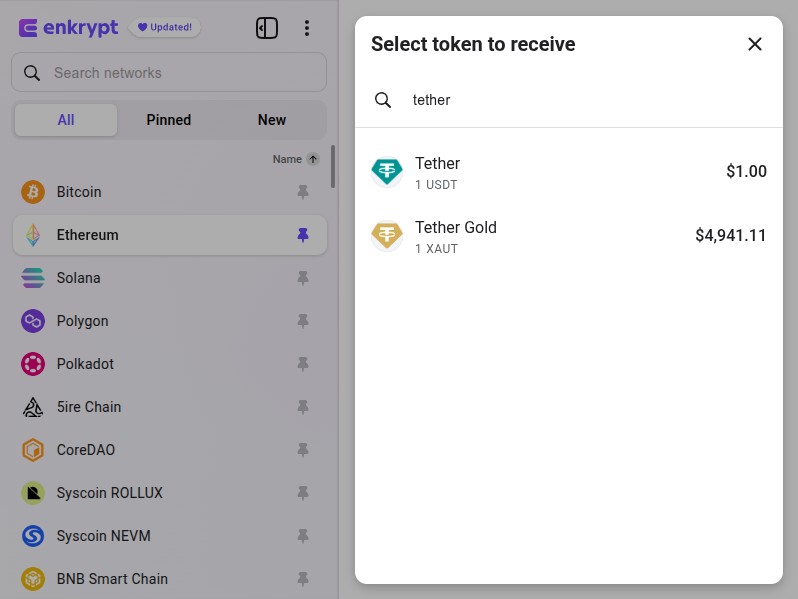
Enter the amount you want to swap then click ‘Preview swap’.
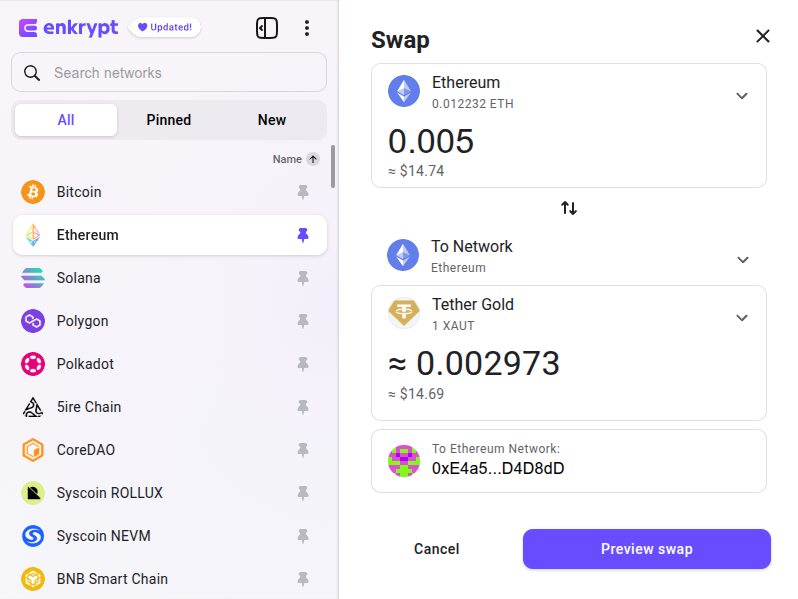
Review your swap then click ‘Proceed with swap’. Once the swap is complete, you will receive the Tether Gold tokens in your Enkrypt wallet.
SPDR Gold Shares (Ondo)
SPDR Gold Shares (GLD) is a traditional ETF that represents fractional ownership of pooled physical gold but trades only through regulated stock markets during market hours.
Buy Through Ondo
First, head to Ondo’s website.
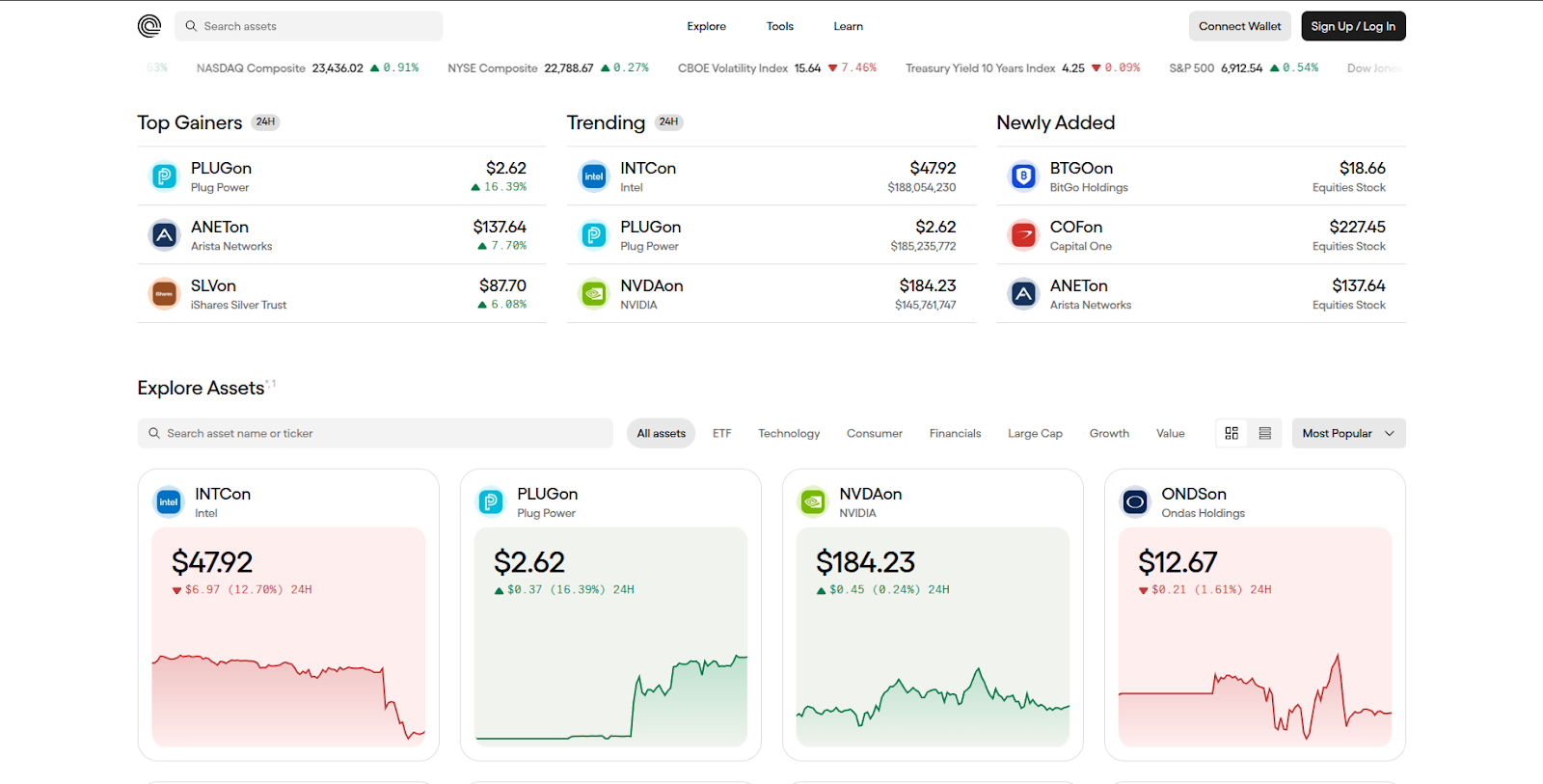
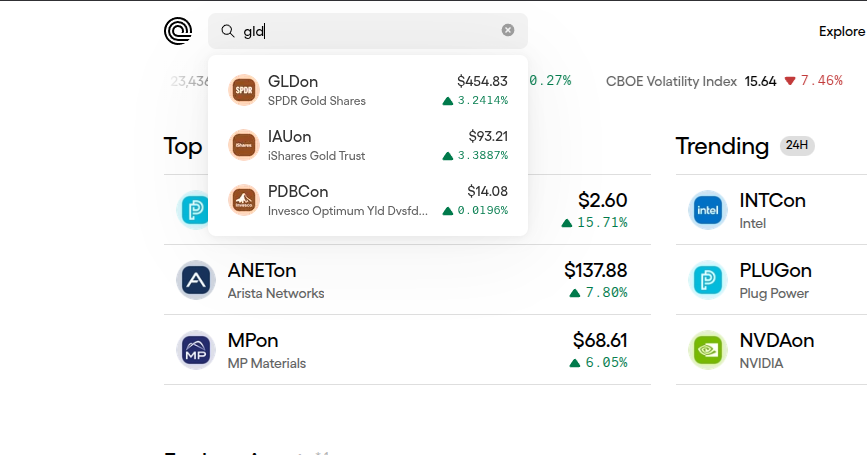
At the top left of the page, you can search for the asset you want to get. We will search for GLDon token then select it.
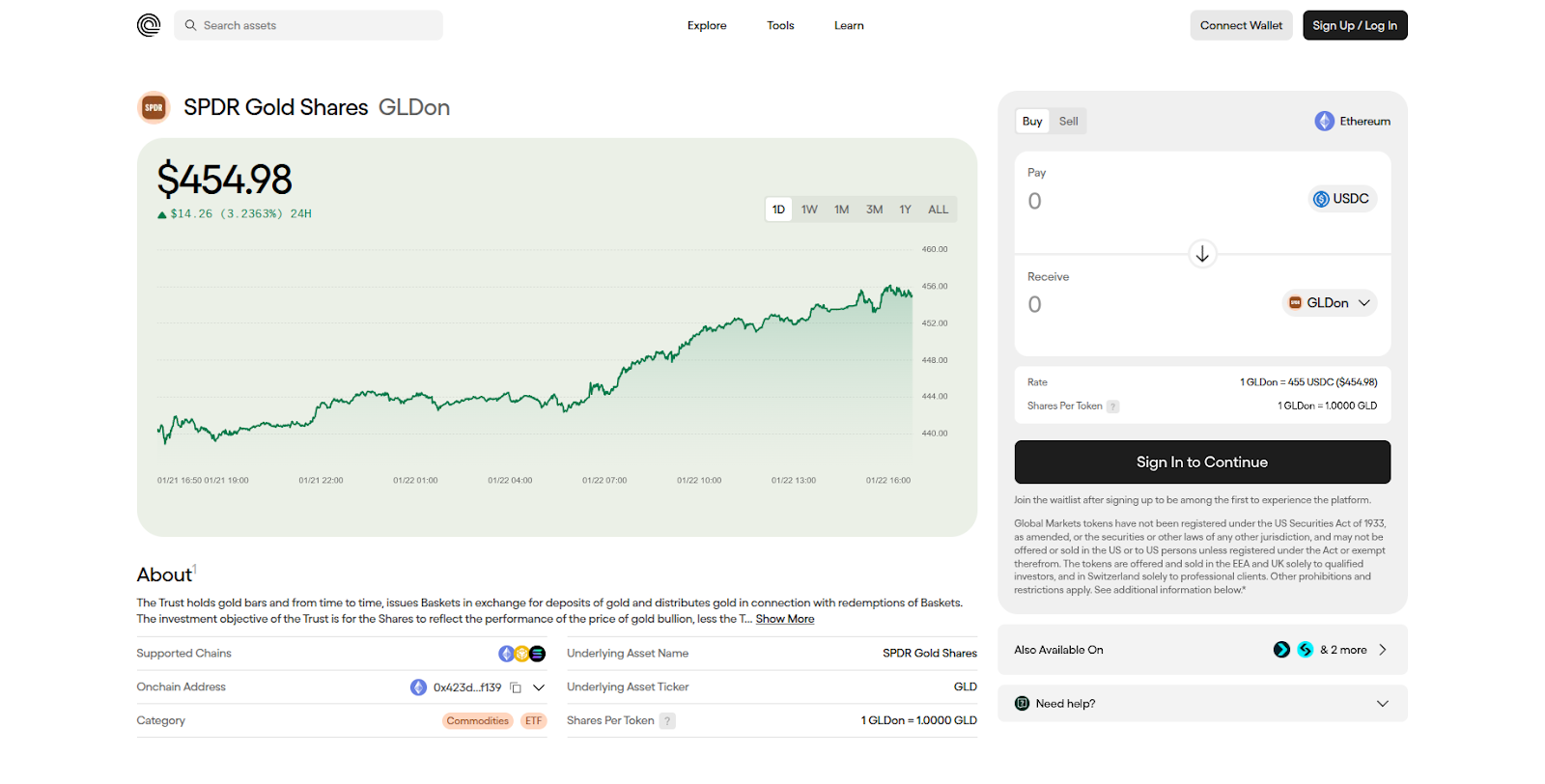
Click ‘Connect Wallet’ at the top right of the page.
Select the ‘Enkrypt’ option.
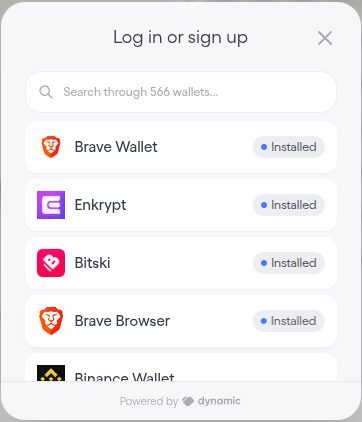
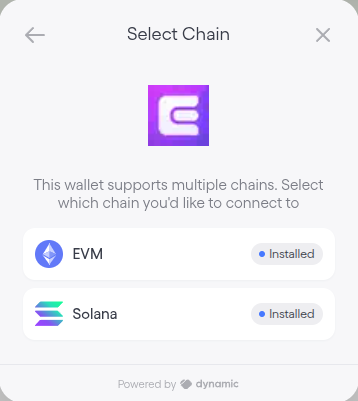
Select EVM or Solana, depending on the network you want to connect with. We will choose EVM for this guide.
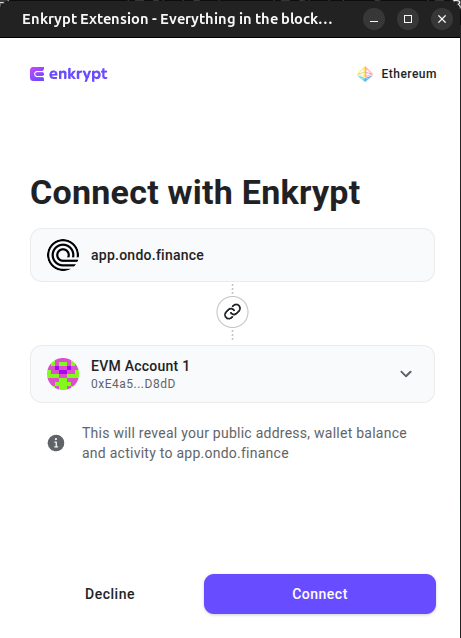
On the Enkrypt pop up, select the account you want to connect with then click ‘Connect’.
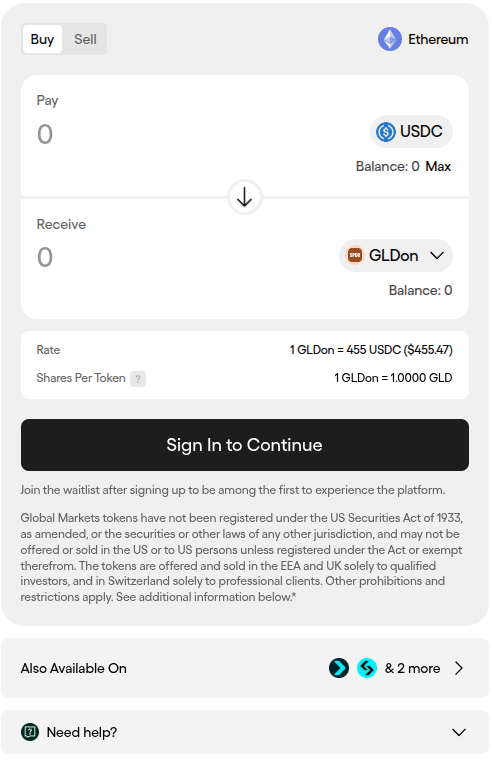
Next, click ‘Sign In’. If you do not have an account you will need to create one to continue.
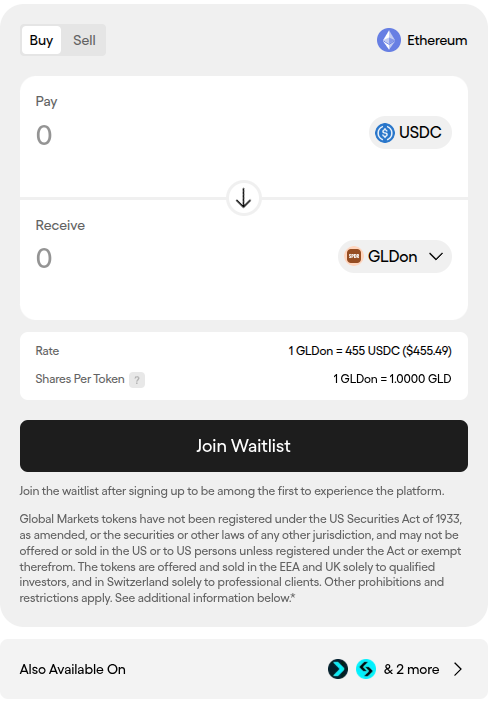
Now you should be able to enter the amount of tokens you want to purchase. You will need USDC to purchase tokens, you can learn how to swap for USDC here or buy USDC tokens here.
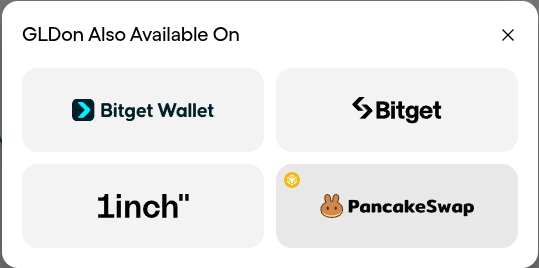
If you are unable to purchase through Ondo, you can click the ‘Also Available On’ button below the buy form.
Here you can choose a third-party platform to get your tokens. If you want your tokens on Ethereum you can select any option except PancakeSwap. If you want your tokens on BNB Smart Chain, you can select PancakeSwap. Alternatively, you can swap through the Enkrypt interface for Ethereum based tokens.
Buy Through DEX
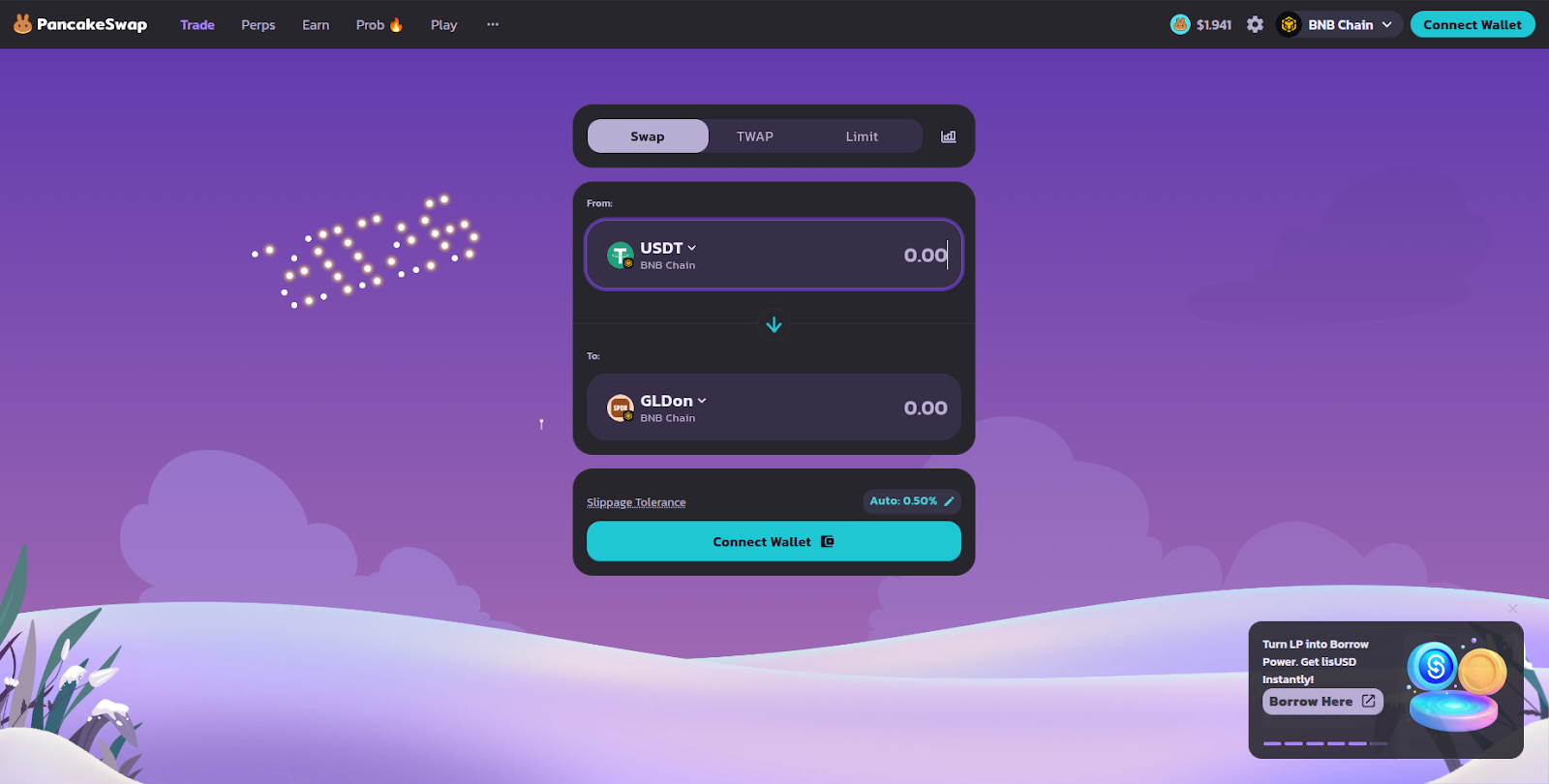
First, click on the PancakeSwap option on the Ondo Assets page or visit the PancakeSwap dApp then click ‘Connect Wallet’.
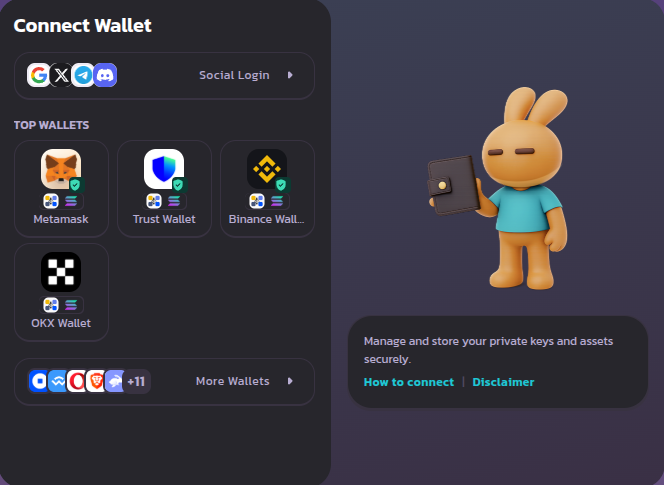
Select the Metamask option.
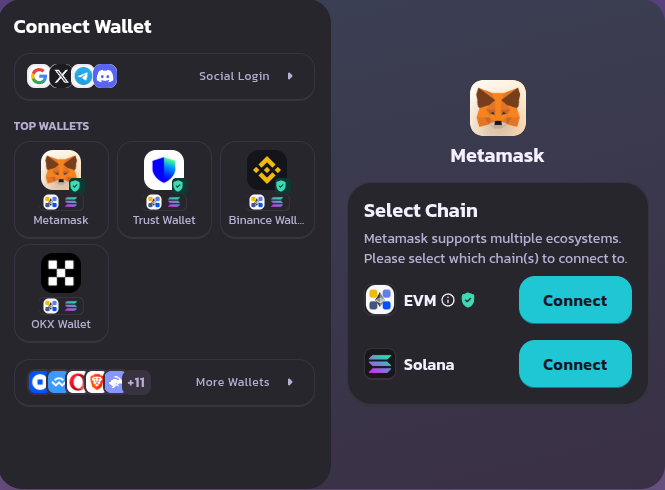
Select ‘Connect’ next to the EVM option.
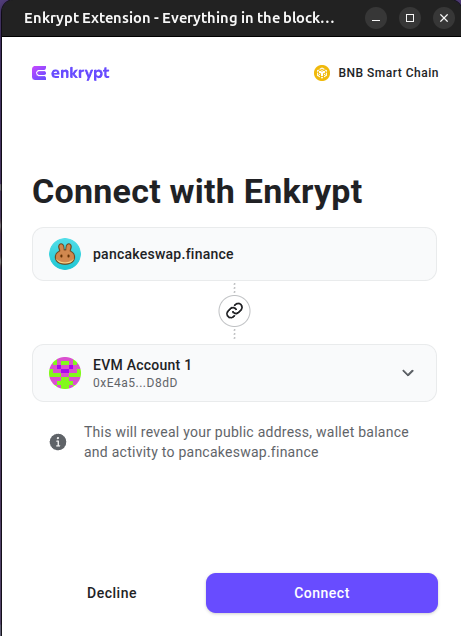
On the Enkrypt pop up, select the account you want to connect with then click ‘Connect’.
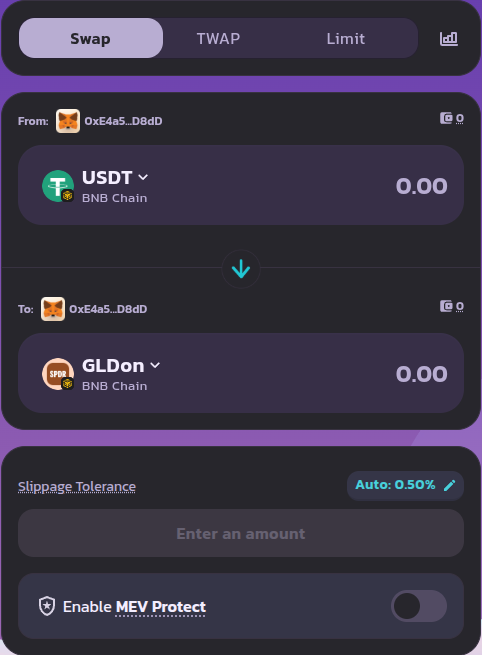
On the swap form, you can click the From token dropdown to open the token selection menu.
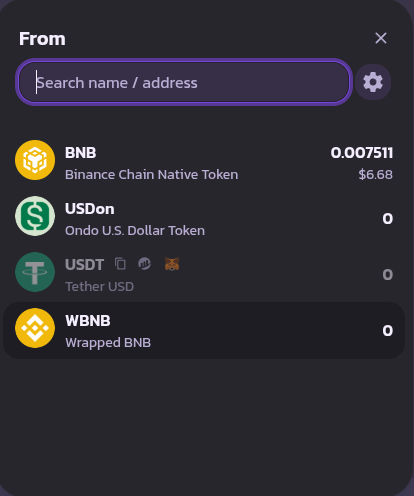
Select which token you want to swap from. We will select the BNB token for this example.
You can click the To token dropdown to open the token selection menu.
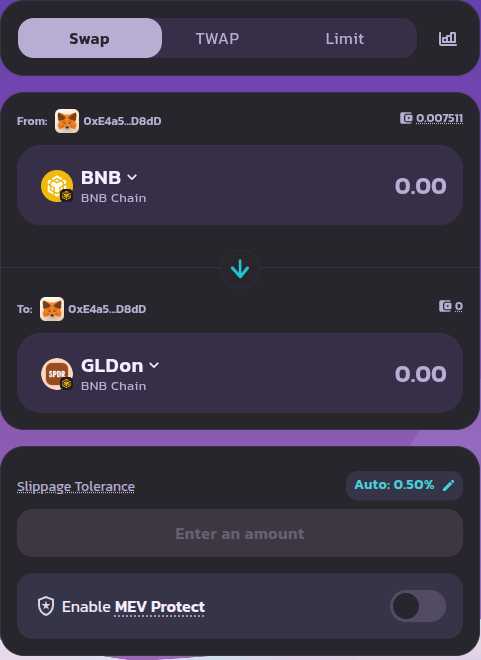
Here, you can search for which token you want to receive. We will choose the GLDon token.
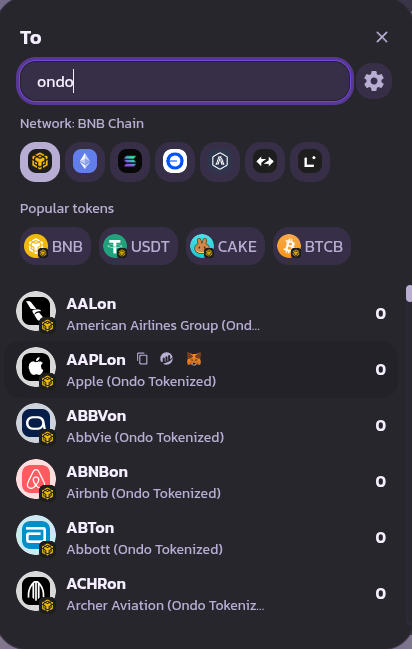
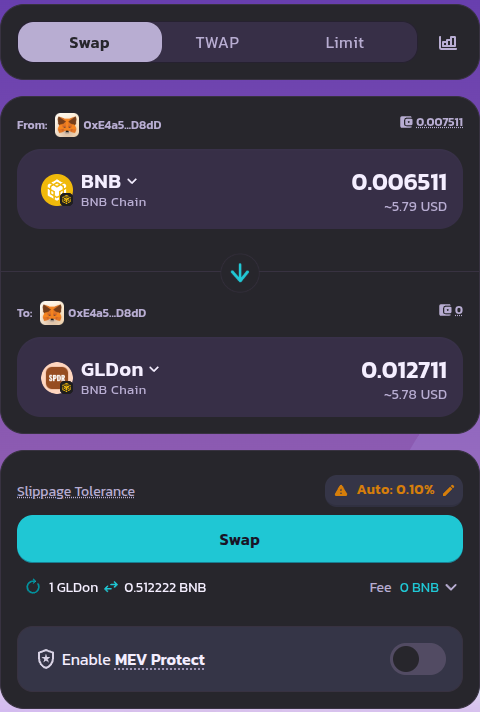
Enter the amount you want to swap then click ‘Swap’.
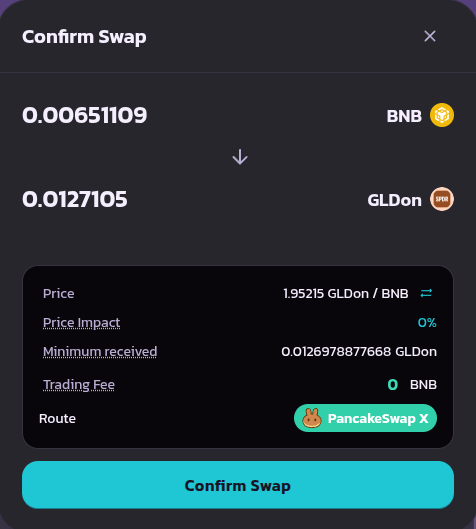
Review your swap then click ‘Confirm Swap’.
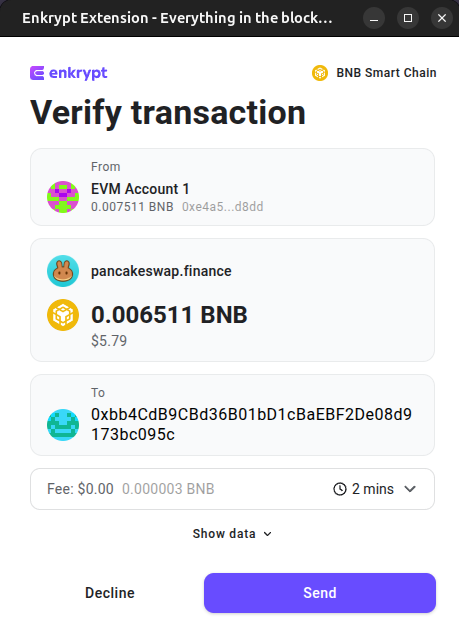
On the Enkrypt pop up, confirm the swap by clicking the ‘Send’ button. Once the transaction is confirmed, you will receive your tokens in your Enkrypt wallet.
Swap Through Enkrypt
First, unlock your Enkrypt wallet then make sure you are on the Ethereum network and select the ‘Swap’ button.
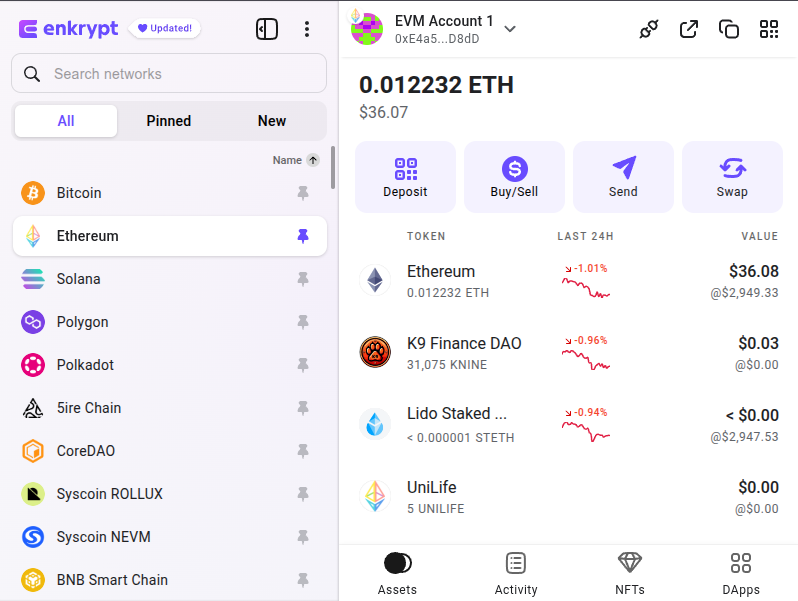
On the swap page you can select the ‘Ethereum’ token dropdown to open the token selection menu.
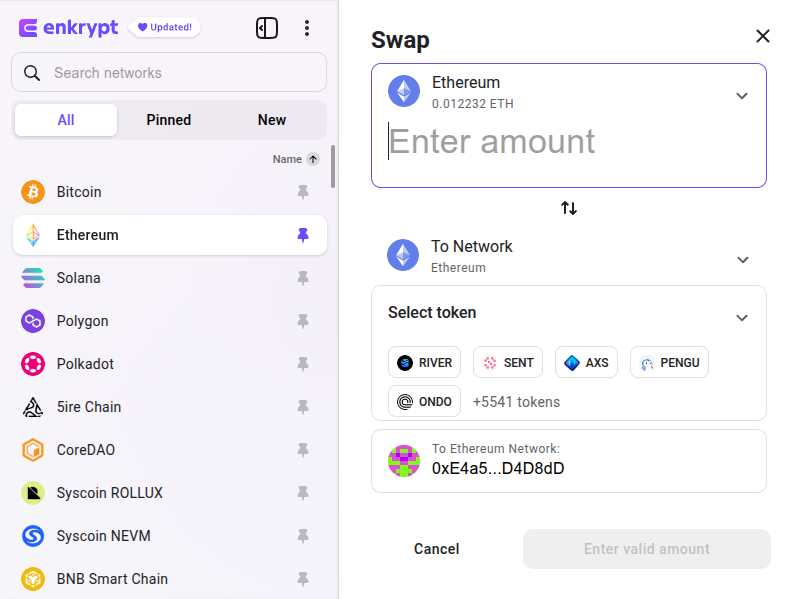
Here you can select the token you want to swap from. We will leave it on ETH for this example.
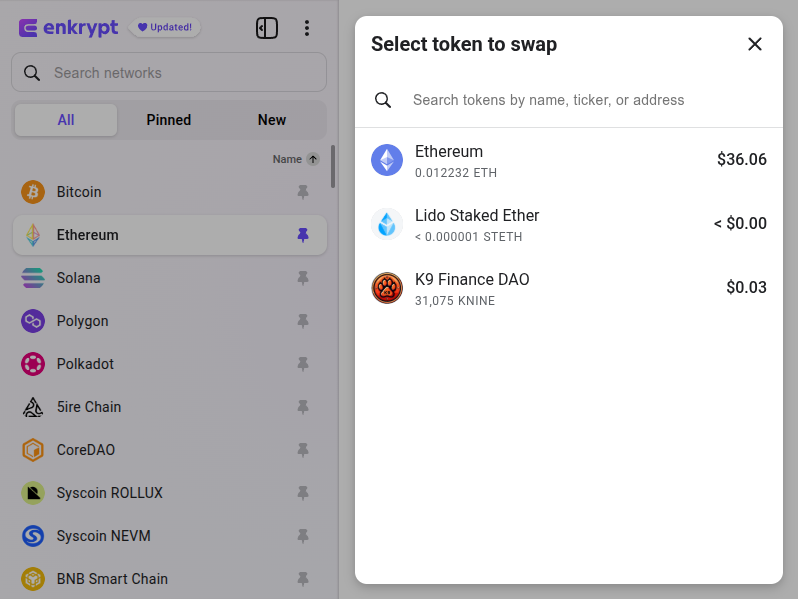
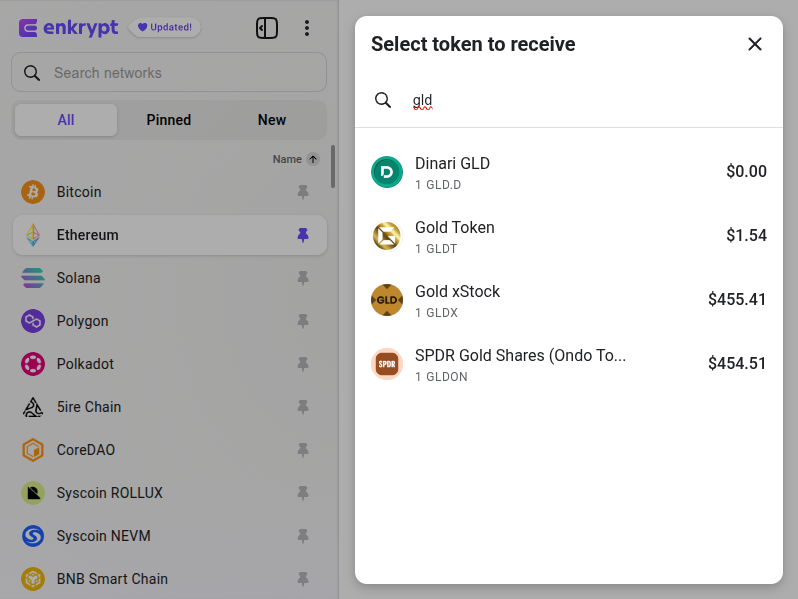
Click the ‘Select token’ dropdown to open the token selection menu.
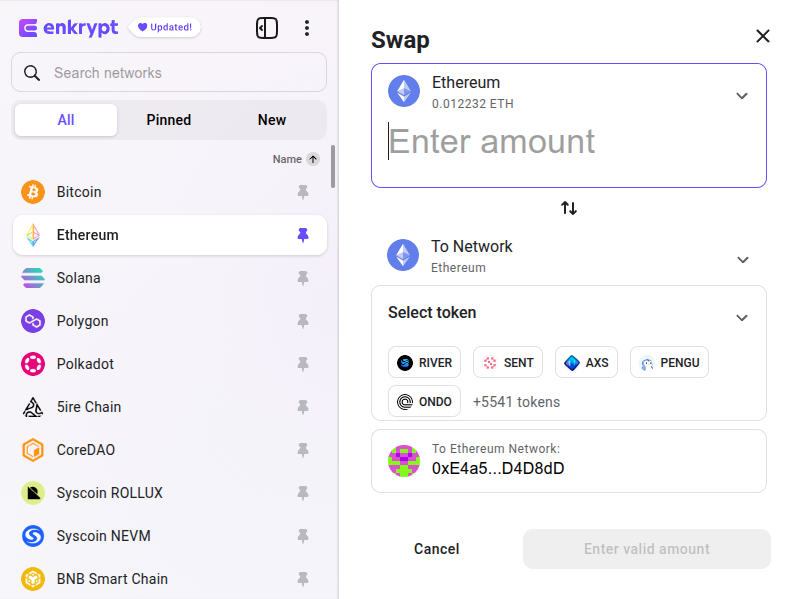
Here you can select or search for the token you want to swap to. We will search and select the SPDR Gold Shares (GLDon) token.
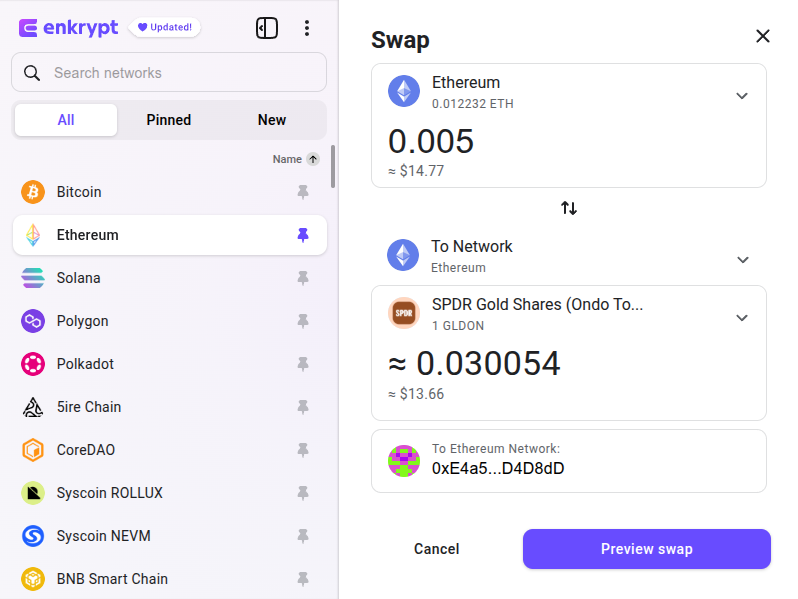
Enter the amount you want to swap then click ‘Preview swap’.
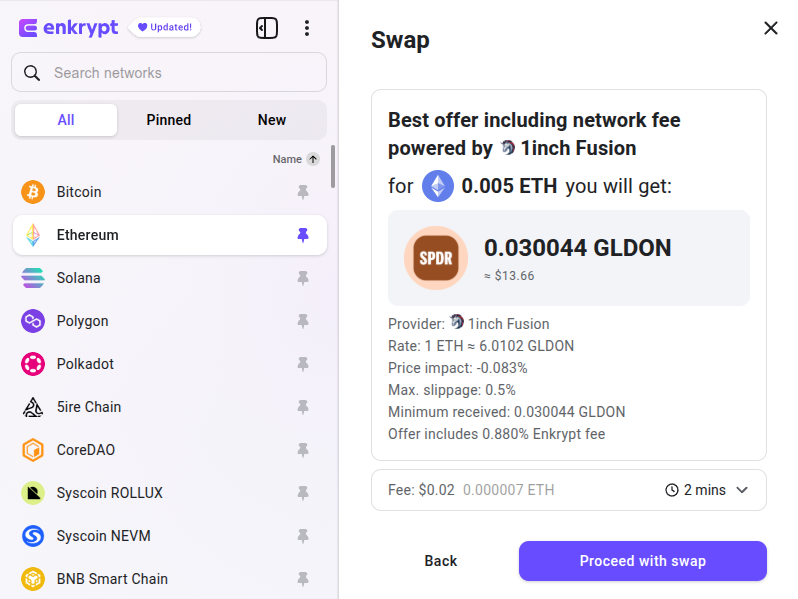
Review your swap then click ‘Proceed with swap’. Once the swap is complete, you will receive the GLDon tokens in your Enkrypt wallet.
Gold Tokenized ETF (xStocks)
Gold xStock (GLDx) is a blockchain-based token that tracks the price of SPDR Gold Shares (GLD), giving eligible users onchain access to gold exposure. It combines the pricing and liquidity of a traditional gold ETF with the transferability and efficiency of blockchain technology, without requiring physical ownership of gold.
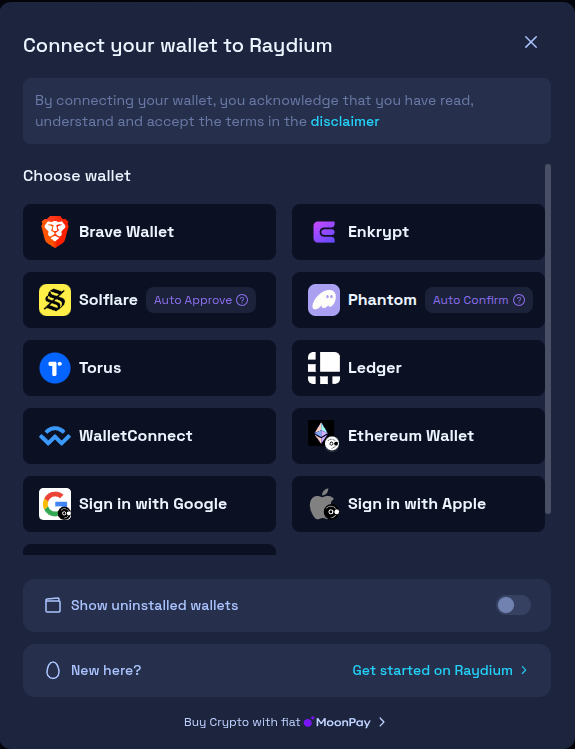
First, head to Raydium then click ‘Connect Wallet’.
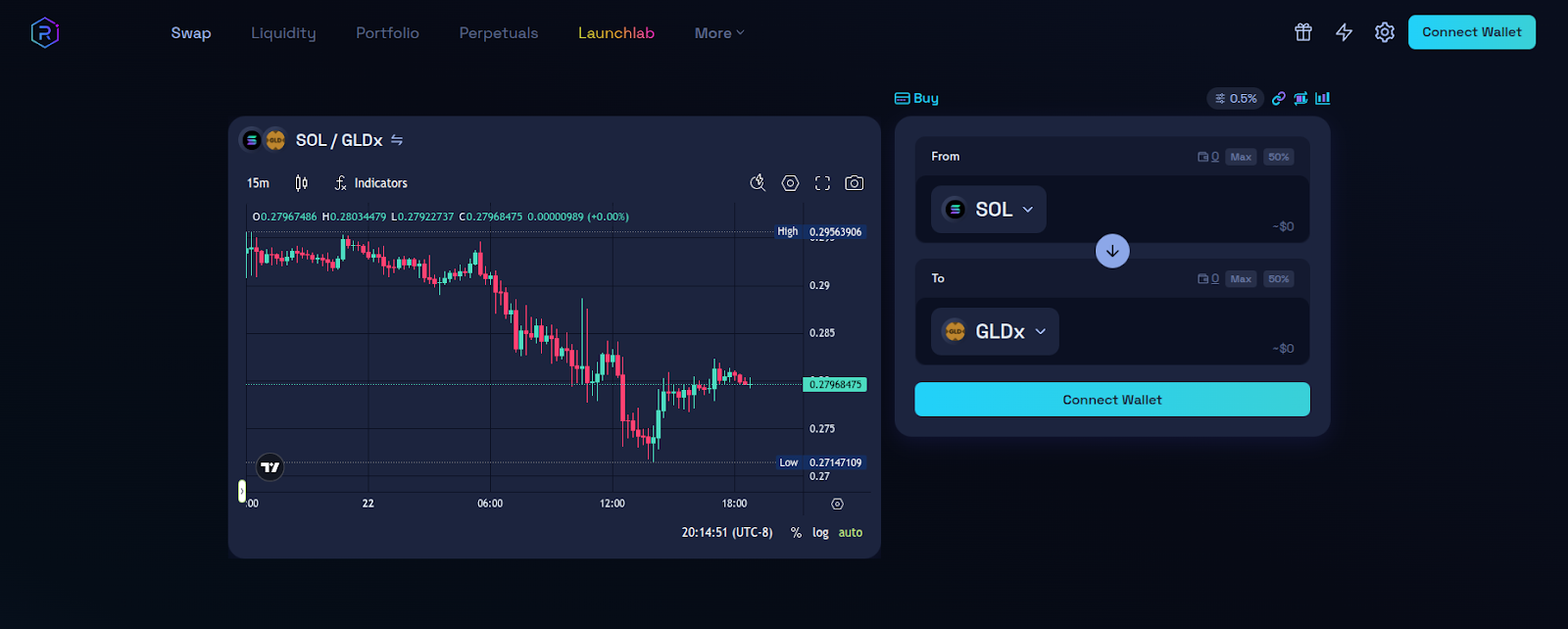
Select the Enkrypt option.
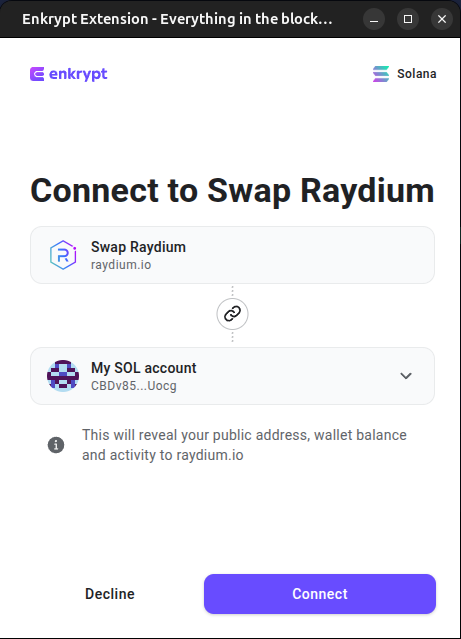
On the Enkrypt pop up, select the account you want to connect with then click ‘Connect’.
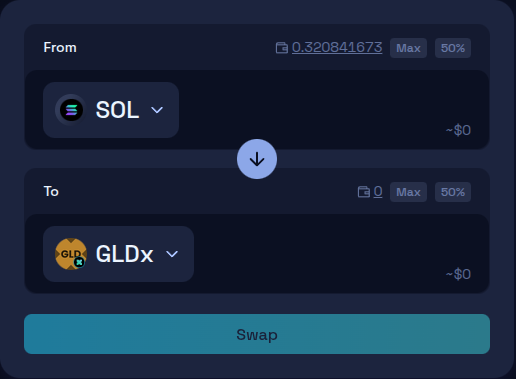
On the swap form, click the ‘From’ dropdown to open the token selection menu.
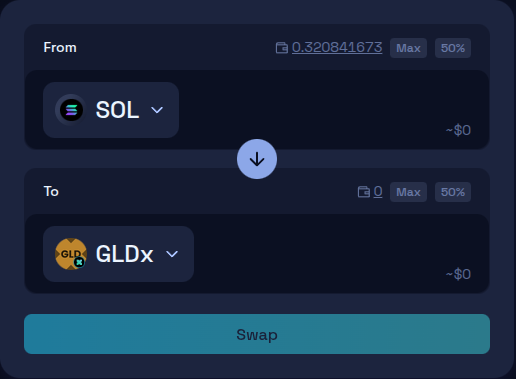
Select which token you want to swap from. We will leave it on SOL for this example.
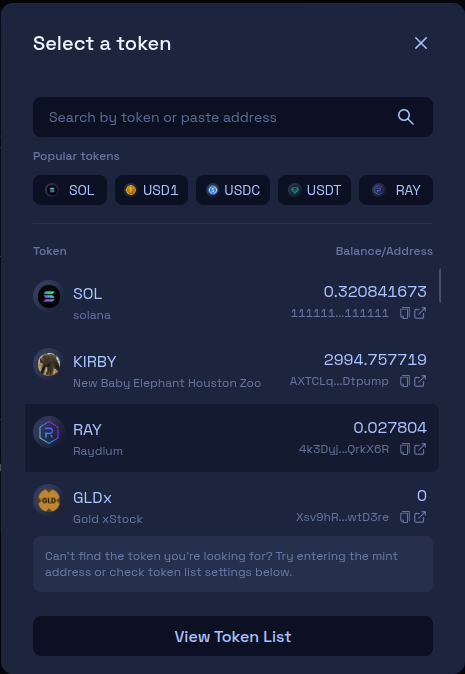
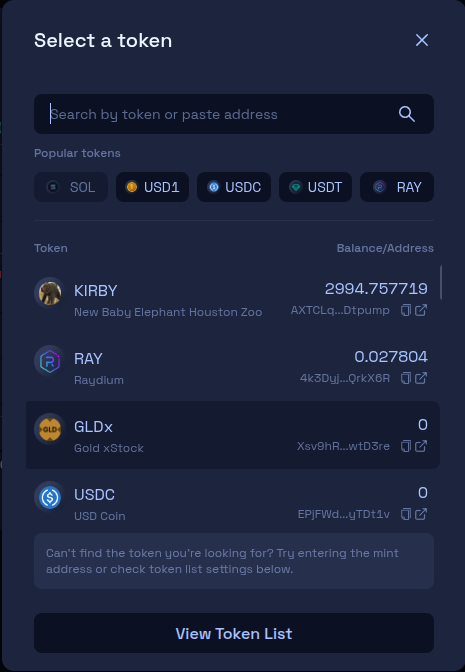
Select the ‘To’ dropdown to open the token selection menu.
Select the token you want to swap from. You may need to enter the contract address in order to swap for a specific token.
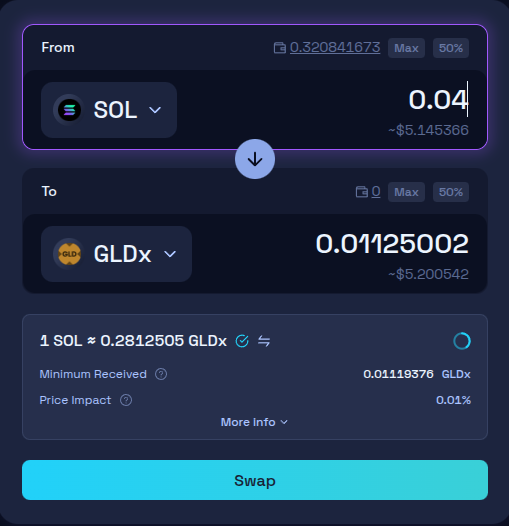
Enter the amount you want to swap then click ‘Swap’.
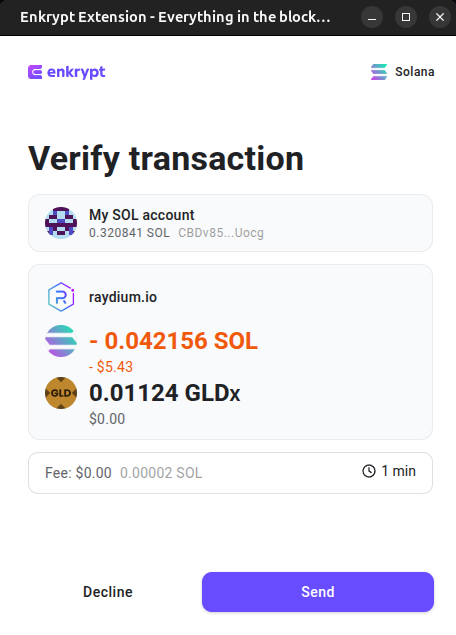
To confirm the swap, click ‘Send’ on the Enkrypt pop up. Once the transaction is confirmed on the blockchain, you should receive your tokens in your Enkrypt wallet.
Thank you for checking out our guide on How to Get Tokenized Gold with Enkrypt! Make sure to follow us on X(Twitter) and let us know your thoughts. Sign up for our newsletter to stay up to date with MEW releases, and check out our weekly podcast Crypto Currents for the latest news in crypto.